

Implementation
Prepare a 3D model for the browser
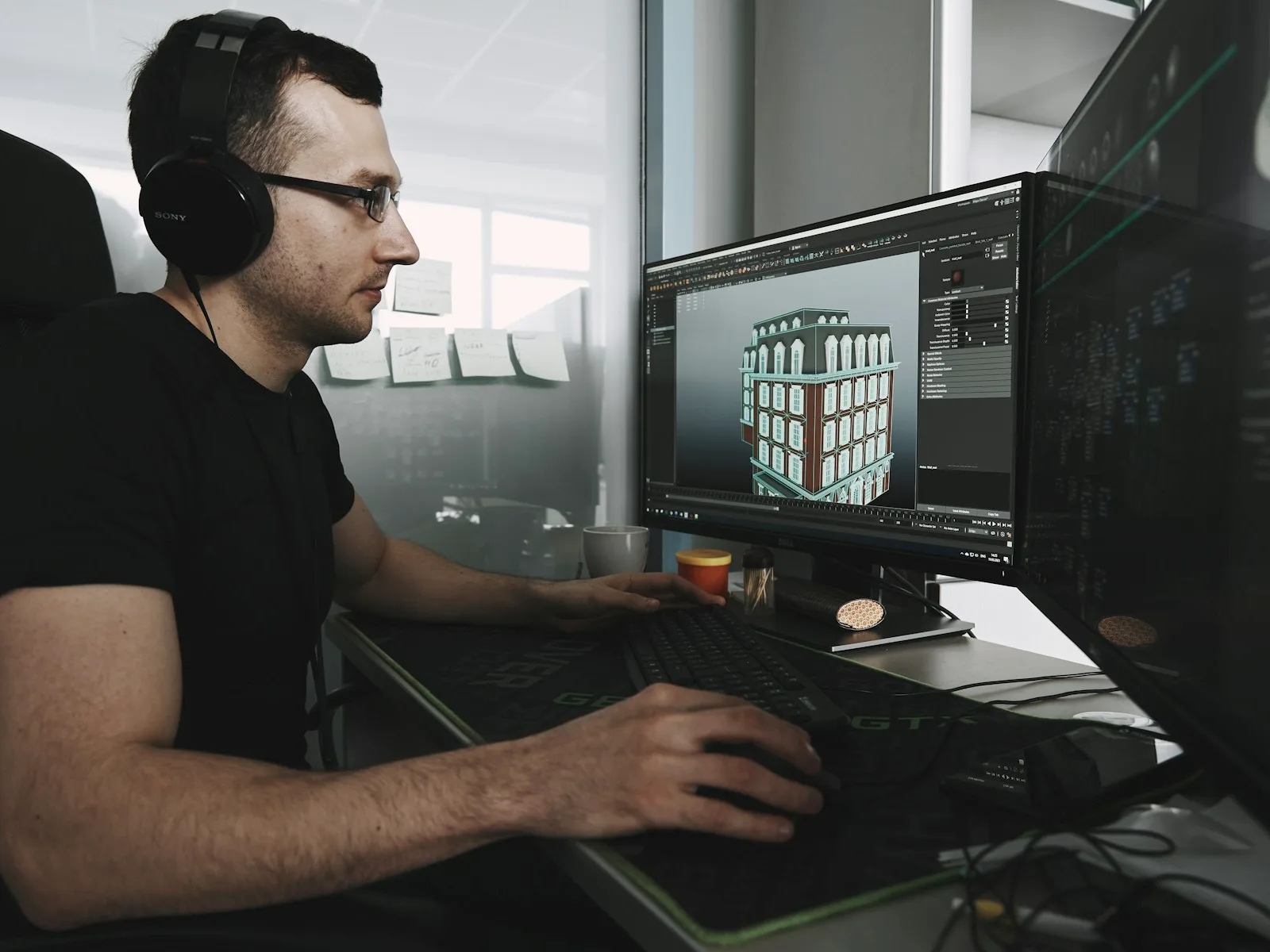
We prepare a large 3D model for the browser, with an agreed file size, visible details and documented display limitations.
Your customers can rotate a product and inspect it on your website, with a preview image and understandable controls.
Your enquiry is non-binding. An order is created only when you accept our quotation .

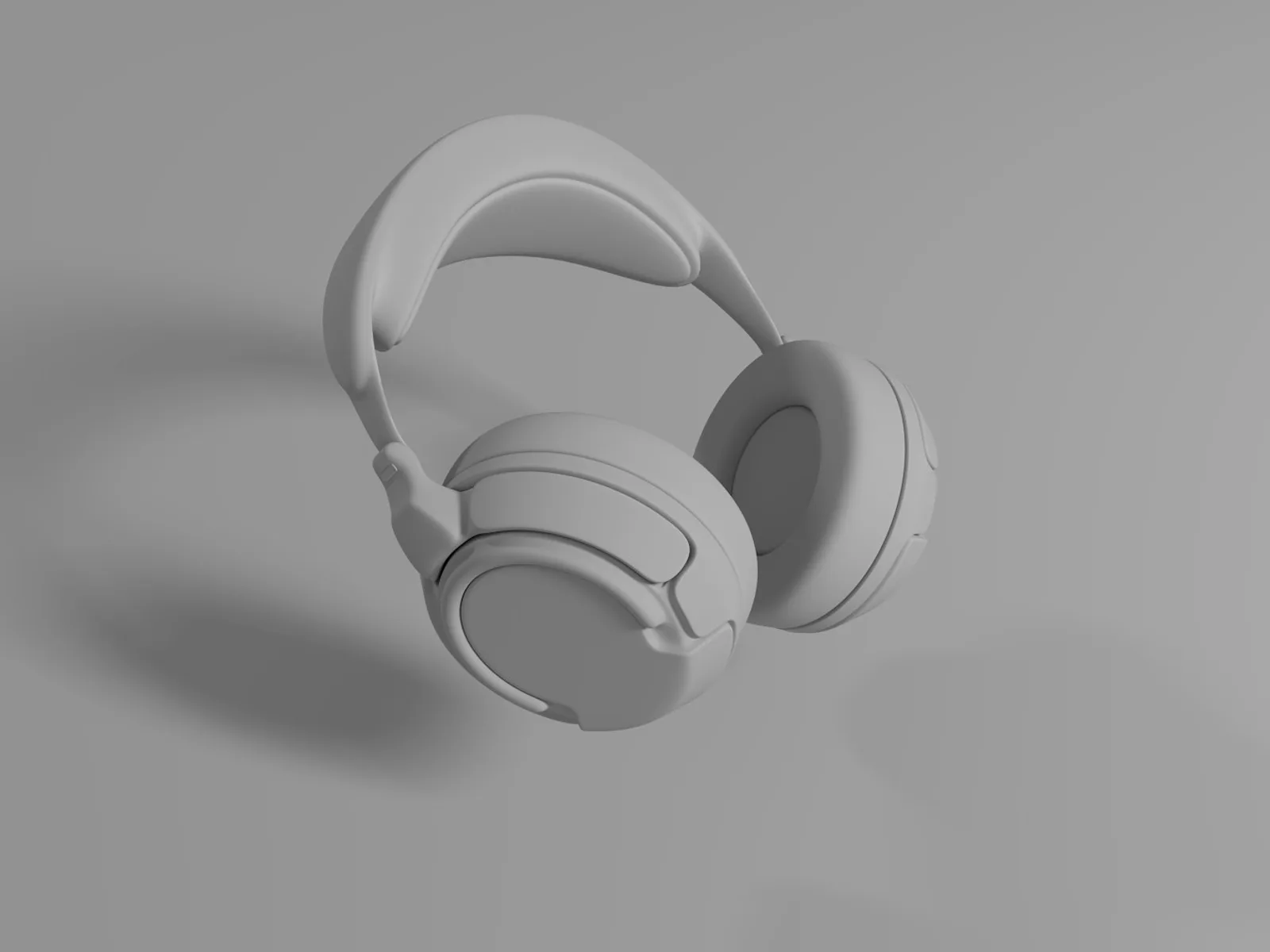
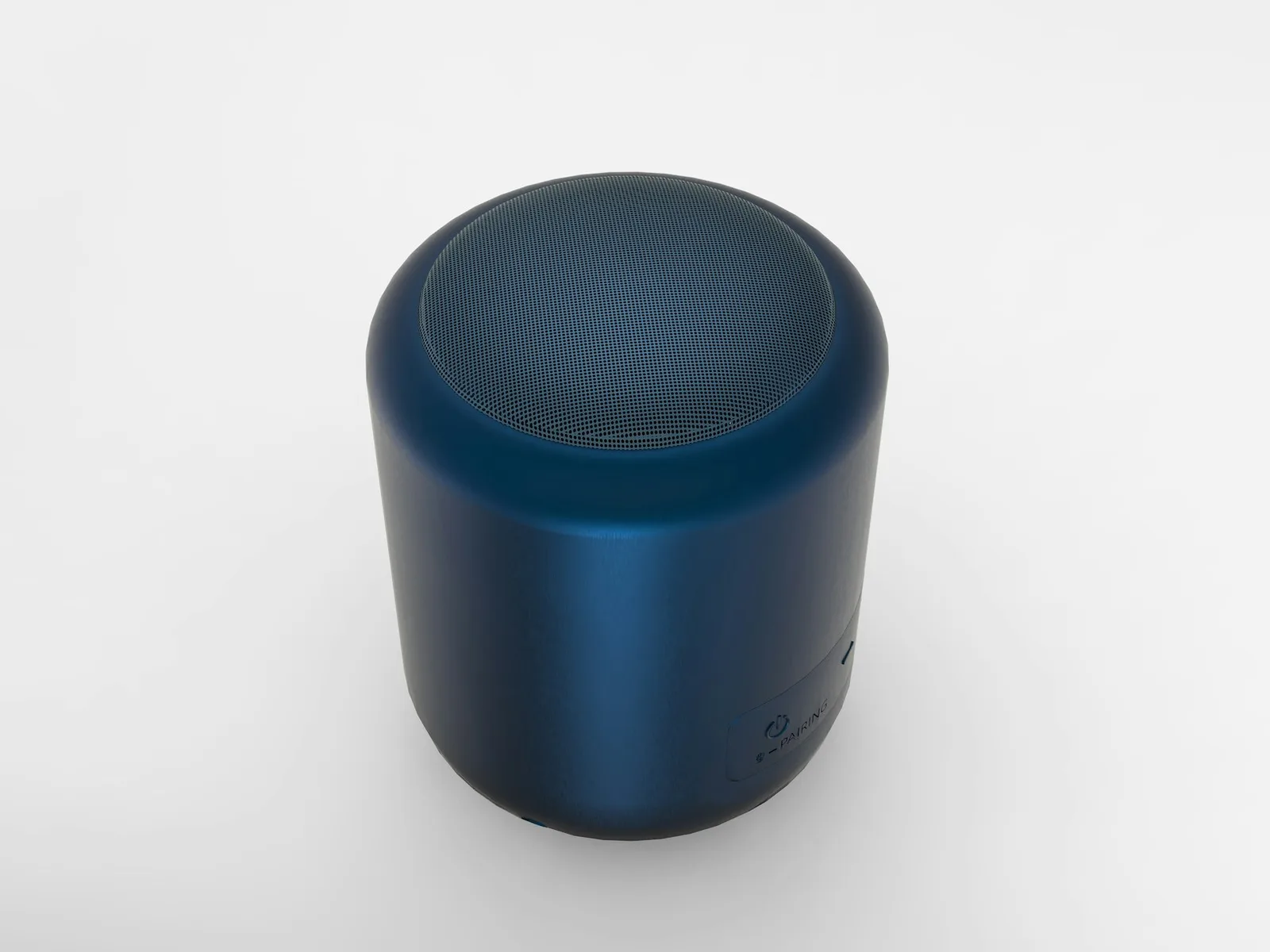
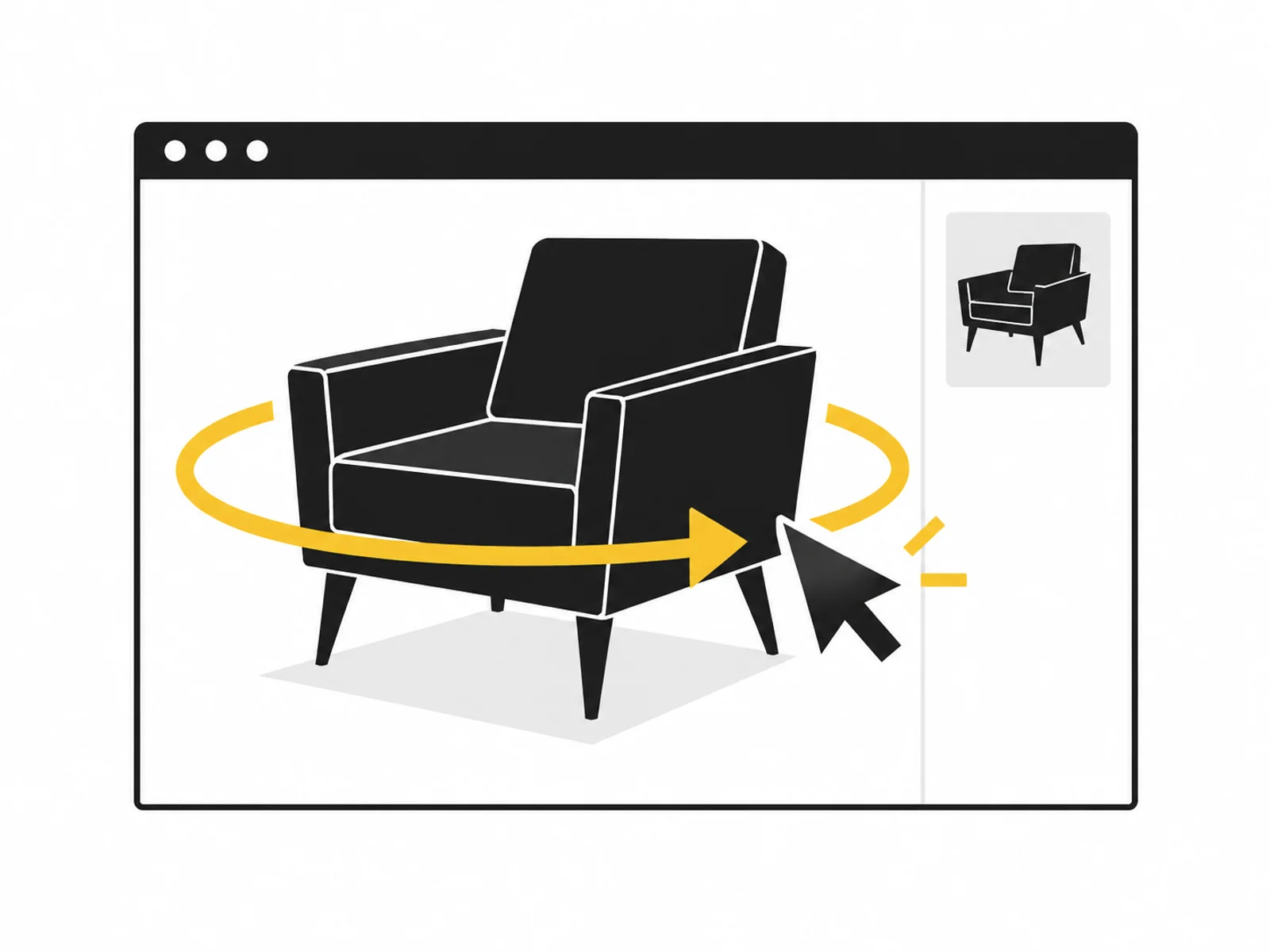


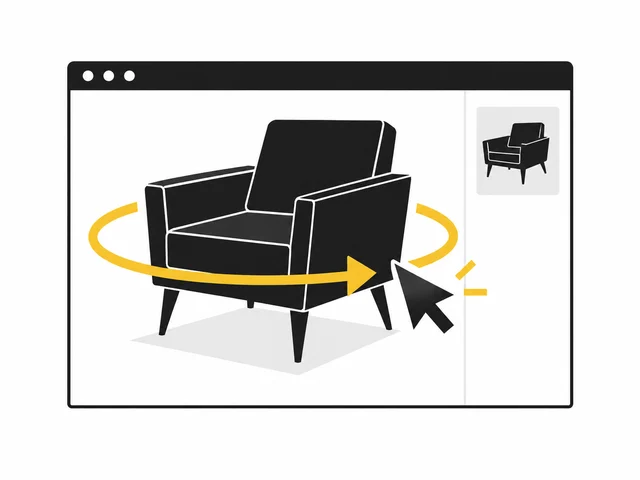
Image 1 of 4
An interactive 3D view adds a rotatable model to your product images. Visitors change the angle themselves and zoom within agreed limits. This particularly helps products whose shape, depth or rear is difficult to show in individual images.
We integrate the view into one existing page type. This includes a useful starting perspective, loading and error states, and a static alternative. Product information and the purchase journey remain accessible alongside it.
The viewer displays the model file and processes interaction. It does not create missing detail. Smoothness depends on model, device and integration. We therefore check the asset first and define any required model optimisation separately.
Integration also considers situations where the 3D view is loading or unavailable. The product must not be left without an understandable image. Relevant properties remain described in text and pictures so spatial interaction does not become a necessary access barrier.
Connections, handles or rear views may matter to selection. A rotatable view lets people inspect them while still complementing normal product images.
A finished model is not yet a shop function. Interaction, loading behaviour and embedding in the page type are implemented as one connected task.
An isolated demo may work yet fail in the shop. We examine the actual page type, including mobile interaction and fallback presentation.
We check the existing asset and define starting view, zoom, placement and browser scope. Required model preparation is defined beforehand.
The 3D display is connected with a preview, interaction guidance and error alternative. Loading must not block other product information.
We test agreed browsers, touch interaction and keyboard routes around the view. Handover explains how to replace the model and preview image.

Test the view with the agreed model on intended devices. Different materials, sizes or animations may need another review. Whether the added view changes buying decisions can be investigated only through actual use.
Where should the product appear: in an image, a clip or an interactive view? Have existing model files, reference views and measurements ready for discussion.
Name the file type and clarify your usage rights. You do not need to send large files yet. We agree the transfer method after your enquiry.
What is included, what do you need and what happens after your enquiry?
The process in detail →The normal 3D view runs in supported browsers. Devices and browsers to check are defined beforehand; a static alternative stays available.
No. The service requires a web-ready model. Modelling and major optimisation are separate offers so existing files are not worked on twice.
Integration of one model into one page type is included. Reusable mapping for an entire catalogue needs additional agreement.
Additional 3D data needs resources. We consider preview and loading behaviour; actual effects depend on model size, page structure and target devices.
Variant switching is excluded here. Where selection rules and different materials or components are needed, a defined 3D configurator fits better.
We confirm the start and delivery deadline in writing after reviewing your documents. The agreed scope and complete source data determine the schedule.
Web-ready product model, preview image and publication rights Test-environment access and approval of the intended product page Credentials must not be included in the enquiry. Details are agreed only after written commissioning.
One written follow-up round is included. The service scope lists the analyses, designs or technical changes covered by the package. We agree additional work with you before it begins.
A rotatable model is not worthwhile for every product. Decide based on the question your product presentation needs to answer.
Read the guide ↗We prepare a large 3D model for the browser, with an agreed file size, visible details and documented display limitations.
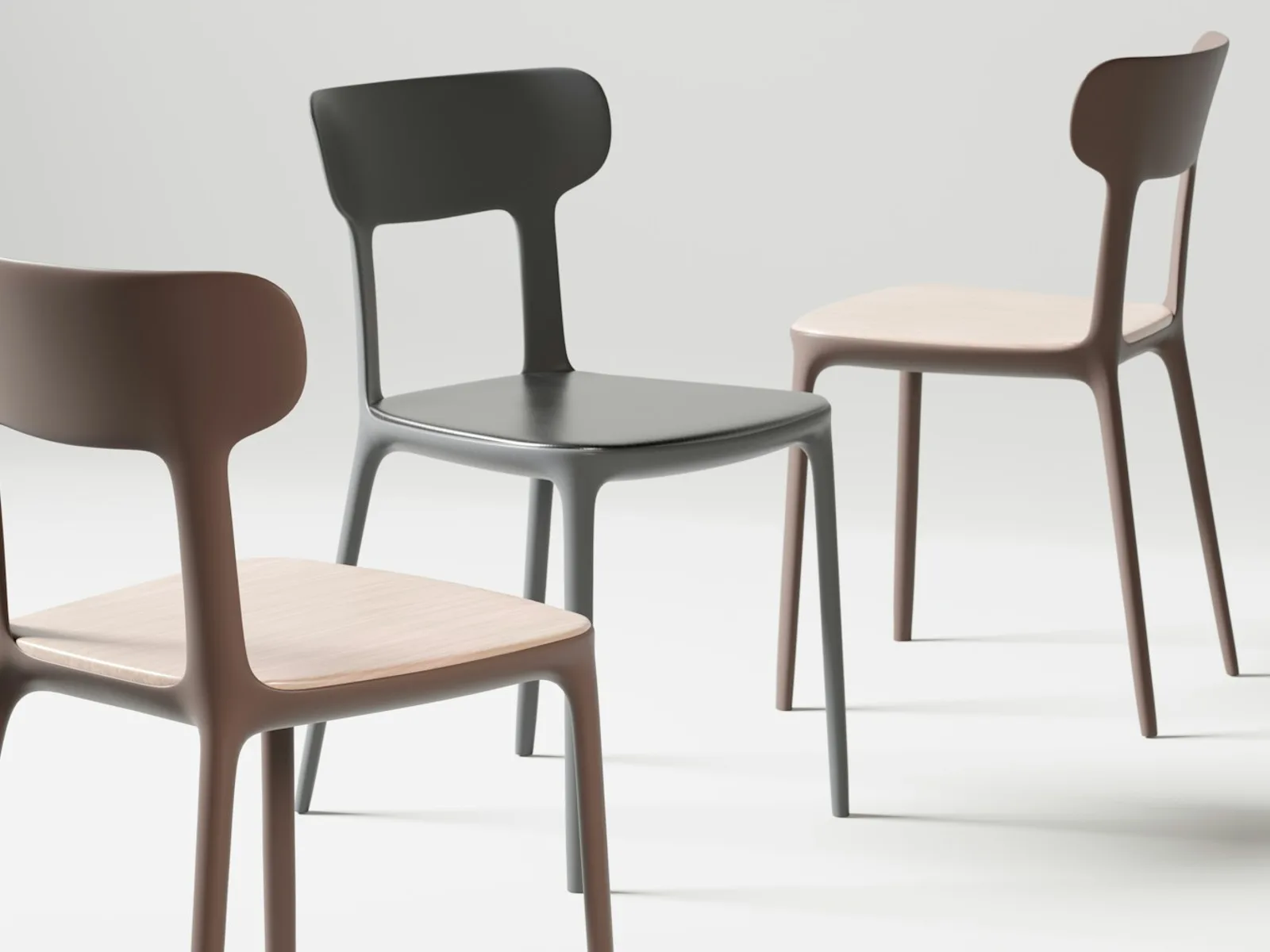
Customers configure a defined product variant and see their selection on the 3D model, with clear combination rules.