


Implementation
Add an interactive 3D view
Your customers can rotate a product and inspect it on your website, with a preview image and understandable controls.
We prepare a large 3D model for the browser, with an agreed file size, visible details and documented display limitations.
Your enquiry is non-binding. An order is created only when you accept our quotation .
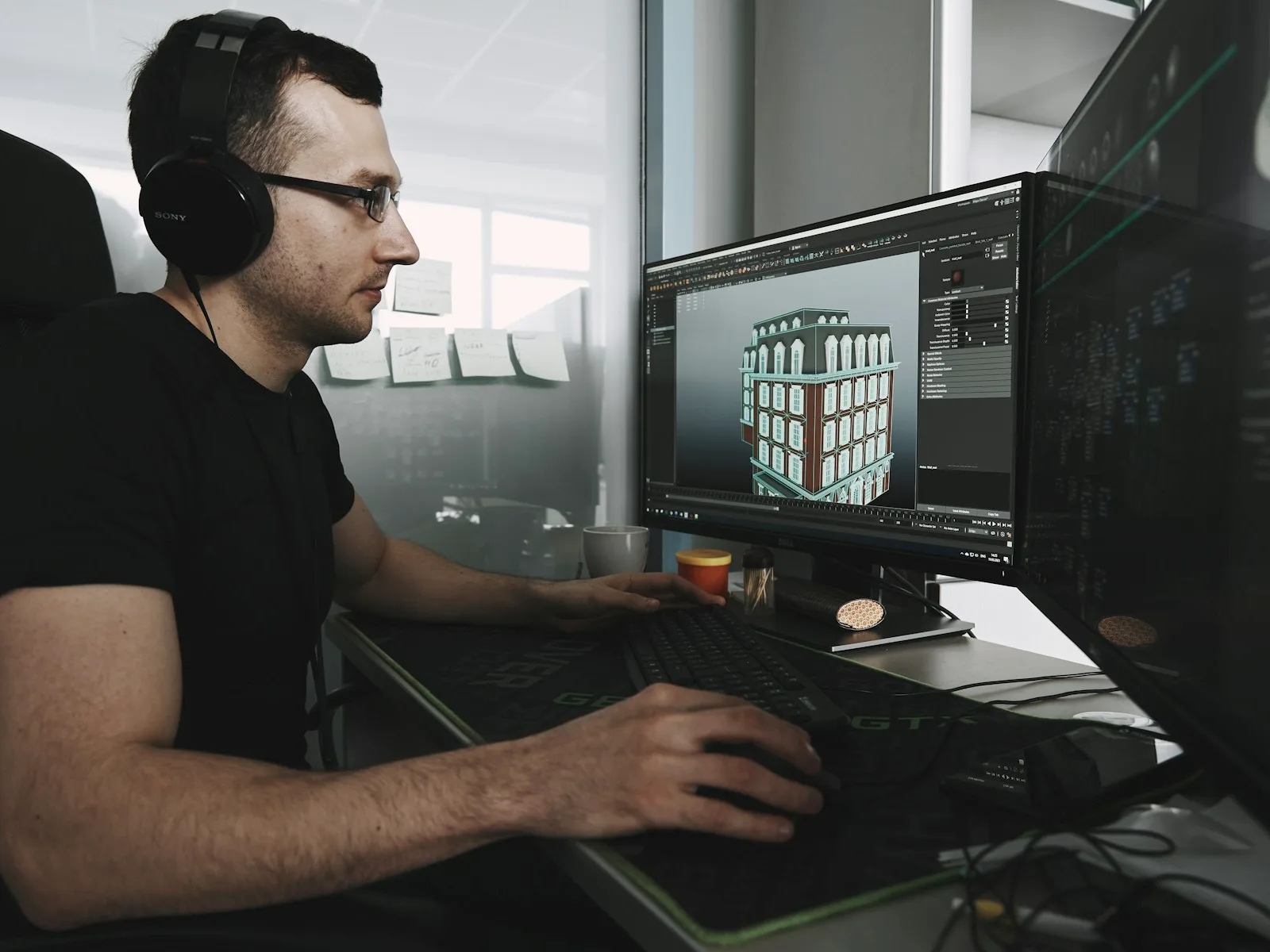
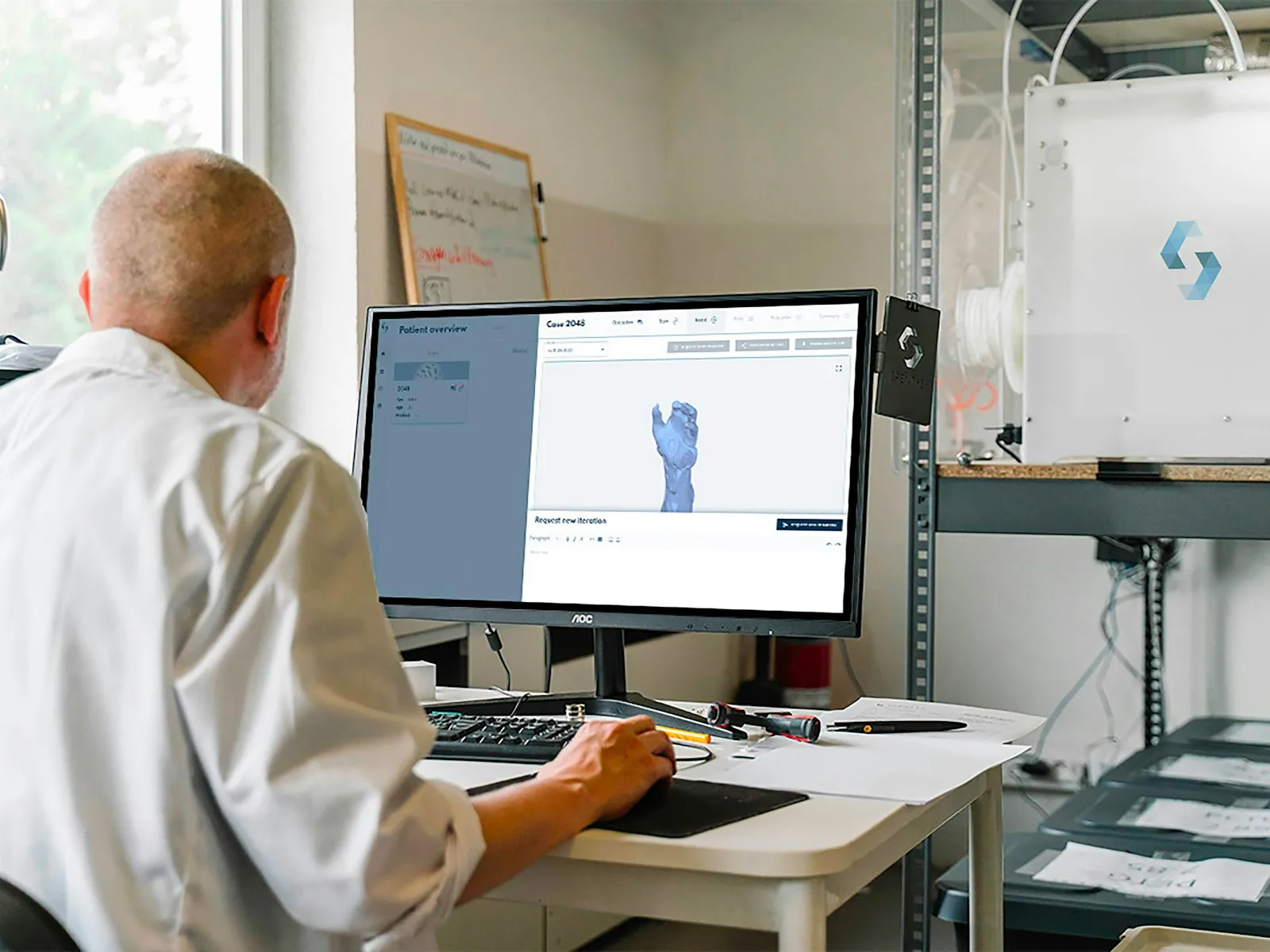
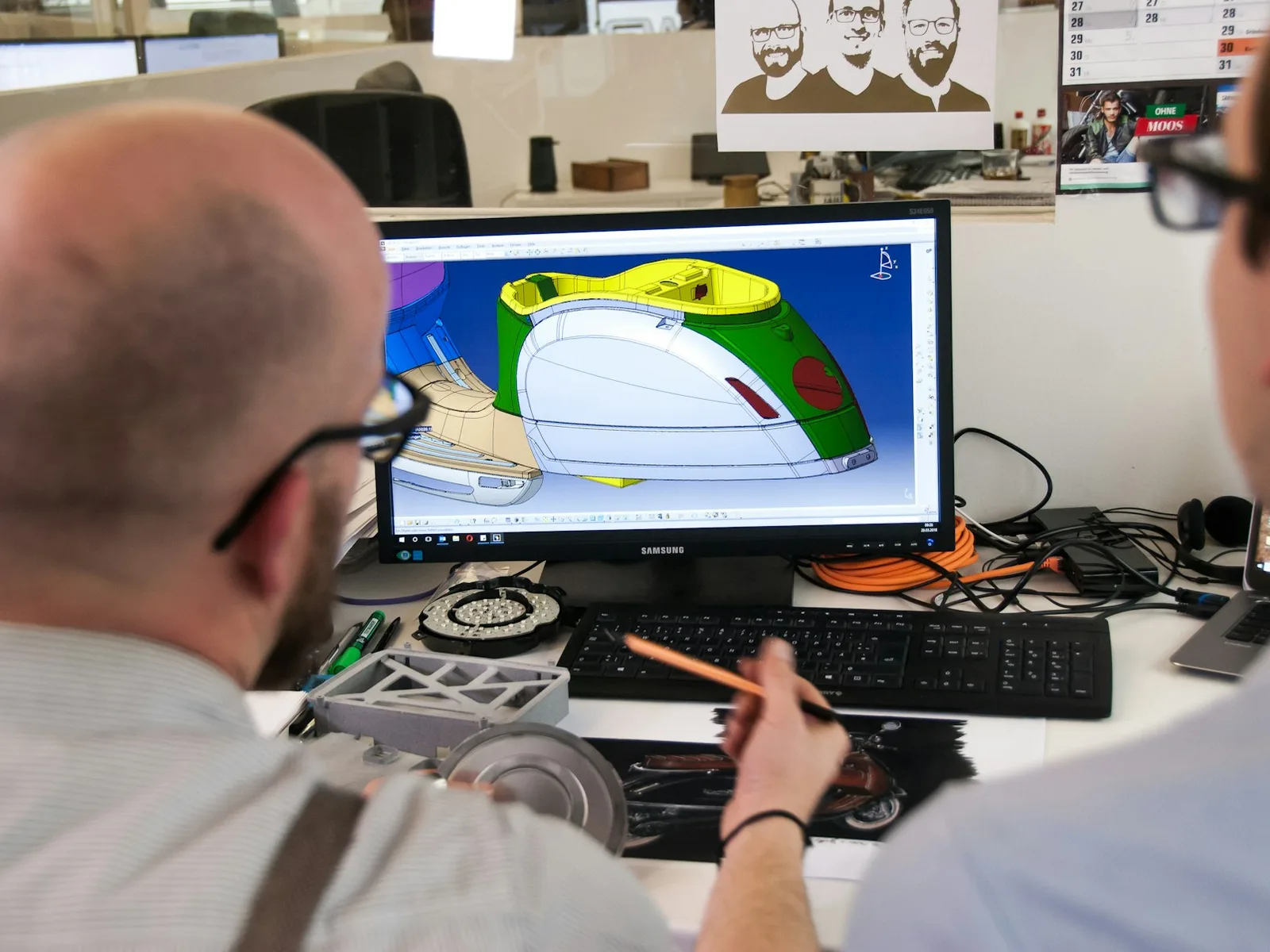
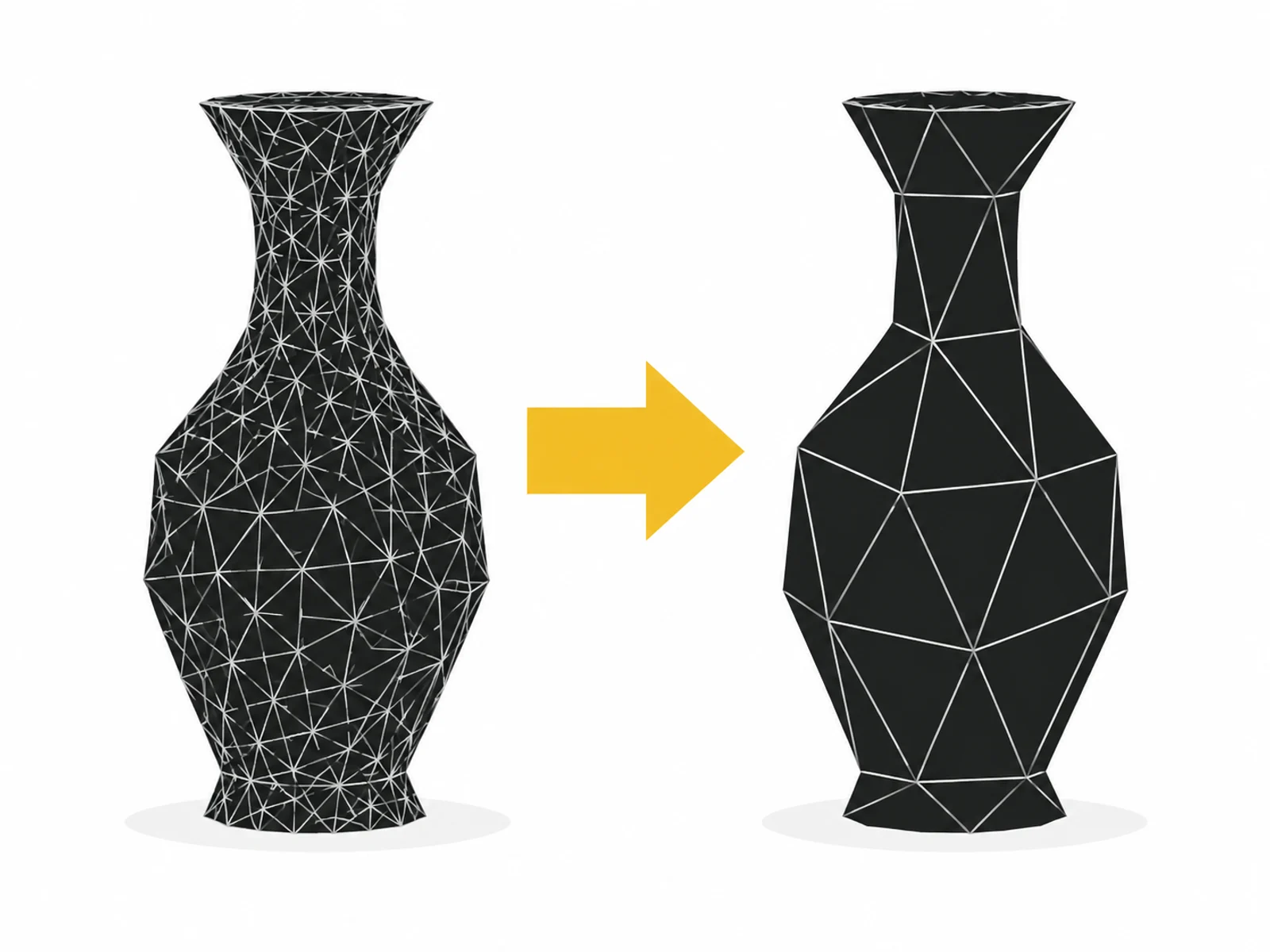


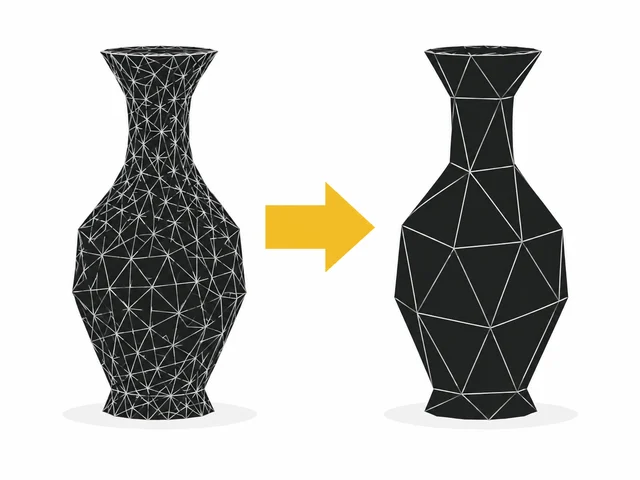
Image 1 of 4
A model from engineering or image production may contain details barely visible in a browser. Large textures, hidden internal surfaces and many separate objects add data. The device must still process all this while loading and displaying. Web preparation targets that effort.
We define which views and details really matter, then simplify the existing model and compare its appearance with the source. You receive a file for subsequent web integration. A viewer or shop installation is not yet included.
Not every simplification is equally useful. Large flat surfaces often need less geometry, while a distinctive curve needs more subdivisions. Textures should match their visible size too. Blanket compression without visual review can damage material edges or lettering.
GLB packages a glTF model for web exchange. Supported compression also depends on the eventual viewer. We therefore agree target format and supported features beforehand. A small file alone does not establish smooth display on every device.
A large download can delay use. We consider file size and structure together before reducing individual details or textures.
Many surfaces and materials can burden weaker devices. An optimised version targets the devices and views actually agreed.
Engineering data has a different purpose from a shop view. Hidden components and very fine subdivisions may be unnecessary for presentation.
We record important details, zoom limits and intended viewer. This produces a realistic target for file size and visual quality.
We simplify agreed areas and prepare materials. Work follows visible properties rather than an arbitrary percentage.
The optimised file is compared with the original in a test view. Documented compromises and known limitations are part of handover.

Optimisation is always tied to a purpose. A file suitable for small shop views may be too coarse for extreme close-ups or high-resolution advertising images.
Loading time also depends on connection, delivery and viewer. We document the file comparison without claiming a general speed guarantee.
Where should the product appear: in an image, a clip or an interactive view? Have existing model files, reference views and measurements ready for discussion.
Name the file type and clarify your usage rights. You do not need to send large files yet. We agree the transfer method after your enquiry.
What is included, what do you need and what happens after your enquiry?
The process in detail →Not every file converts into a web model without preparation. We check format, part structure and export options before confirming scope.
Certain details are deliberately simplified. We agree which must remain visible and which may be removed using your planned views.
No. You receive the optimised file. Interaction, loading states and product-page integration are covered by the interactive 3D product view.
A target budget is agreed after review. If the required visual quality cannot fit, possible compromises are clarified transparently before editing.
Yes. The web version is delivered separately. The original production or engineering file remains available for other purposes.
We confirm the start and delivery deadline in writing after reviewing your documents. The agreed scope and complete source data determine the schedule.
An editable model file including all textures used Desired close-ups, target devices and an agreed presentation purpose Credentials must not be included in the enquiry. Details are agreed only after written commissioning.
One written follow-up round is included. The service scope lists the analyses, designs or technical changes covered by the package. We agree additional work with you before it begins.
Long loading times or jerky interaction? Check geometry, textures and decoders separately, then compare the result on the actual shop page.
Read the guide ↗Your customers can rotate a product and inspect it on your website, with a preview image and understandable controls.
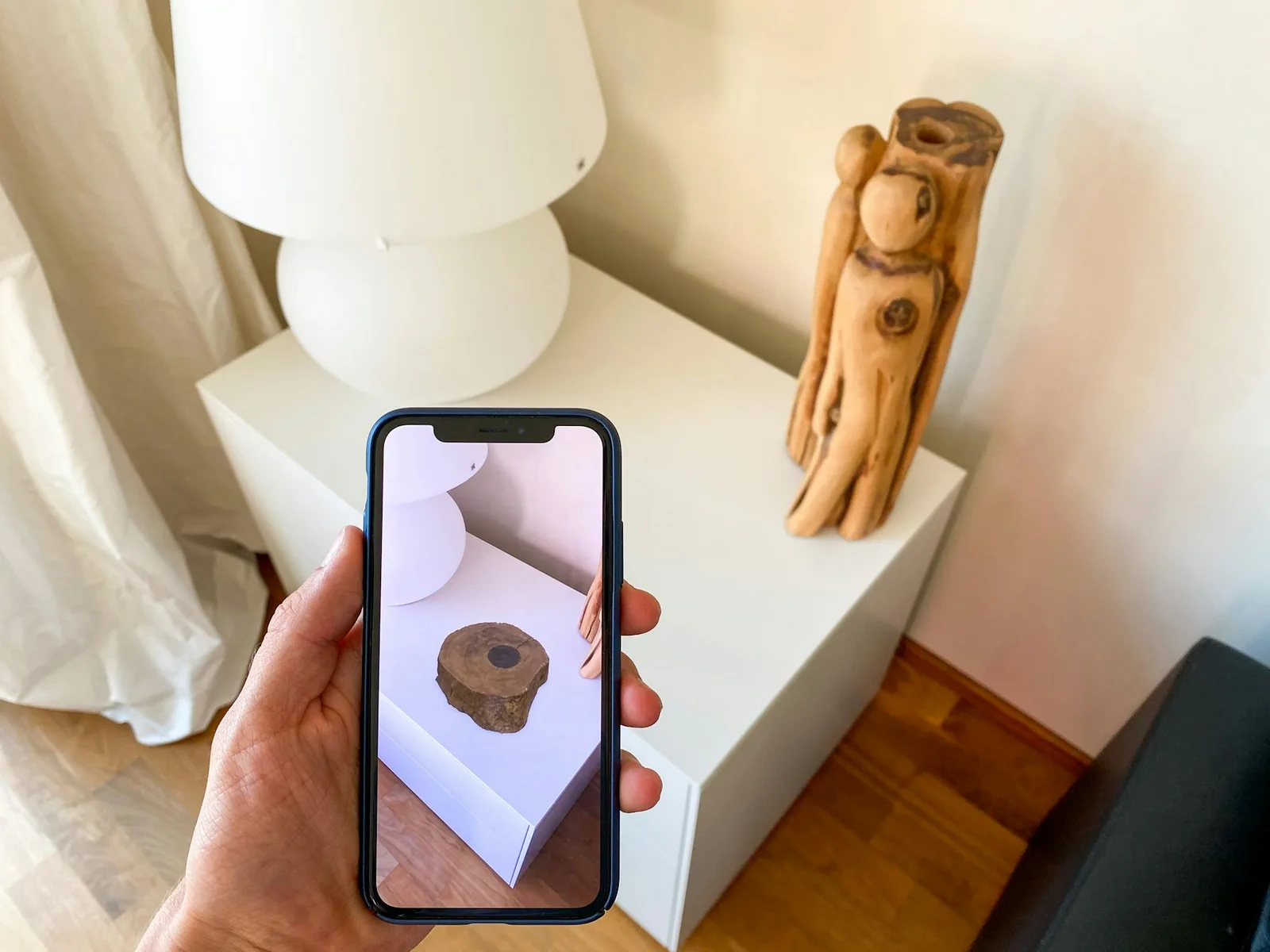
Customers can view an existing product model in their surroundings on supported mobile devices, alongside a standard product view.