

Implementation
Repair an existing workflow
An existing automation stalls or produces incorrect results. We investigate one workflow and fix up to three agreed causes.
Review and make limited improvements to up to three existing workflows over four weeks, with a fixed time allowance, named responsibilities and documented changes.
Your enquiry is non-binding. An order is created only when you accept our quotation .

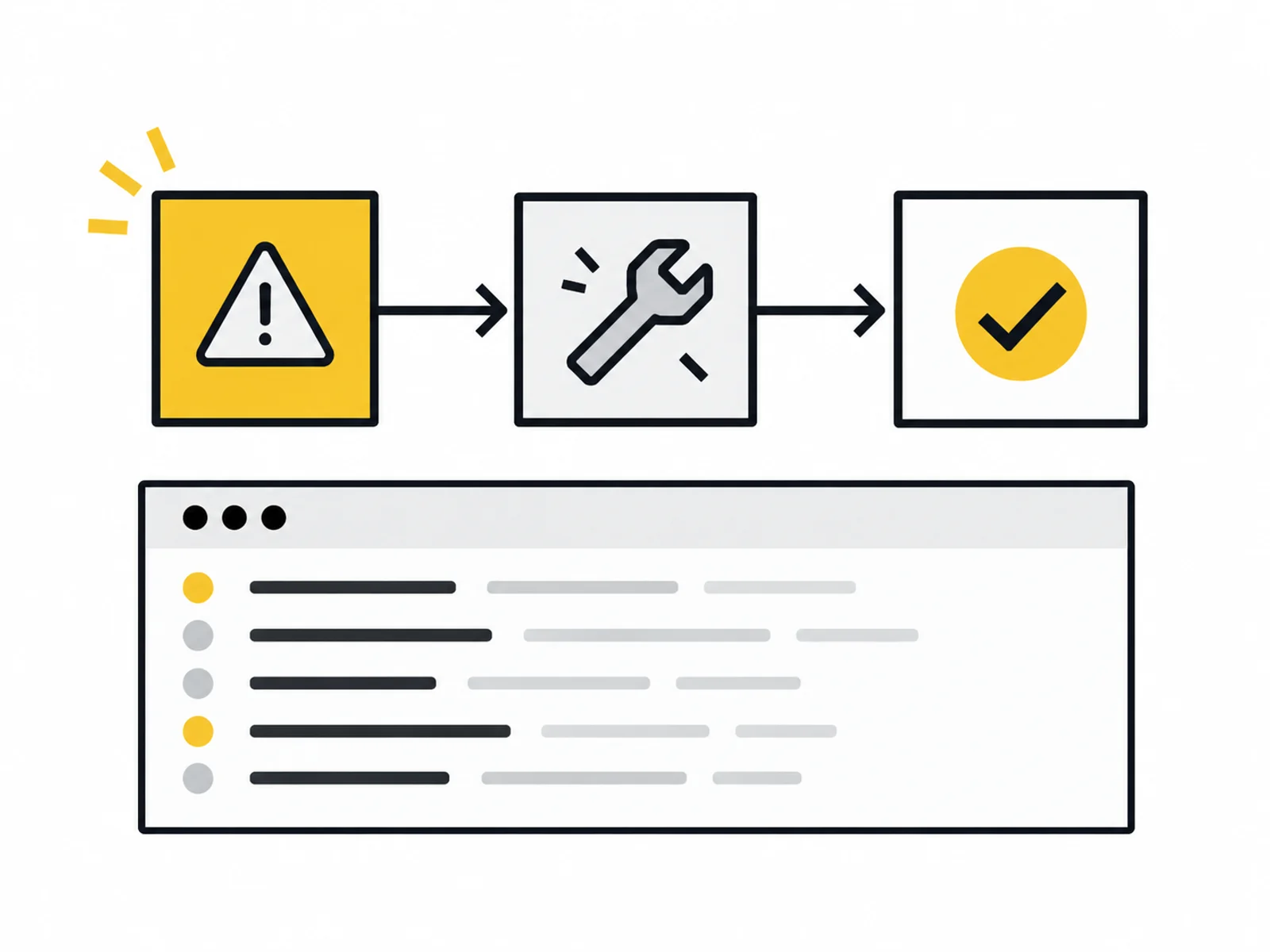


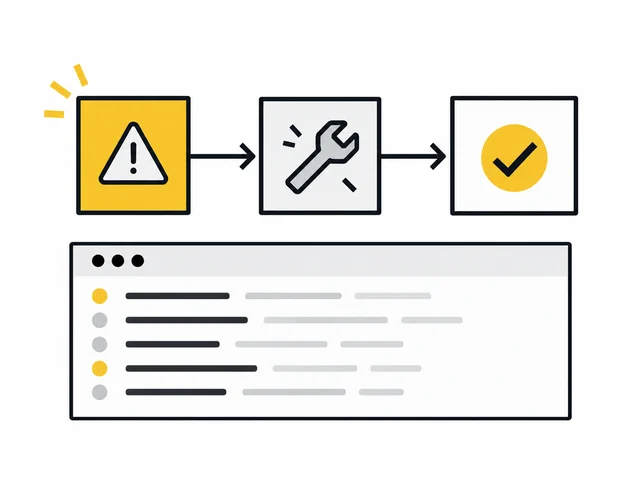
Image 1 of 4
Even a tested workflow may need attention later: access expires, a field changes or a service returns different responses. This package gives maintenance a limited framework. For four weeks, up to three known workflows are checked at agreed times.
The six working hours cover checks, agreed corrections and communication. We make usage visible and prioritise open work with you. The period ends without automatic renewal; further support can be requested separately.
Before takeover, we review documentation and responsibilities. For each workflow, we record successful-run criteria and where error notices go. An uncommented collection of others' flows cannot reliably be supported as a known system.
Small corrections are implemented and tested within the confirmed allowance. If a larger change exceeds it, we record the extra need and agree a separate commission.
The workflow was set up, but its error view is not checked regularly. We define specific checks and a business contact for open decisions.
A field name or mapping needs adjustment. The allowance provides agreed working scope without including unlimited new functions.
You want to see what was checked and changed. The log connects completed tasks with used allowance and identified open points.
We review the documented state, access and intended error path. Support start, check dates and priorities are confirmed before commissioning.
Agreed views are checked at scheduled times. Corrections are prioritised, completed and tested within the shared hours allowance.
You receive a log of checks, changes and open tasks. Continuation is agreed separately; unused or extra capacity is not silently reinterpreted.

Use the closing report to separate recurring errors from new development requests. A persistently unstable connection may need restructuring rather than the same small correction repeatedly.
The package provides planned maintenance. Binding response times, larger takeover volumes or on-call availability outside agreed hours need a different operational scope.
Describe a typical run: what triggers it, which programs are involved and when is it finished? An example without personal data is enough to begin.
Note exceptions, approximate frequency and the responsible person. Credentials, real customer messages and confidential documents do not belong in the enquiry form.
What is included, what do you need and what happens after your enquiry?
The process in detail →No. The package applies once for four weeks from the confirmed start. Continuation is expressly agreed again.
The six hours jointly cover checks, corrections, tests and coordination. Effort is documented transparently.
Open tasks are identified and prioritised. Additional work starts only after separate agreement; there is no implicit overrun.
The package includes scheduled checks, not a guaranteed resolution deadline. Work windows and availability are confirmed in writing beforehand.
Its expected behaviour and technical structure must first be clarified. If separate analysis or repair is needed, that scope is agreed before support begins.
We confirm the start and delivery deadline in writing after reviewing your documents. The agreed scope and complete source data determine the schedule.
Documented, accessible workflows with known expected behaviour and a responsible person Agreed access rights, operating environment and support-window start Credentials must not be included in the enquiry. Details are agreed only after written commissioning.
One written follow-up round is included. The service scope lists the analyses, designs or technical changes covered by the package. We agree additional work with you before it begins.
Examine triggers, retries and already saved results before restarting a failed workflow.
Read the guide ↗An existing automation stalls or produces incorrect results. We investigate one workflow and fix up to three agreed causes.
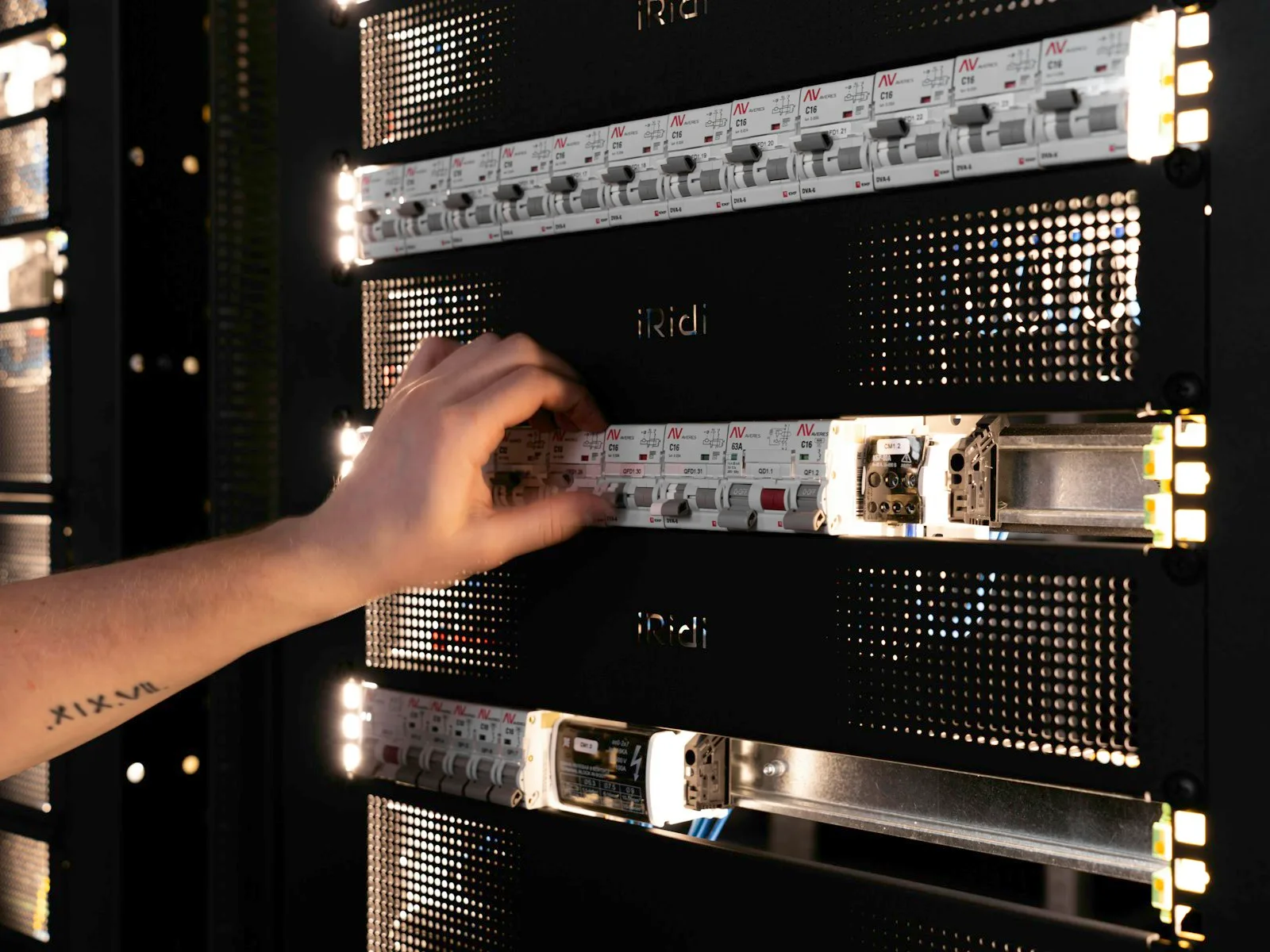
We regularly review and document an application's technical condition within a limited support period.