


Implementation
Automate a recurring workflow
We implement one recurring workflow with n8n, Zapier or Make: up to three applications, one trigger and a clearly defined outcome.
An existing automation stalls or produces incorrect results. We investigate one workflow and fix up to three agreed causes.
Your enquiry is non-binding. An order is created only when you accept our quotation .


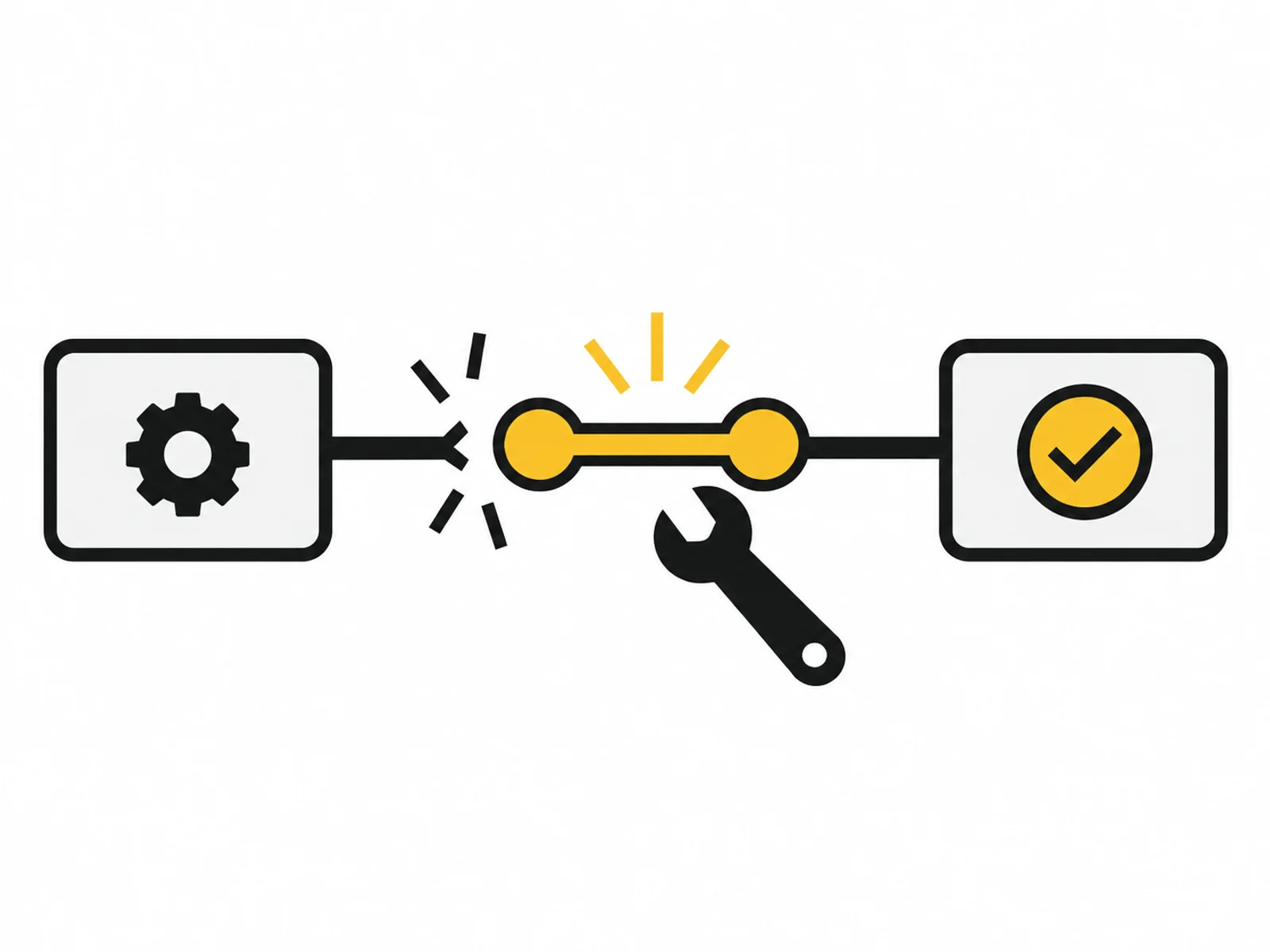


Image 1 of 4
A renamed field, expired access or changed application response can interrupt an existing flow. Sometimes it appears successful while details land in the wrong field. We trace a specific case from trigger to actual result.
The commission covers an existing workflow and up to three agreed causes. Before correction, we preserve the version being edited and define data safe for testing. Completed actions are not repeated without control.
A red error often shows only where a problem becomes visible. Its cause may be earlier, such as an empty identifier or changed mapping. We compare expected behaviour with the failure and limit changes to the confirmed connection.
After repair, we also check examples that previously worked. Whether pending cases may be rerun is established separately. A documented retry path prevents repair from creating new duplicate records or unwanted messages.
A service was updated or a form changed. We compare current data structure with what was expected and identify the affected processing step.
Contacts or tasks appear twice. We examine triggers, retry rules and existing identifiers before merely deleting the visible second entry.
Text lands in the wrong column or a status is not applied. We include the actual destination result in the review rather than relying only on a green execution indicator.
We preserve the existing workflow version and reproduce the error with suitable test data. Changes to real records require a previously agreed execution method.
Confirmed faults are fixed within defined scope. If a fundamental rebuild emerges, we document the relationship and agree additional work beforehand.
Corrected and previously successful cases are retested. The log also states whether and how earlier affected cases should be reprocessed under control.

Keep the corrected version and test cases together. Later changes can then be checked for recurrence of the same error or a different affected processing step.
Repair does not automatically include monitoring every future run. Regular support requires separate agreement on responsibilities and review intervals.
Describe a typical run: what triggers it, which programs are involved and when is it finished? An example without personal data is enough to begin.
Note exceptions, approximate frequency and the responsible person. Credentials, real customer messages and confidential documents do not belong in the enquiry form.
What is included, what do you need and what happens after your enquiry?
The process in detail →Yes, after reviewing the accessible structure and required permissions. We must understand the result the flow was originally meant to produce.
Work start and availability are confirmed in writing. The package includes neither continuously staffed emergency support nor a blanket recovery deadline.
First, we check which steps have already occurred. Reruns happen only for the agreed dataset and after confirmation of the retry rule.
A retired function cannot be restored through a local field correction. We identify the dependency and clarify whether an alternative connection needs new scope.
Name the tool, expected result and visible failure pattern. Do not initially send credentials or complete execution logs containing personal data.
We confirm the start and delivery deadline in writing after reviewing your documents. The agreed scope and complete source data determine the schedule.
An accessible workflow, known errors and the last successful run time Anonymised examples of expected and actual results Credentials must not be included in the enquiry. Details are agreed only after written commissioning.
One written follow-up round is included. The service scope lists the analyses, designs or technical changes covered by the package. We agree additional work with you before it begins.
Examine triggers, retries and already saved results before restarting a failed workflow.
Read the guide ↗We implement one recurring workflow with n8n, Zapier or Make: up to three applications, one trigger and a clearly defined outcome.
Review and make limited improvements to up to three existing workflows over four weeks, with a fixed time allowance, named responsibilities and documented changes.