Implementation
Create a 3D product model
Photos and dimensions become a digital product model for later use in renderings, animations or an interactive view.
Show a shape from every side, display variants or explain a detail: the outcome determines which 3D work you need. We prepare models and views for their specific use.
Browse services in the shop View a work sampleA campaign image needs different preparation from a rotatable model on a product page. Both need an agreed shape, dimensions and materials. A web view also needs a suitable file size, controls and a usable smartphone display.
A rendering uses perspective, lighting and material deliberately. It suits a fixed view, such as an isolated product angle or a close-up.
An interactive model lets visitors change the viewing angle. The integration must remain understandable during longer loading times and on devices without the desired additional feature.
A fictional light has a front photograph and dimensioned drawing. Its bracket is hidden in the standard product image.
Approved dimensions are used to build a model with the actual bracket. An additional angle explains the attachment. A rotatable web view is a separately selectable extension.
We compare the model with references for dimensions, components and materials. A web view also requires checks of controls and loading behaviour in the intended shop.
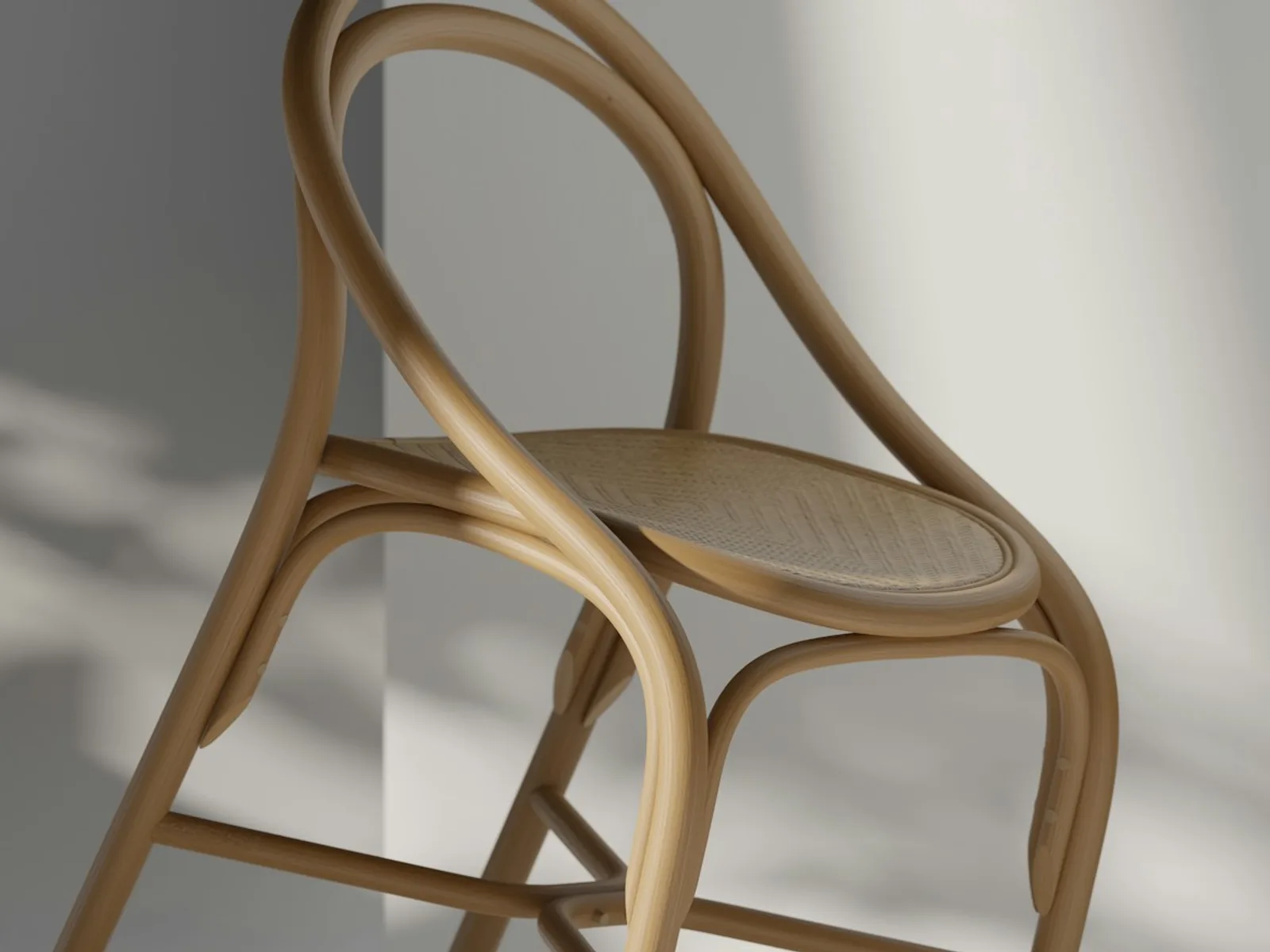
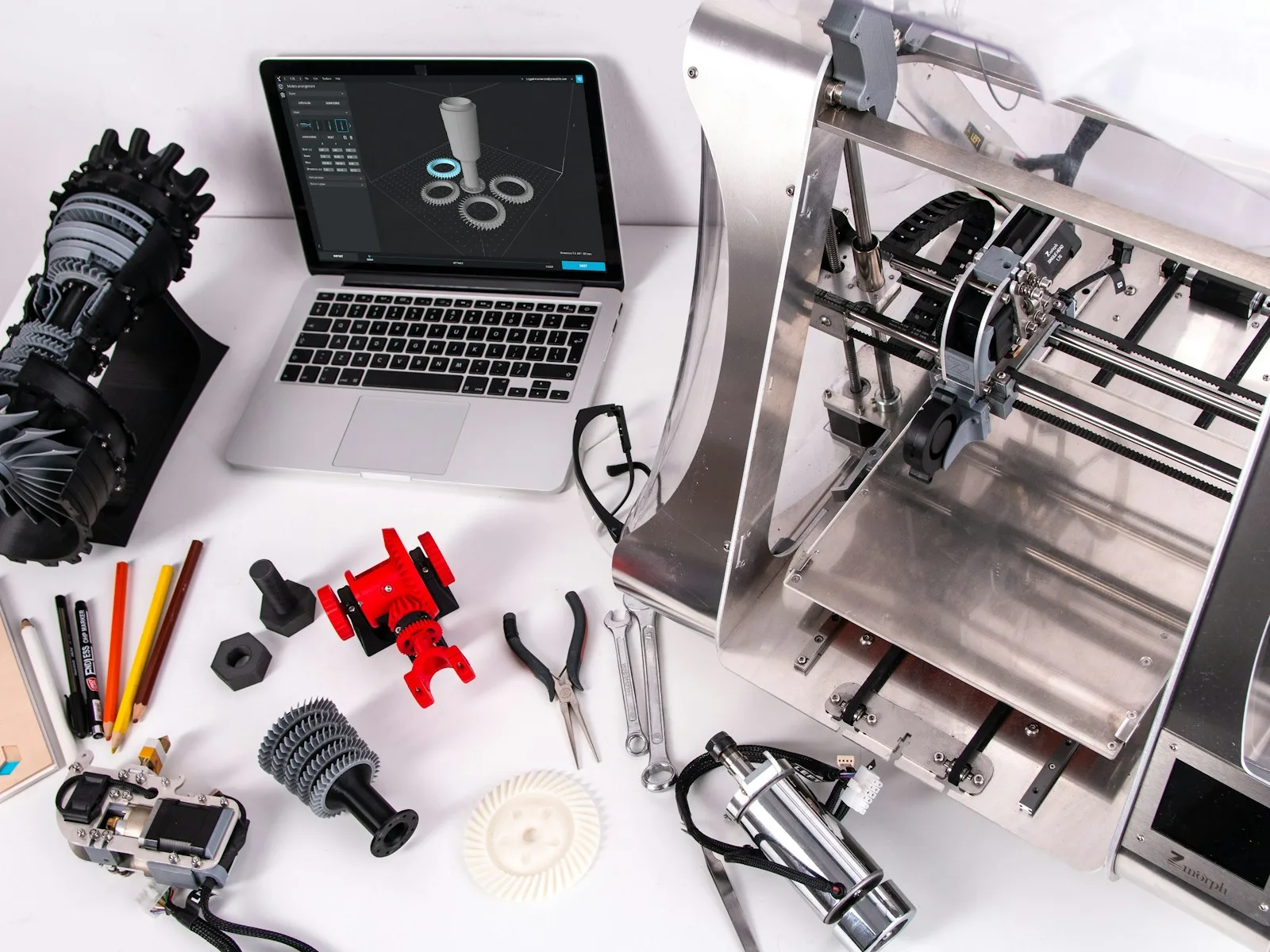
A 3D model describes a product's shape. It can generate still images, animations or an interactive view. Renderings use predetermined angles and lighting; a rotatable web view lets visitors choose the perspective. The back, underside and other visible details must therefore be sufficiently developed. Later use affects modelling from the start.
Start with the unanswered product question. Fabric texture may need a close-up; connectors on several sides may need a rotatable view; a folding mechanism may need a short animation. Only then do we choose the model, output format and integration. An extra shop control should serve a task.
Add an interactive 3D viewPhotographs, dimensions or existing CAD data provide the basis. The product model is created for the agreed subsequent use.
Photos and dimensions become a digital product model for later use in renderings, animations or an interactive view.
If a suitable model exists, the interactive product view is the starting point for web integration. Requirements and supported features are listed in the shop.
Your customers can rotate a product and inspect it on your website, with a preview image and understandable controls.
Photographs show only visible perspectives.
A reliable model therefore needs dimensions and sufficient views. Existing CAD data can help, but often includes details unnecessary on the web. Internal screws or components then add work without explaining the intended view. Which geometry is retained depends on the task.
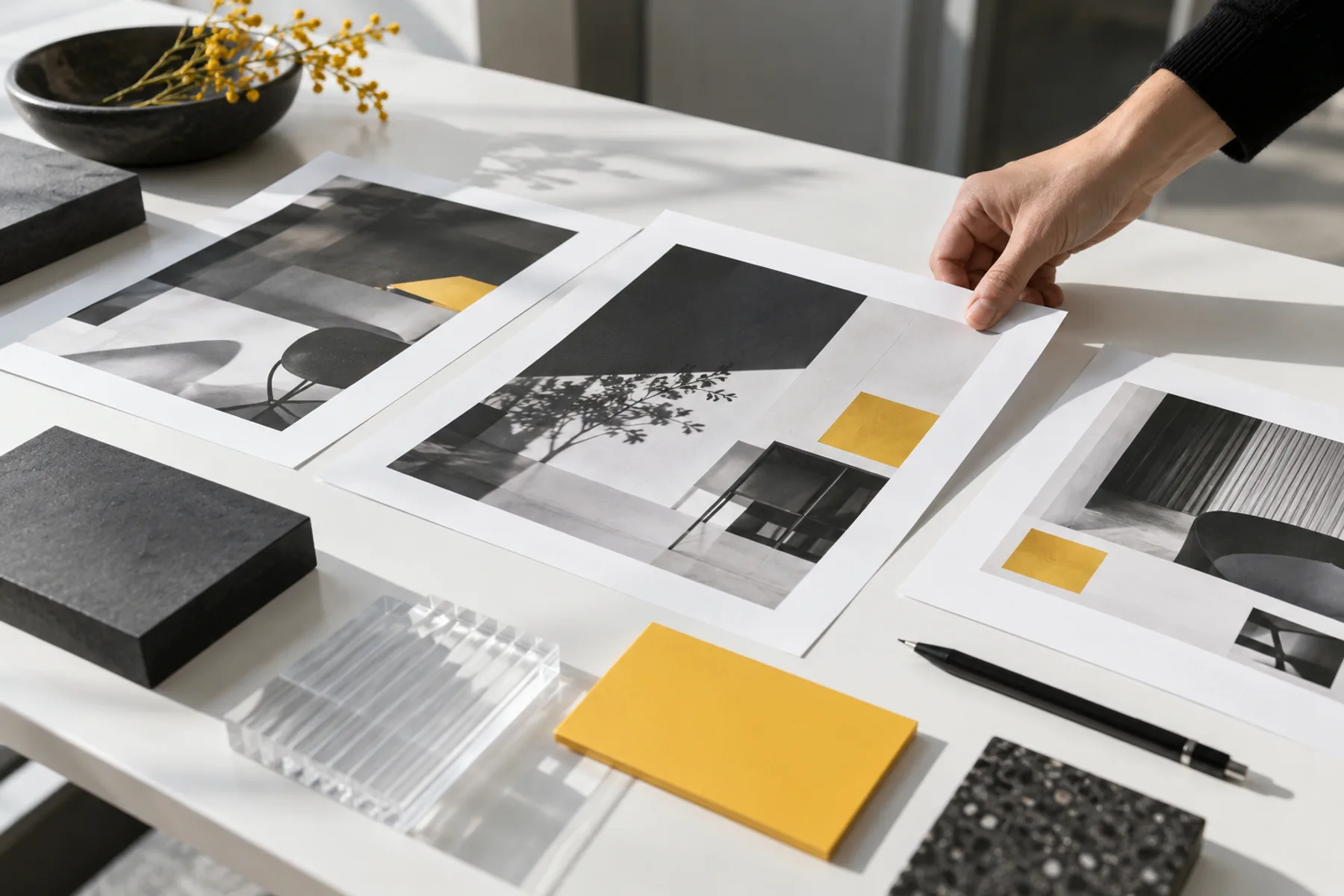
Materials and surfaces also need clear references. 'Black' does not sufficiently describe glossy paint or matt plastic. For moving parts, define the states to show. We agree acceptance views for comparing shape, dimensions and visible details with the reference. Attractive lighting does not replace that comparison.
Read the guideDo you need individual images, an animation or an interactive view? We agree output formats and usage rights.
Photographs, drawings and dimensions provide the reference. We compare outlines and visible details before adding materials.
Surfaces and any moving parts are checked against references. Unclear product versions are resolved before detailed work.
For images, we develop perspective and lighting. For a web view, we balance visible detail against file size and mobile display.
You receive the agreed files for their intended use. Editable source files and their future maintenance are specified in the proposal.
Gather front, back, side and key detail views. Add dimensions with units. For flaps, joints or adjustable parts, specify the state the measurements describe and the movement to show.
Identify the current product version. Colour variants, material references and surface texture help agreement. An old drawing and newer photograph should not accidentally be treated as the same reference.
State the target platform, images or interactions required and existing technical constraints. A model for large-format renderings has different requirements from a fast mobile view. Available source files can affect scope.
That depends on shape, hidden parts and required accuracy. We review the available views and dimensions. Missing details are clarified before the model presents them as real product features.
The model describes the spatial shape. A rendering is an image generated from it with a fixed viewing angle. The agreement defines which files you receive and can reuse.
AR and shop integration have their own file and device requirements. They are included only when listed in the agreed scope. A standard product view must remain usable without AR.
A photograph is often enough for one view of a product that can be photographed easily. 3D becomes useful when you need several perspectives or variants, want to show a mechanism or already have a reusable model. Tell us the planned use; that determines the next component.
A configurator goes beyond a rotatable view. Which variants can be combined? Do geometry and price change? Where is the selection saved? These rules need definition before the model becomes a shop feature.