


Implementation
Automate a recurring workflow
We implement one recurring workflow with n8n, Zapier or Make: up to three applications, one trigger and a clearly defined outcome.
Turn one recurring internal process into a small web application, with shared data and clear responsibilities.
Your enquiry is non-binding. An order is created only when you accept our quotation .



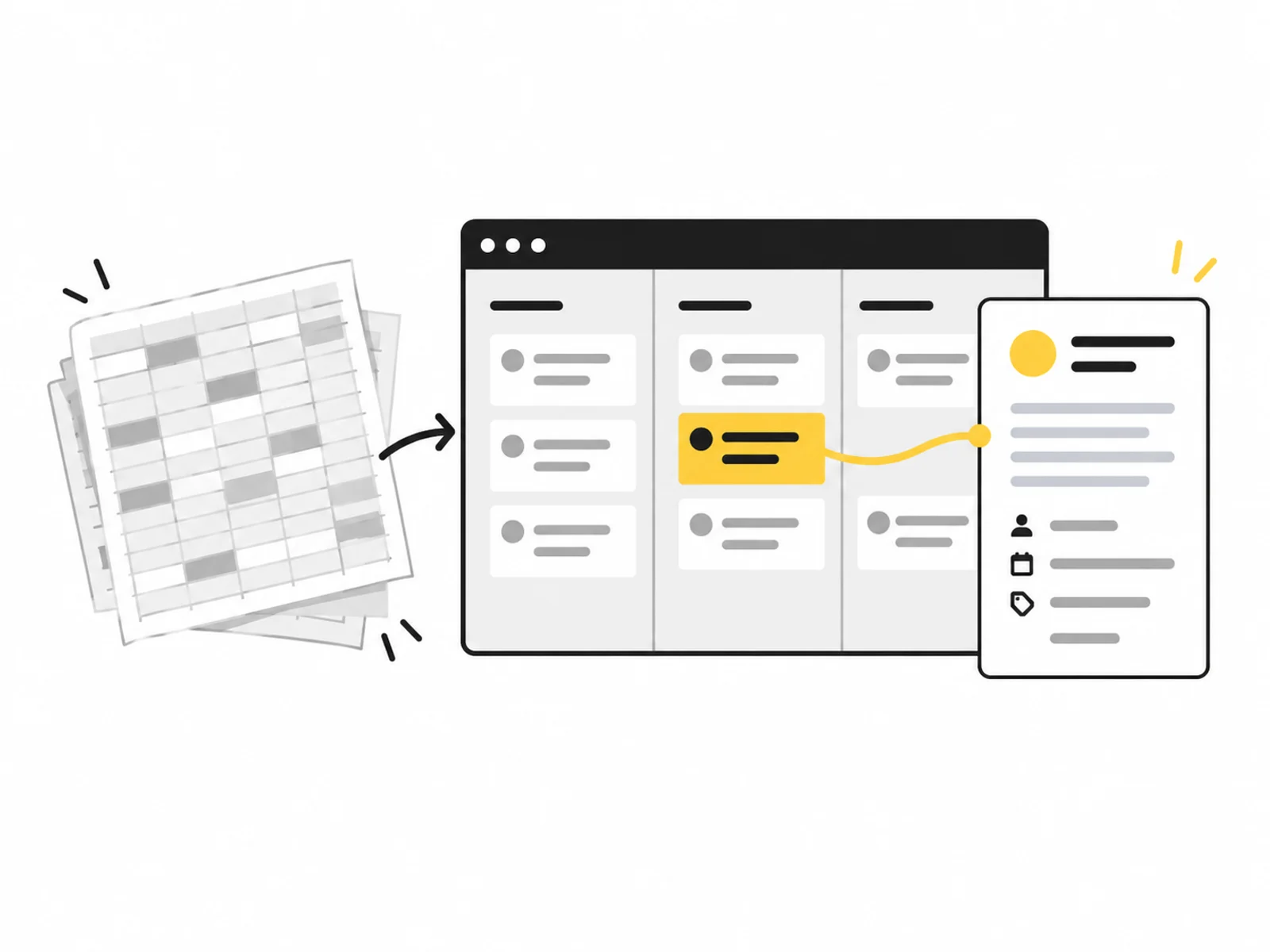



Image 1 of 4
A spreadsheet can be enough for a long time. Problems arise when people maintain conflicting versions, status changes must be authoritative or only certain roles may see data. An internal tool brings one limited process into a shared application.
The first version covers one process with up to five views, such as overview, editing and a status change. We clarify existing-data transfers and connections to other applications. Those tasks are scoped separately.
Before development, we clarify who creates a case, who handles it and when it is complete. These responsibilities determine data and roles. An attractive browser table will not solve unresolved underlying decisions.
The interface is built around real tasks. Required details, search or overview and export are limited to agreed scope. Automation may supplement individual steps but is not automatically useful for every decision.
A shared database can reduce contradictory processing. Authoritative information and who may change it must be defined.
A controlled process makes open and completed work visible. Status terms are explained in business terms and implemented server-side.
A limited internal tool can fill one gap. It is not planned as a hidden replacement for an entire ERP.
We describe roles, data and completion criteria through specific cases. These define up to five views and three data objects.
Interface, persistence and permissions are built together. The agreed status flow, overview and export have understandable behaviour.
Tests check roles and typical processing steps. Handover explains maintenance, known limits and later operating prerequisites.

The tool supports a defined process. Improved collaboration or time savings must be observed in actual use and are not guaranteed generally.
The project includes frontend and backend parts needed for that process. Extra component packages for the same flow should be checked for overlap before enquiry.
Describe the intended function and an example of a successful process. Name existing systems and the roles involved without sharing real customer data or credentials.
After your enquiry, we clarify which data the function processes, which rules it must follow and which systems it must contact. Required documents and test access are agreed separately.
What is included, what do you need and what happens after your enquiry?
The process in detail →Extensive legacy-data transfer is excluded. Structure, volume and cleanup are reviewed first and, where needed, defined as a separate import.
Agreed roles require suitable protected access. Authentication depends on existing infrastructure and the user group.
Agreed views are planned for defined sizes. Very wide work tables may need a deliberately reduced mobile presentation.
Yes. Handover describes the structure. New objects, roles and integrations are scoped as further functions to keep the first version manageable.
Hosting and ongoing support are separate. Handover documents required accounts, configuration and maintenance ownership.
We confirm the start and delivery deadline in writing after reviewing your documents. The agreed scope and complete source data determine the schedule.
A clear internal process with responsible users Sample data, role rules and approved first-version scope Credentials must not be included in the enquiry. Details are agreed only after written commissioning.
One written follow-up round is included. The service scope lists the analyses, designs or technical changes covered by the package. We agree additional work with you before it begins.
Compare manual data work with integration, maintenance and operation. A clear calculation method for APIs, customer portals and internal applications.
Read the guide ↗We implement one recurring workflow with n8n, Zapier or Make: up to three applications, one trigger and a clearly defined outcome.
Give customers protected access to their own cases and approved documents through a defined portal with clear roles.