For online shops, websites and digital products
USA · USD
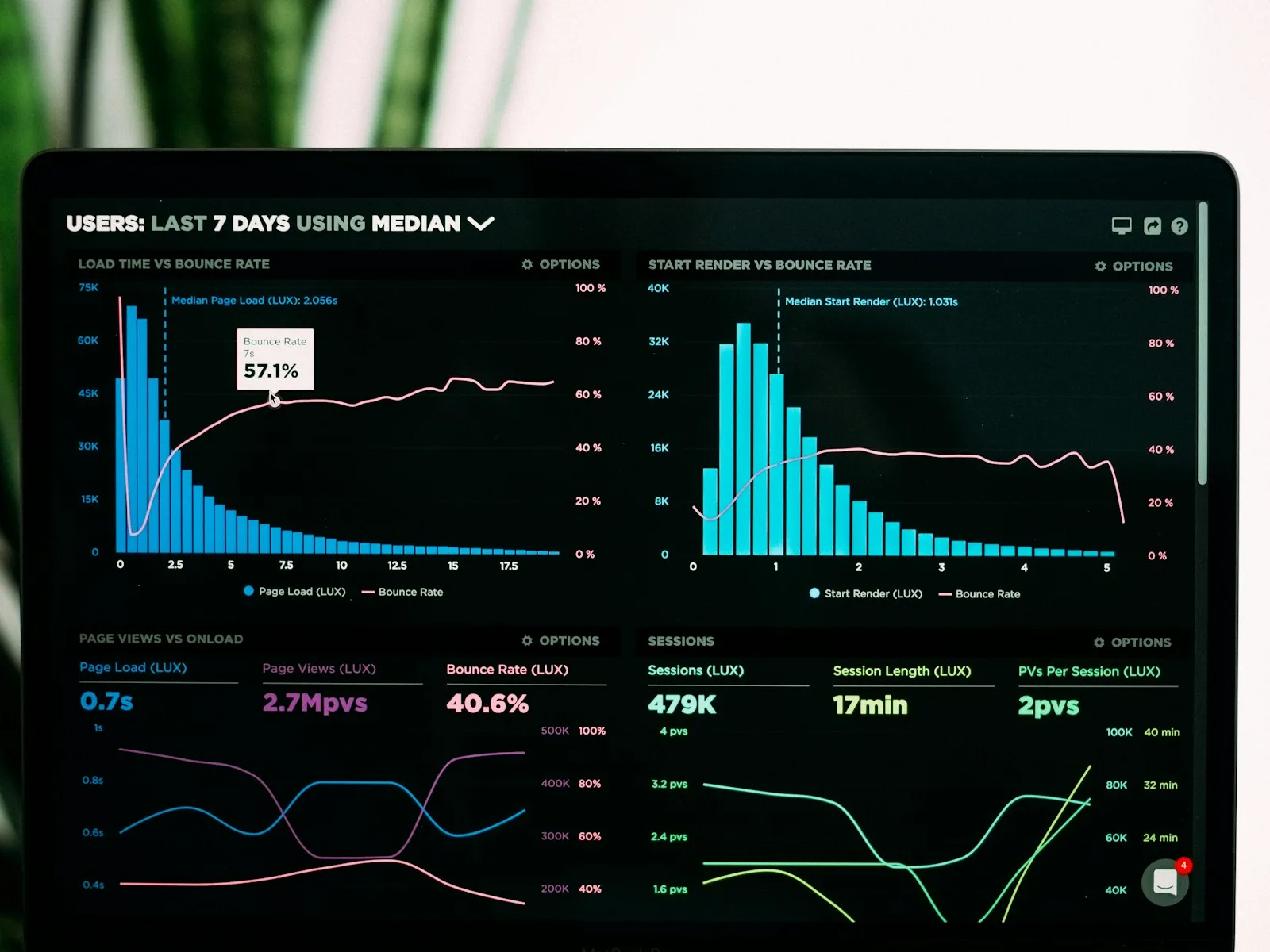
Bildschirm mit Zeitreihen, Verteilungen und weiteren Kennzahlen einer Analytics-Oberfläche.
Analytics & data

Which figures can you use?

Your shop and report show different figures. Before using them to allocate the next budget, establish what each system counts. We review measurement and definitions around your specific question.

Browse services in the shop View a work sample

Which decision depends on this figure?

In a report, 'enquiry' may mean someone clicked Send. To the sales team, it means a contact arrived. A new chart cannot resolve a difference in definitions. We follow selected events from trigger to report and document what they actually count.

Explain differences

Clicking Send and saving an enquiry are different events. Cancellations, time zones and missing consent can also explain differences between reports.

Justify the next step

An unusual figure first raises a question. Together with the affected user journey, it helps identify the next useful investigation or change.

Fictional working example

Two reports, two meanings

In a fictional enquiry portal, the dashboard counts every click on Submit. Fewer enquiries reach the inbox because some forms were incomplete.

The change

The goal event is tied to confirmed storage. Clicks remain a separate step. The report explains which figure represents an enquiry that actually arrived.

How we check

Valid, invalid and repeated form submissions are tested using test data. The reported events must match the saved records.

Hand mit Stift vergleicht Diagramme auf einem Tablet und ausgedruckten Unterlagen.

First the question, then the metric.

A dashboard can show many figures and still leave the main question unanswered.

Deciding whether a form needs improvement requires different information from evaluating a new product group. We begin with the pending decision and a relevant observable event. A submitted enquiry should, for example, be distinguishable from a click on Send.

We then examine the figure's journey: where is the event created, when is it sent and how does it reach the report? Events can be counted twice or missed because of technical errors. Periods, time zones, filters and consent also affect comparability. The data check makes these differences understandable rather than combining unchecked sources into a supposedly exact figure.

Impact analysis
Suitable services

Where should you start?

All services on this topic

Review the measurement

An analytics data check examines the agreed property for measurement gaps and conflicting figures. You receive specific findings about the existing tracking.

A screen displaying time series, distributions and other analytics metrics.
Offer
Analysis

Analytics data check

Which events does your tracking actually count? We check one analytics property for gaps and conflicting figures.

US$799.00Regular catalogue price US$899.00
Total price · one-off
VAT-exempt under section 19 of the German VAT Act
View details
Add to selectionOne of each service per project. No automatic commitment.
SaveCompare

Evaluate a change

A change has been implemented and you want to investigate its effect. The baseline, comparison and simultaneous changes are considered together.

A hand holding a pen and notes beside a large screen showing a blurred spreadsheet.

Analysis needs a comparison.

Enquiries increase after a change. That sounds useful but does not establish the cause. A campaign may have run simultaneously, the offer may have changed or a holiday period may have ended. For impact analysis, we establish which changes happened in parallel and which comparison data exists. Depending on the starting point, we can describe a trend or investigate a narrower question.

Correcting a tracking error often creates a break in the data. Yesterday every click counted; today only saved enquiries count. The curve falls even if customer behaviour has stayed the same. The report needs that change date. A useful comparison then requires a period with a consistent definition.

Read the guide
How we work

Follow a figure back to its source.

  1. Define the metric

    Identify the conflicting report and the decision that depends on it. We record which action should count, such as a saved enquiry.

  2. Trigger the event

    We follow one run through to the report. Invalid entries, repeat submissions and missing analytics consent are tested separately.

  3. Compare the reports

    Periods, filters and counting methods need to align. We document which differences explain the discrepancy and where the cause remains unresolved.

  4. Hand over corrections

    Your team receives findings and verification steps. The report explains which figures are usable and which tracking needs correcting before the next comparison.

For your enquiry

These details make the review specific.

How we work together

A pending decision

State the question the report should answer. For example: is a particular contact journey used, or do two product groups differ? A specific question limits the figures and periods required.

Systems and reports

List the tools and reports that disagree. Describe what each counts. Anonymised examples are sufficient for the enquiry; real customer data does not belong in openly accessible documents.

Changes during the period

Note campaigns, relaunches, new forms and known outages. Changes to consent or event names can also affect a comparison. This information helps explain jumps in a chart.

Frequently asked questions

Clarify before starting.

Should all reports show the same figures?

Only metrics with the same definition and comparison basis can be compared directly. We first clarify the period, collection method and exclusions before treating a difference as an error.

Do I need a new tracking tool?

That depends on the specific gap. An unclear definition or incorrectly triggered event can often be corrected in the existing system. We assess a tool change alongside its additional costs.

Do you automatically report enquiry value as revenue?

An enquiry is not yet a project. Financial evaluation requires actual won projects and their values. These remain separate from interest and enquiry events.

Review tracking or investigate impact?

Do you distrust a figure? Start with the data check. Do you want to evaluate a specific change using understandable tracking? Consider impact analysis. Both benefit from a question tied to a report and a period.

Without earlier tracking, you cannot recreate the state before a rebuild. You can establish a baseline now: define events, check collection and document changes. That provides the basis for the next comparison.

Further reading

Hands arranging design cards and yellow notes on a white table.

First clarify the figure behind your decision.

Browse services in the shop
Ask an expert