

Implementation
UI and trust refresh
A new design for one existing page, on desktop and mobile, with organised content and development notes.
What should the journey look like before development? We design up to five screens or states and connect them into a clickable prototype.
Your enquiry is non-binding. An order is created only when you accept our quotation .
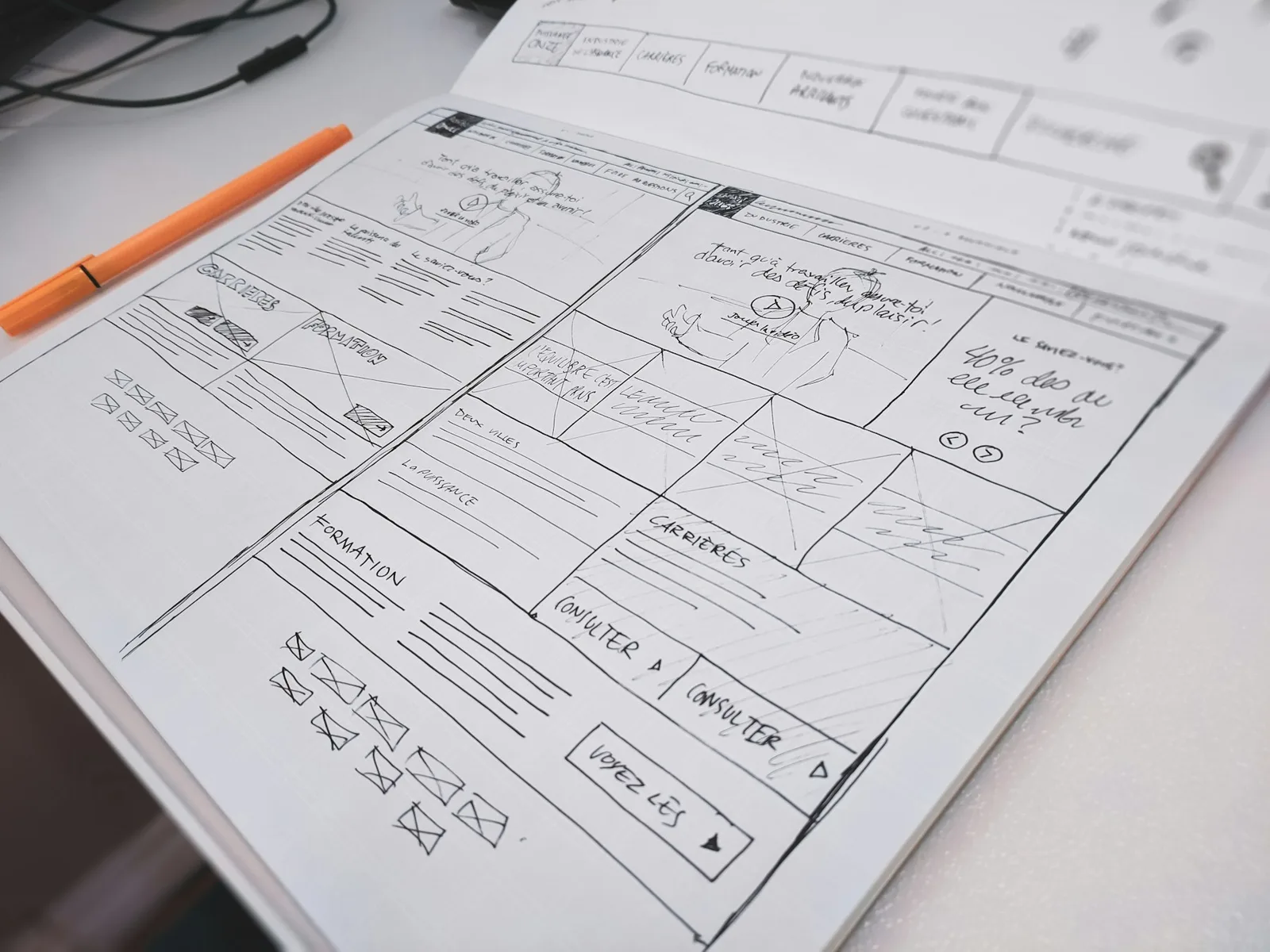
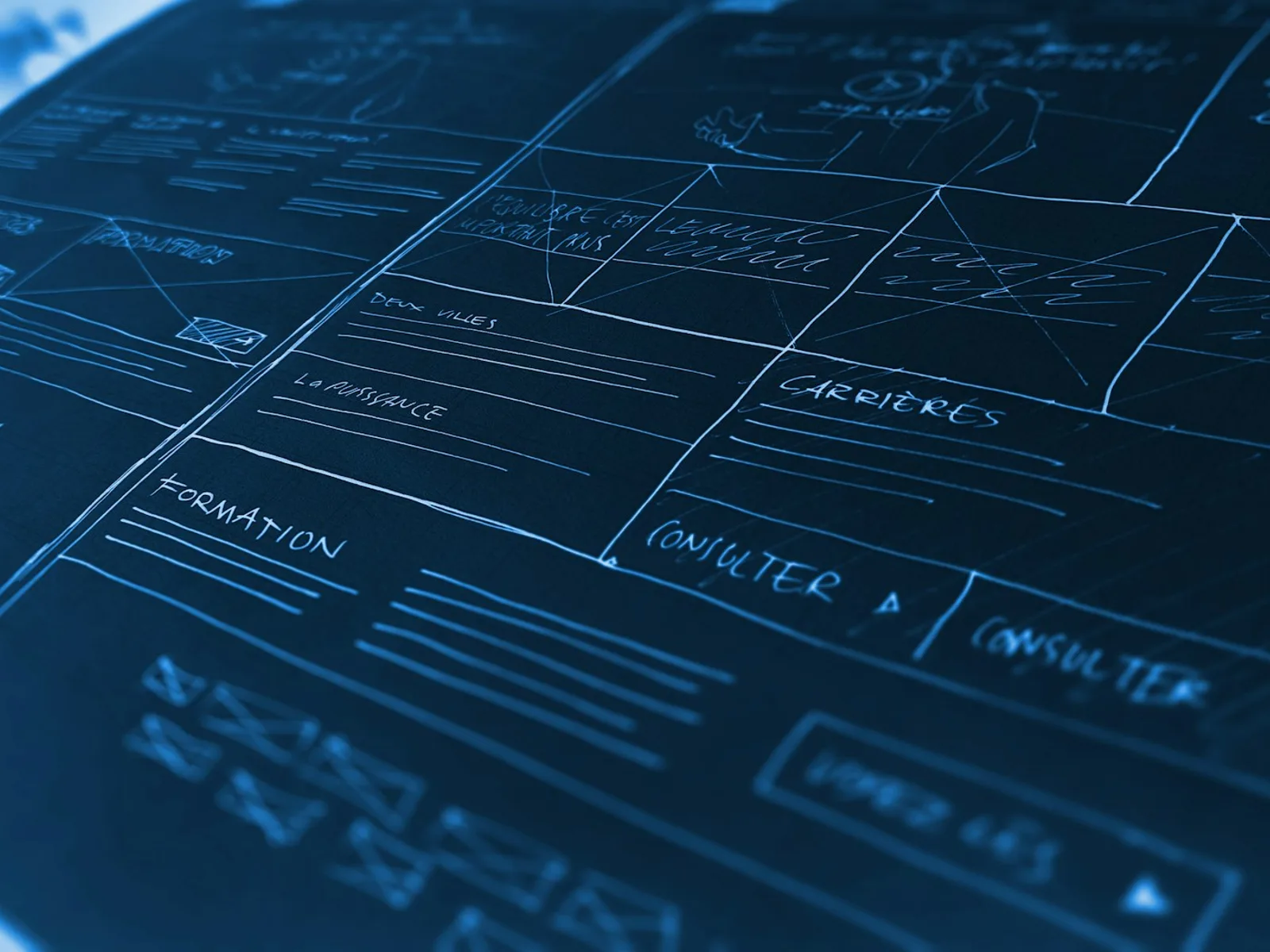

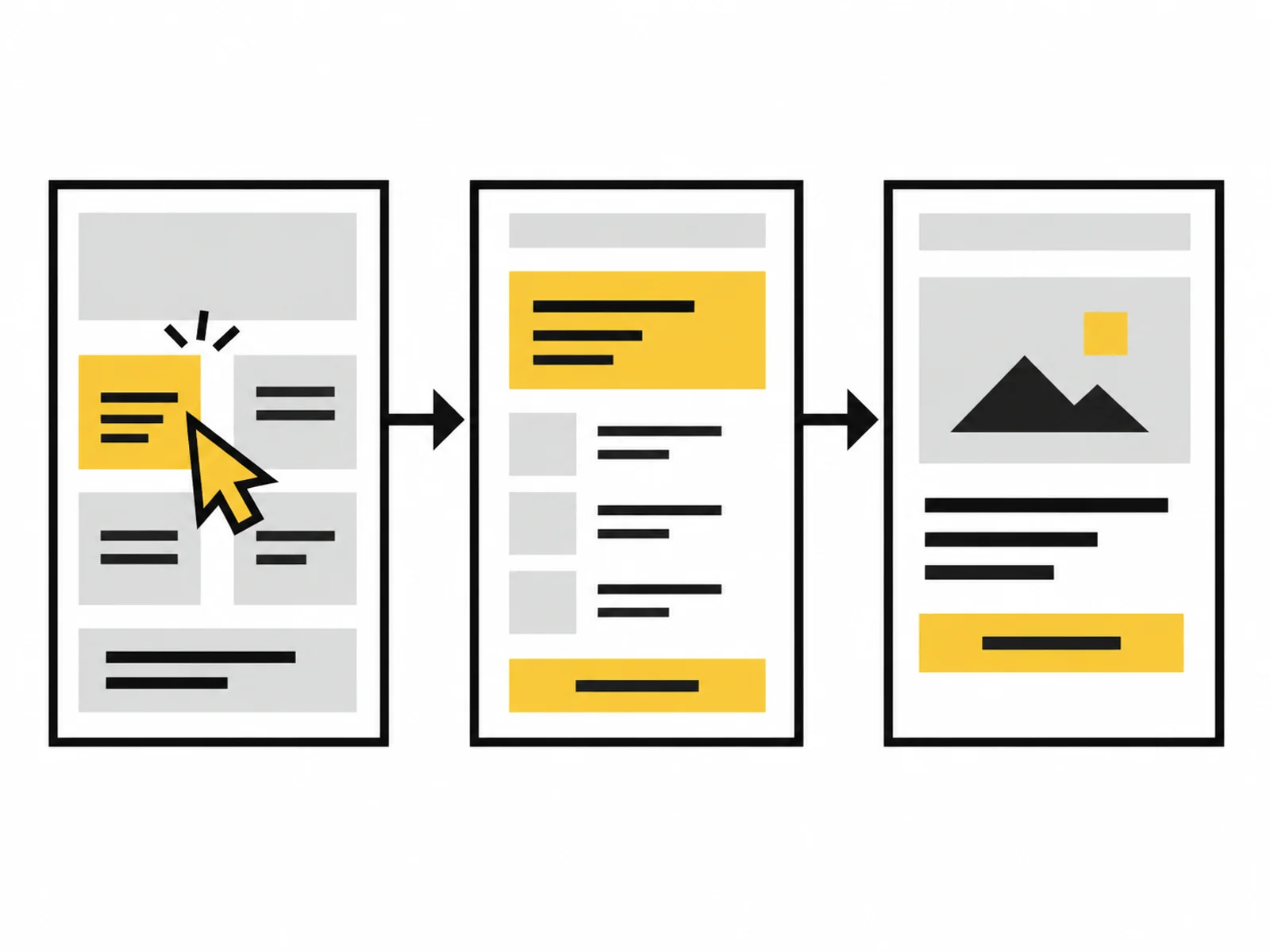
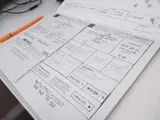


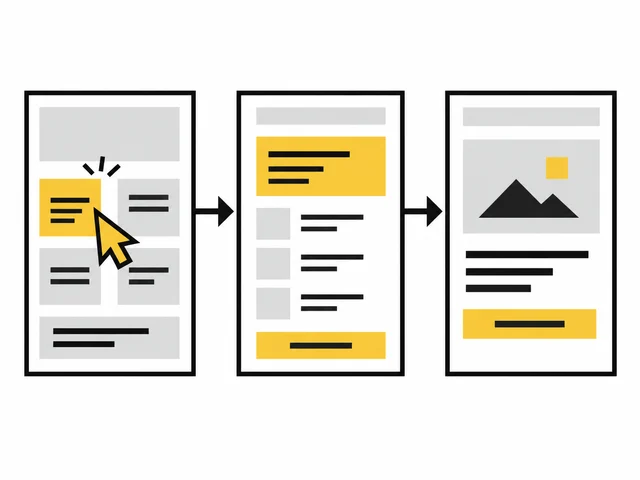
Image 1 of 4
How should someone reschedule an appointment or set up an account? We design the steps and connect the views into a clickable prototype. You can try the flow before it is developed.
The package designs one central user journey with up to five distinct screens or states for one agreed device class. You receive annotated wireframes and a clickable prototype. A wireframe is a simplified representation of structure and content; colours and visual detail are not yet the focus.
A clickable prototype connects views so you can try the flow. We record required content, business rules and open assumptions. Necessary states are selected before starting; these may include an error message.
The prototype does not replace a finished application or contain real business logic. It can help your team coordinate and support a separately commissioned usability test. One consolidated revision round is included. Visual refinement for other device classes, a complete design system and code development are separate tasks.
The team knows the function's intended benefit. Which details are needed first and what follows remain open. The design turns this into a sequence of specific steps.
A form requests information available only in the next step. We reorganise the agreed journey and check which decisions actually depend on each other.
Everyone read the same requirement but imagines a different flow. The clickable prototype shows transitions and feedback so these differences can be discussed before development.
We define one central task and the device class, then select up to five screens or states accordingly. Several independent flows are outside this scope.
We organise the information and decisions needed at each point. Wireframes show this structure; colours and a complete design system are not developed here.
We connect agreed screens or states into a clickable prototype and annotate interactions and open assumptions. One consolidated revision is included. The prototype is not a finished application.

Go through the prototype with a specific task, such as rescheduling an appointment. Check which details you need and how you recognise that a selection was applied. Record open questions directly on the relevant screen.
The UI refresh is related for later visual refinement of one page type. Structure work already delivered is not sold again as new work. If acceptance of the flow is unresolved, a usability test requires a separate investigation scope.
Note the product question you want to clarify and the current state: idea, design or usable application. We discuss this after receiving your enquiry.
For interviews and tests, we agree participant selection and the handling of research data in advance. You do not need personal interview data or confidential project documents for the first contact.
What is included, what do you need and what happens after your enquiry?
The process in detail →No. It shows the intended flow and selected interactions. A database, reliable persistence or other production business logic is not automatically provided. Technical development is a separate step.
The package covers one device class agreed in advance. A desktop flow and a separate mobile design would add scope. We choose the appropriate focus based on the actual usage project.
A usability test is excluded. The clickable design can serve as test material if its tasks and states are suitable. Completing the prototype does not establish confirmed clarity or acceptance.
A wireframe mainly shows structure, information and arrangement. A clickable prototype connects screens or states into an interactive design. Both can vary in detail. What matters is which question they should clarify for the agreed user journey.
The scope includes up to five distinct screens or states of one central journey. An important error or confirmation state may be included. Required states are agreed beforehand rather than counted only by URLs.
The prototype provides a shared foundation and handover notes about assumptions and interactions. Technical details and further states need clarification with implementation. Code development is excluded; a clickable design is not a production-ready application.
The user journey, device class and work window are defined before commissioning.
An existing product goal and prioritised requirements An agreed flow and one selected device class Business rules and required content are described sufficiently Credentials must not be included in the enquiry. Details are agreed only after written commissioning.
One written follow-up round is included. The service scope lists the analyses, designs or technical changes covered by the package. We agree additional work with you before it begins.
Check whether your offer is clear, necessary information is accessible and the form explains the next step.
Read the guide ↗A new design for one existing page, on desktop and mobile, with organised content and development notes.
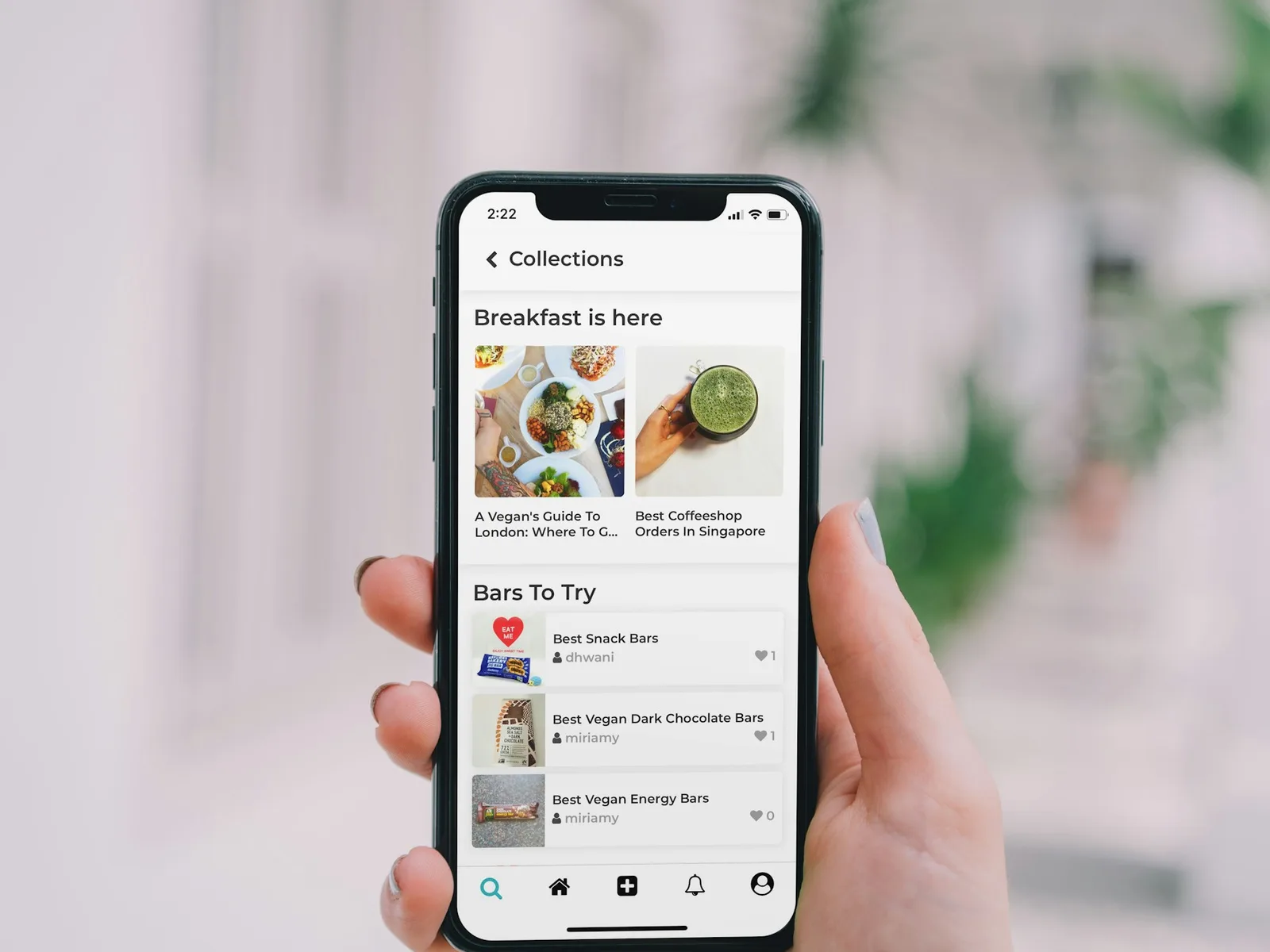
Can five test participants use your product? We observe them completing up to three tasks and record where they need help.