


Implementation
Add an interactive 3D view
Your customers can rotate a product and inspect it on your website, with a preview image and understandable controls.
Customers configure a defined product variant and see their selection on the 3D model, with clear combination rules.
Your enquiry is non-binding. An order is created only when you accept our quotation .



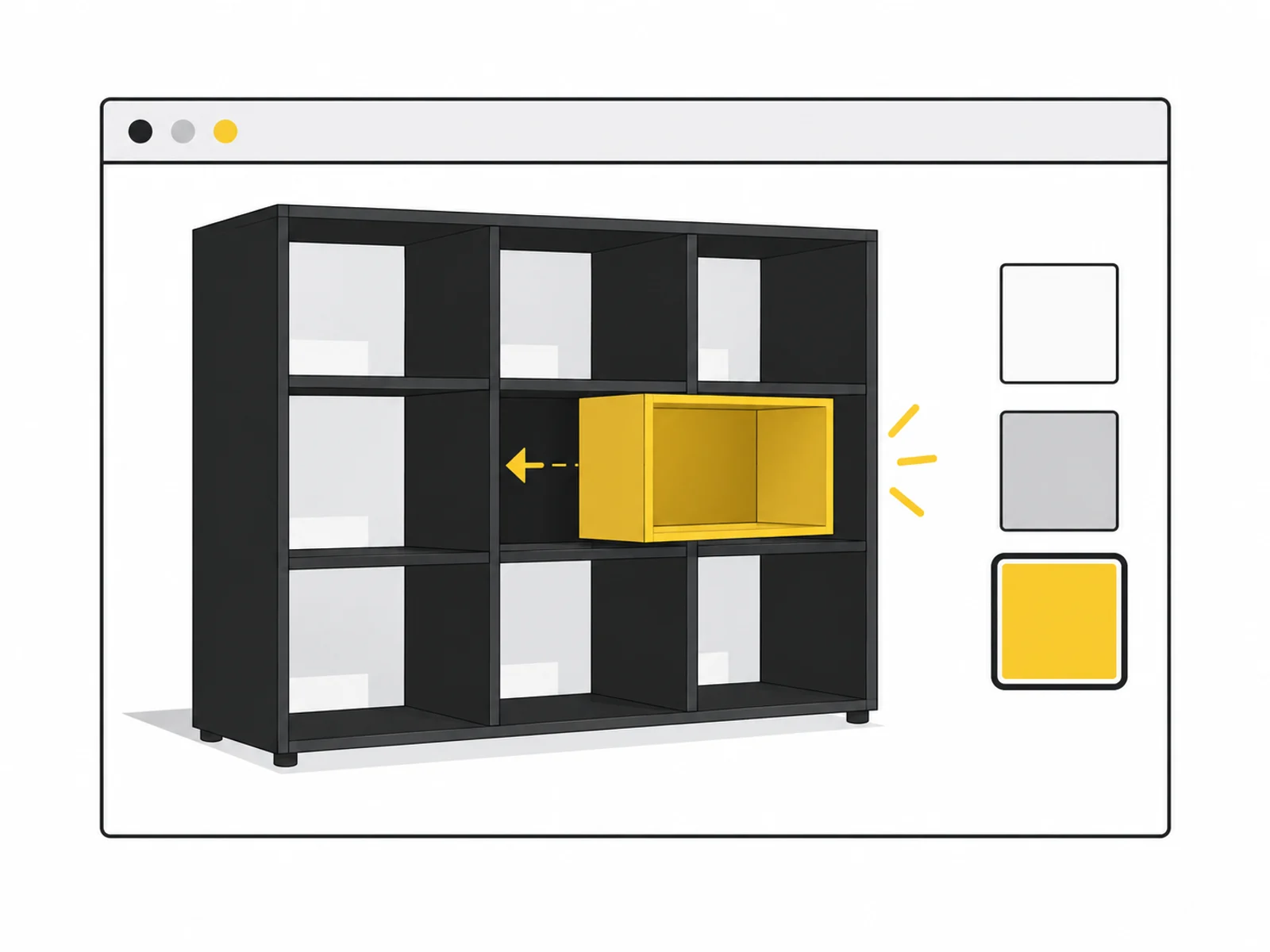



Image 1 of 4
A 3D configurator connects selection fields with a spatial preview. Changing a material or module updates the model. The offer covers one clearly defined product family. Allowed combinations and required models must be established before work starts.
The selection is also provided as a readable summary and passed to an existing enquiry journey. A new pricing calculation or complete shop order is excluded. If you already use a reliable variant and pricing service, its integration is scoped separately.
An attractive model is insufficient if customers can choose an unavailable combination. We first describe options, dependencies and defaults. The interface must explain unavailable options and allow a valid selection.
The 3D preview and text summary derive from the same selection, making the requested variant traceable. Selection fields must remain understandable when 3D is limited. The model illustrates configuration but does not replace technical production review.
Colour and module selection change the view. One shared preview can show differences without building a separate gallery for every combination.
Where options depend on each other, rules must be visible in selection. We need a definitive variant description before starting.
A text summary makes the chosen variant traceable. It passes stable selection values to the existing enquiry journey.
We create a limited option matrix and clarify required model files. We define defaults, invalid combinations and output format.
The interface controls model variants and produces the summary. Restrictions are explained rather than making options disappear without comment.
We test allowed and blocked combinations and transfer of the selection. Documentation describes where later options and rules are maintained.

Scope depends on options and rules, not only visible button counts. Different geometries or interdependent dimensions can substantially change effort.
A configuration is not yet an approved order or manufacturing file. The agreed result is visual selection with a traceable handover to your enquiry process.
Where should the product appear: in an image, a clip or an interactive view? Have existing model files, reference views and measurements ready for discussion.
Name the file type and clarify your usage rights. You do not need to send large files yet. We agree the transfer method after your enquiry.
What is included, what do you need and what happens after your enquiry?
The process in detail →A new pricing engine is excluded. If an existing service supplies authoritative variant prices, its integration can be agreed separately beforehand.
Initial implementation is limited to the described scope. New options may require additional models, rules and tests; extensibility is explained at handover.
No. The package uses existing web-ready models and materials. Missing variants must be created before integration or planned separately.
Agreed selection fields and text summary should remain understandable without 3D display. The concept defines an appropriate static preview.
This package passes it to an existing enquiry journey. An actual order also needs authoritative prices, order validation and suitable integration with your shop system.
We confirm the start and delivery deadline in writing after reviewing your documents. The agreed scope and complete source data determine the schedule.
Web-ready models, variant list and unambiguous rules for allowed combinations An existing enquiry journey and approved mapping of selection values Credentials must not be included in the enquiry. Details are agreed only after written commissioning.
One written follow-up round is included. The service scope lists the analyses, designs or technical changes covered by the package. We agree additional work with you before it begins.
Which versions can actually be supplied? Prepare selection rules and the handover to an enquiry or shop.
Read the guide ↗Your customers can rotate a product and inspect it on your website, with a preview image and understandable controls.
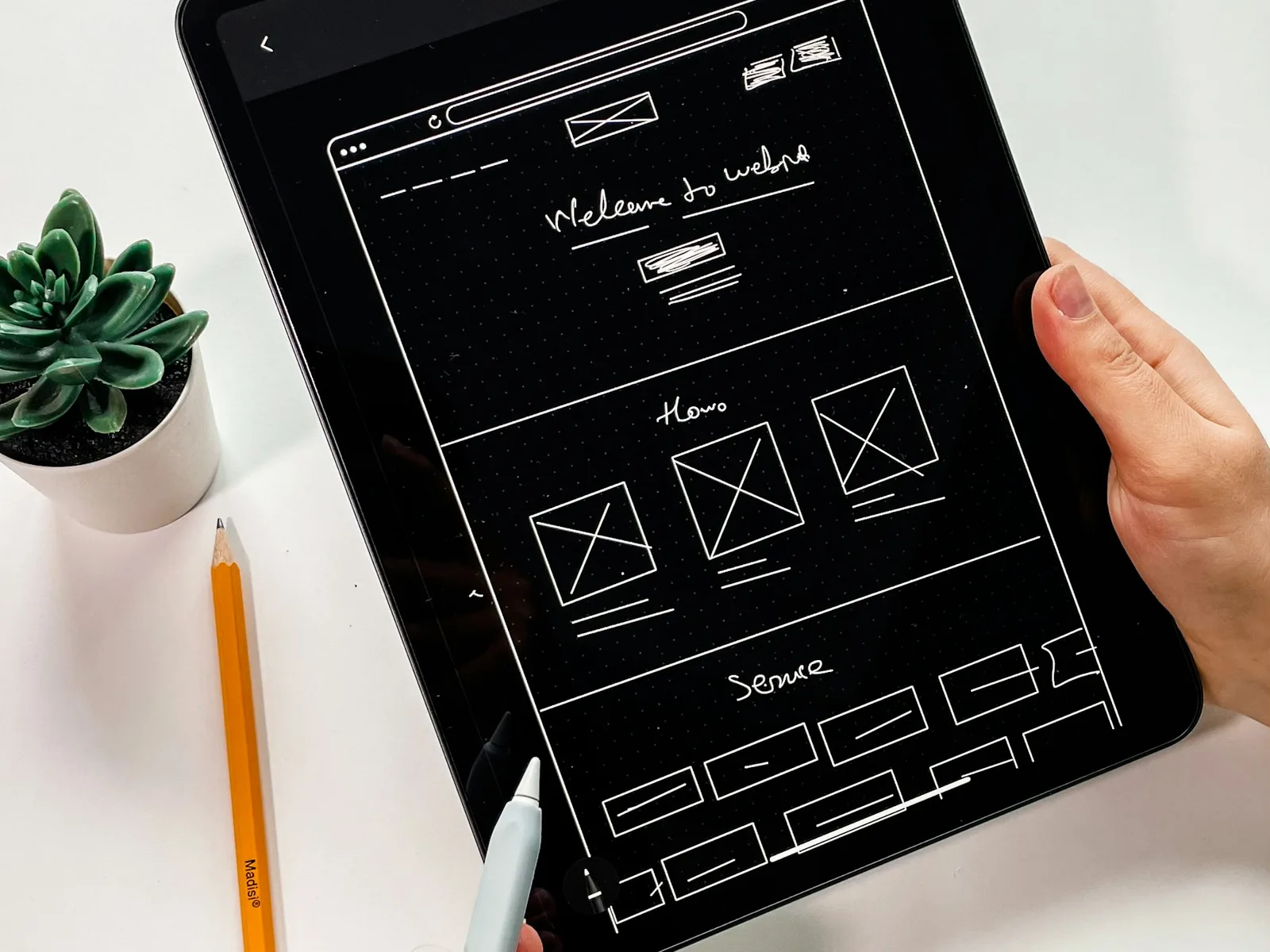
A calculator, service finder or simple configurator makes one clearly described decision usable on your website.