

Analysis
Review an automation opportunity
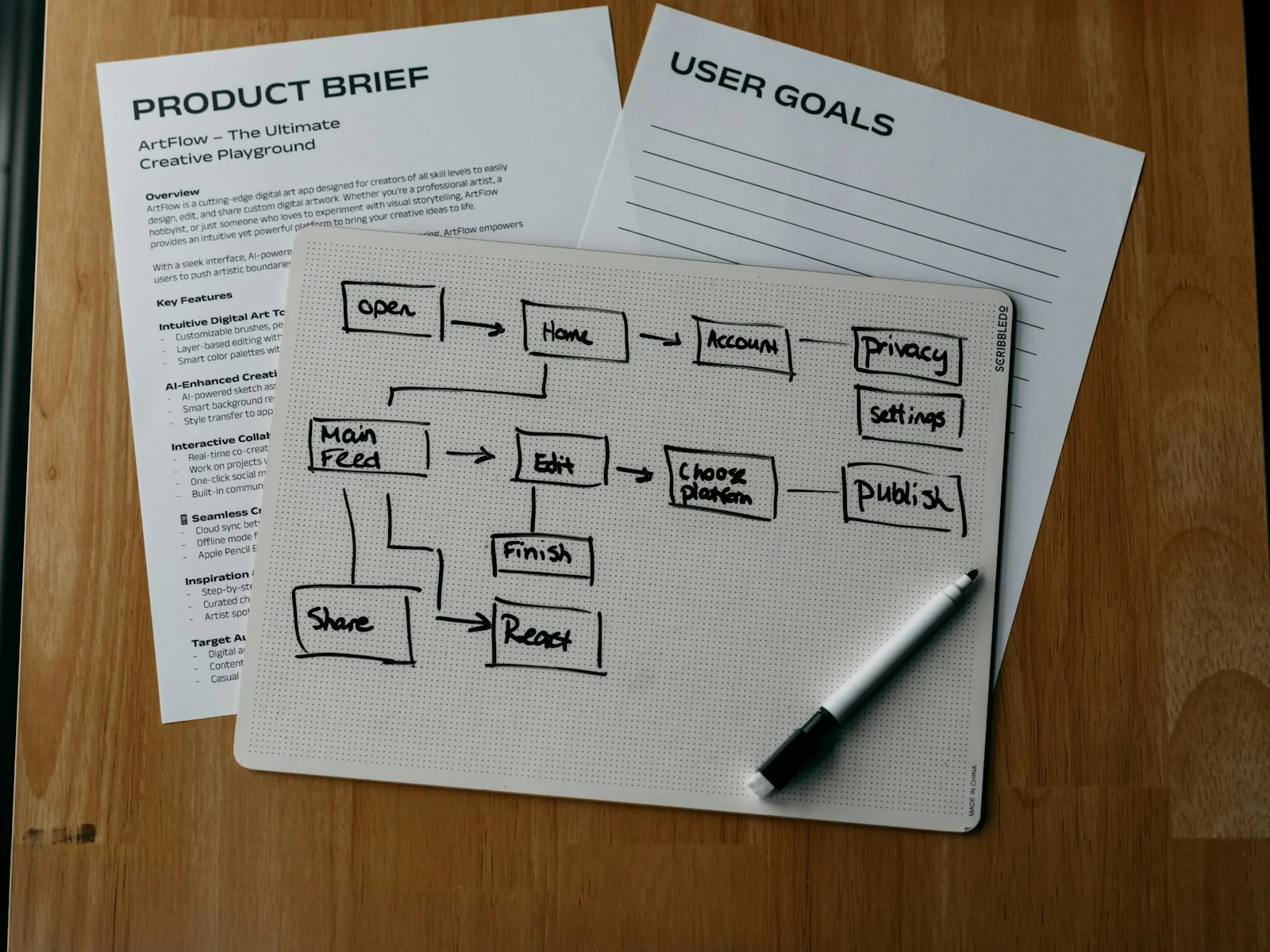
Which manual tasks are worth automating? We examine one workflow involving up to three applications and assess benefits, effort and ongoing costs.
We connect your applications so form entries reach the CRM or documents are assigned automatically. We use n8n, Zapier, Make or a direct API. AI is added when tasks such as interpreting free text call for it.
Find a suitable service All services in the shopWhich manual tasks are worth automating? We examine one workflow involving up to three applications and assess benefits, effort and ongoing costs.

We implement one recurring workflow with n8n, Zapier or Make: up to three applications, one trigger and a clearly defined outcome.
Support one clearly defined task with AI: classify messages, assign information or prepare drafts, with test cases and human approval.
Moving information between applications can create duplicate records or lose details. We define transfer rules and build the connection.
A website enquiry should reach the CRM with the right details. We define when a contact is created or updated and how missing information is handled. AI can classify free text when needed.
Information from an incoming document is transferred into a defined structure. We specify the required fields and add a check before further processing. Unclear values lead to a traceable follow-up question.
Your shop, CRM and internal tool need the same information. We establish which system is authoritative for each field and what happens on retries or outages. Automation should not simply repeat a manual error faster.

AI can classify text and extract document information. An order number can usually be checked with fixed rules. We choose the solution for the task.
Outputs are checked against agreed examples. Professional approval and handling uncertain results belong in the workflow.
AI integration in detailDescribe a normal run: what triggers it, which data arrives and what should exist at the end? Add an example of something that currently goes wrong.
After your enquiry, we discuss the systems, responsibilities and access needed. We agree delivery based on scope and handover. Credentials do not belong in the enquiry form.
How we move into implementationA business copies information from incoming documents into a spreadsheet. Formats vary and important numbers are missing. The workflow should prepare entries and catch uncertainties before transfer.
A process identifier makes documents received more than once recognisable. Retrying therefore does not automatically create a second record.
The required fields are extracted from the document. The original remains available for comparison with the prepared output.
Required fields and known formats are checked. Missing or conflicting details pause the process.
The responsible person resolves open questions. Details are transferred only after approval; failed transfers remain visible for follow-up.

How often does the process occur and which steps take time? Include checking and rework. Setup, ongoing tools and support must be weighed against the reduction in work.
Saved working time first creates spare capacity. Financial savings arise only when expenditure disappears. The calculator lets you consider them separately.
Calculate effort and benefitHave a workflow in mind? Tell us which task you want to simplify and which tools you use.
Ask our specialistsWe clarify the process and choose suitable tools. Depending on the task, we connect systems, add AI and define what happens when a result is unclear. Each service specifies its scope and outcome.
Not necessarily. We check which systems you already use, which actions are available and who will maintain the process. A direct integration may be just as suitable. We consider existing accounts, plans and recurring provider costs when choosing.
That depends on the systems involved and their interfaces. Once access, sample data and the intended process are clear, we agree the delivery date before commissioning.
Yes. If a workflow creates duplicate entries, loses data or fails at an integration, repairing an existing automation is a suitable starting point. We narrow down the fault using the agreed process and reproducible examples.
We agree which steps run automatically and where a person must review or approve. For example, AI can prepare a reply while sending it requires approval. Handling unclear results is part of implementation.

Duplicate records and interrupted transfers belong in planning. The guide shows which rules to agree with your team.
Handle duplicate data and errors