Your backup reports a successful run every morning. That is reassuring in daily operation, but restarting the service requires another answer: can the team use that saved state to reopen the application and continue its important tasks? A database file, a server snapshot and a working website represent different parts of that journey.
A restore rehearsal brings those parts together in a controlled environment. It reveals which data is available, which access is needed and how the application behaves after recovery. The result is a set of instructions that helps the team prepare a practical restart.

Start with what needs to work after an outage
Suppose your team operates a website with an enquiry form, an internal administration area and uploaded documents. Loading the home page is not a sufficient check. Resuming work also requires saved enquiries to appear, the relevant files to open and authorised people to access their records.
Those tasks establish an order for recovery. The administration area may need to return first, while a large collection of images can follow later. This is a business decision: people responding to customer enquiries can usually explain which information they need immediately and which work can tolerate a longer interruption.
The database, files and configuration form the application together
An application might store records in PostgreSQL, images in an upload directory and connections to external services in its configuration. Recovery needs these parts to agree. If a database record points to a file that was not included in the saved data, the record may be only partly usable after restart.
The PostgreSQL backup and restore documentation distinguishes approaches including SQL dumps, file-level backups and continuous archiving. The appropriate method depends on the data and the intended recovery point. For project planning, begin with an inventory: which data lives where, how is it backed up and which application version goes with it?
Server snapshots and database backups serve different purposes
A snapshot can preserve a system state for a particular purpose and help with rebuilding it. A running database still needs an agreed method of producing and restoring a consistent data state. Copying all the files from an active system does not, by itself, describe a complete recovery process.
In PostgreSQL, pg_dump exports one database; global objects such as shared roles require additional consideration. The pg_dump documentation explains this distinction. The rehearsal therefore also checks whether the application finds its expected database roles and access, rather than encountering a permissions error after it starts.

Keep persistent Docker data identifiable
A new container image brings application code back, while changing data often lives in volumes. Recovery therefore needs a clear connection between each service and its storage. The Docker volume documentation explains how that data can be stored independently of a container and restored.
During preparation, we identify which volumes belong to which application and how a suitable saved state is produced. Uploaded files, certificates and necessary configuration also need a clear place in that inventory. Credentials are provided through the agreed protected channel; the recovery instructions record responsibilities and locations rather than secret values.
Use a test environment that cannot trigger real transactions
Prepare the test environment so a restored application cannot send customer messages or transfer real orders into other systems. Outbound connections and background jobs are controlled for this purpose. That makes it possible to check realistic interactions without quietly feeding the restored state back into live business processes.
A selected backup is then restored into a prepared destination. With file-based tools such as restic, a snapshot can be restored into a separate target directory, as explained in the restore documentation. The application rehearsal then brings that data together with its database, file storage and configuration.
Check real tasks with someone who knows the business process
After the technical start, open representative records together. In the example, these would include a saved enquiry, its document and handling the record through an appropriate user role. Someone from the relevant team can often recognise incomplete content or an unexpected assignment faster than an infrastructure check alone.
Use an agreed test dataset that only the people involved in the rehearsal can access. Afterwards, describe the result in understandable terms: which saved state was restored, which functions were used and what did the restart actually require? That keeps the rehearsal meaningful to the team rather than leaving it as a green status in a backup dashboard.
Consider elapsed time separately from the age of the data
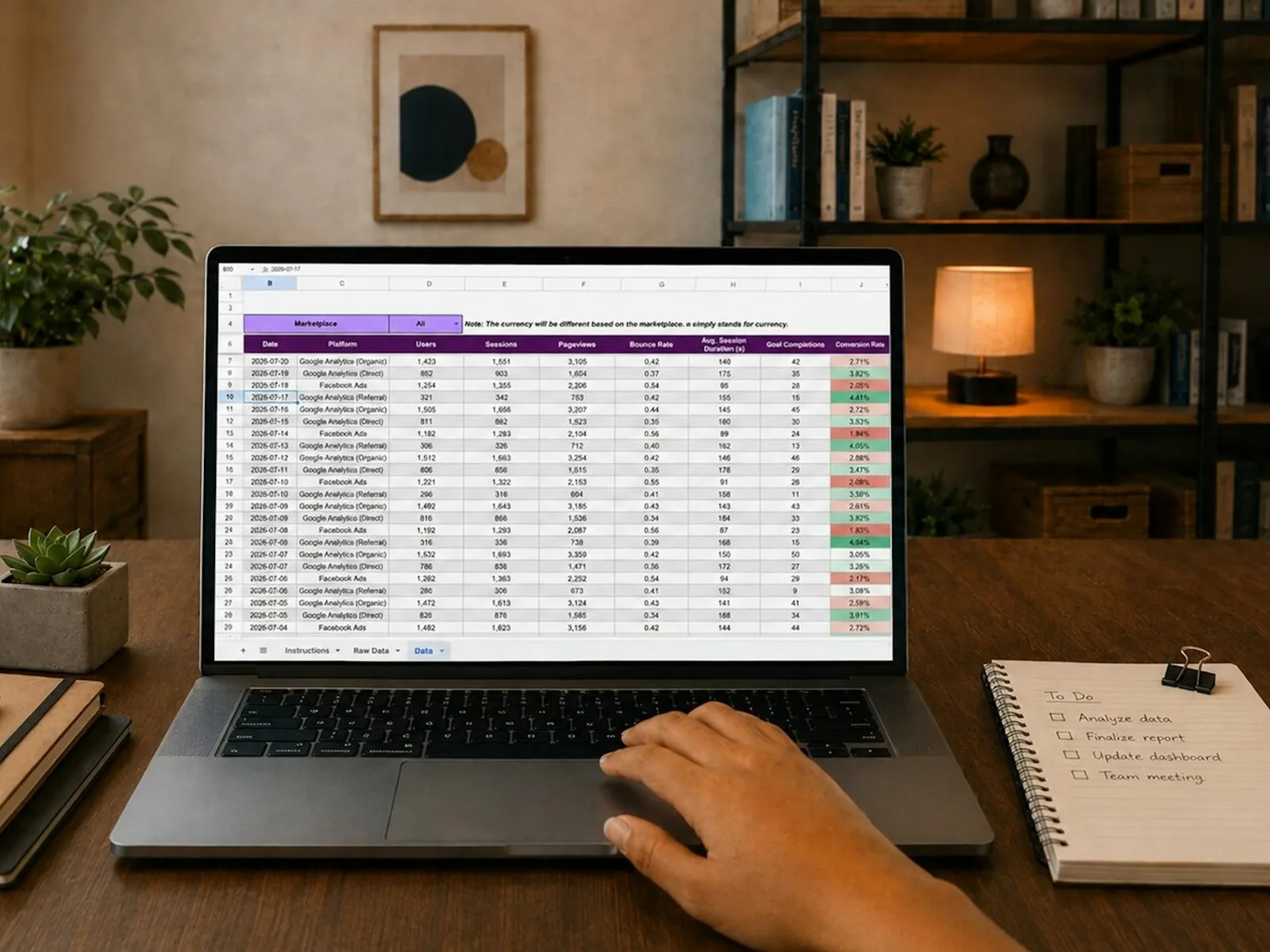
The rehearsal reveals the time needed for provisioning, transfer, startup and business checks. The age of the recovered data is a separate question: a backup taken the previous evening does not contain later changes when it is restored in the morning. Together, these measures help you match backup frequency and recovery arrangements to the work of the business.
RTO and RPO are terms used for these targets. RTO describes the target time to restore the service; RPO describes the targeted maximum data loss expressed as a period of time. For a small team, the plain-language questions matter just as much: how long can we work without the application, and which period of work might need to be entered again?
Turn the rehearsal into a process that can be repeated
Useful recovery instructions identify the saved data, required access, sequence and checks. They also record who carried out the rehearsal and which later changes should trigger another test. A new upload service or a database change can affect recovery even while the daily backup continues to report success.
Our DokuNetz Wirtschaft case study shows how public content and editorial work fit together in an application. In KQs, imported records provide the basis for review and training. These relationships illustrate why usable business records matter during recovery; the case studies describe the respective development work.
For a defined first setup, Set up backup and recovery covers one PostgreSQL database and one persistent file volume belonging to the same application. In an isolated restore test, we check that the application starts and an agreed sample of data is available, then document the procedure. Arad is your contact for system integration and administration; the services in this area let you connect the initial setup with appropriate ongoing support.