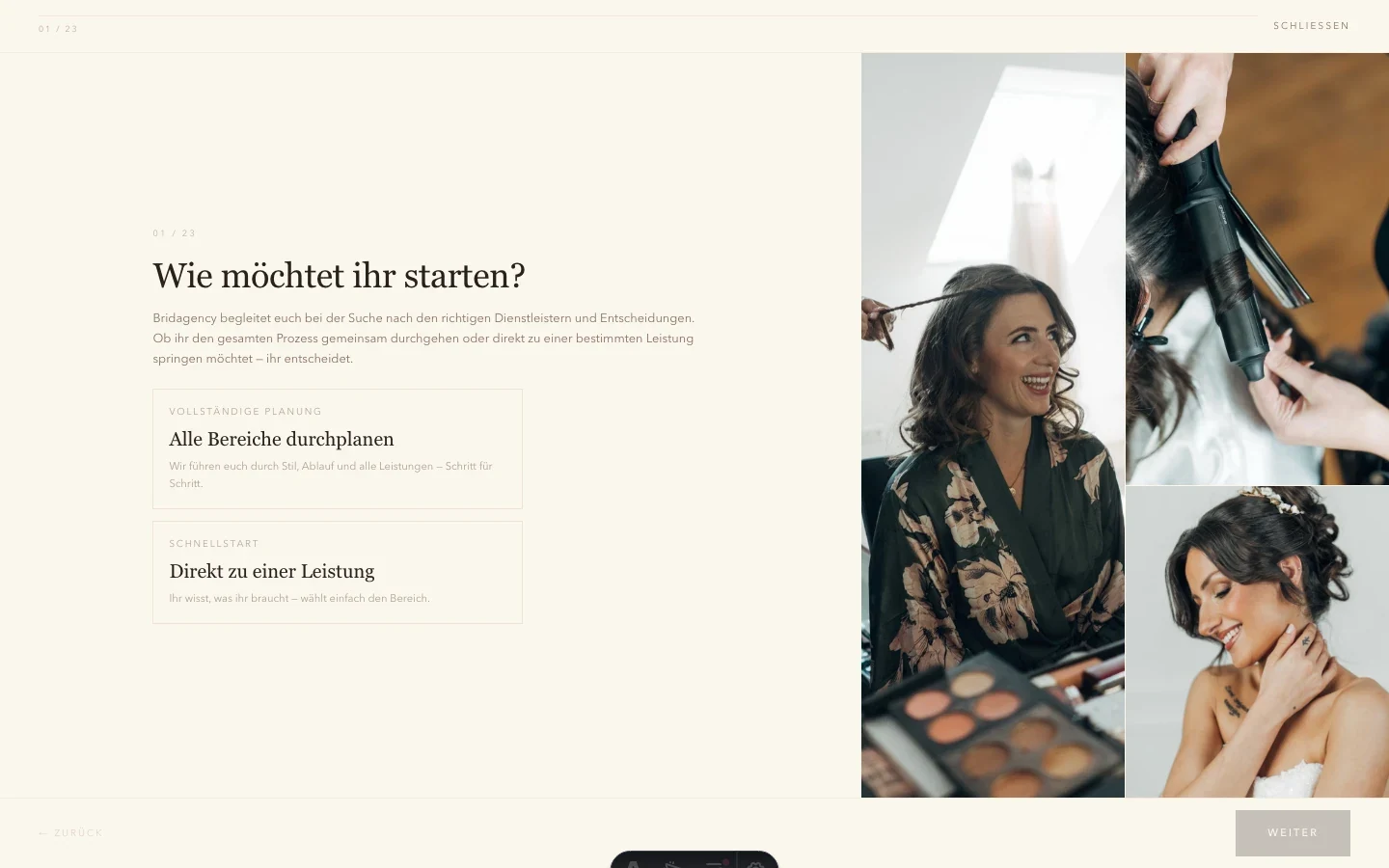
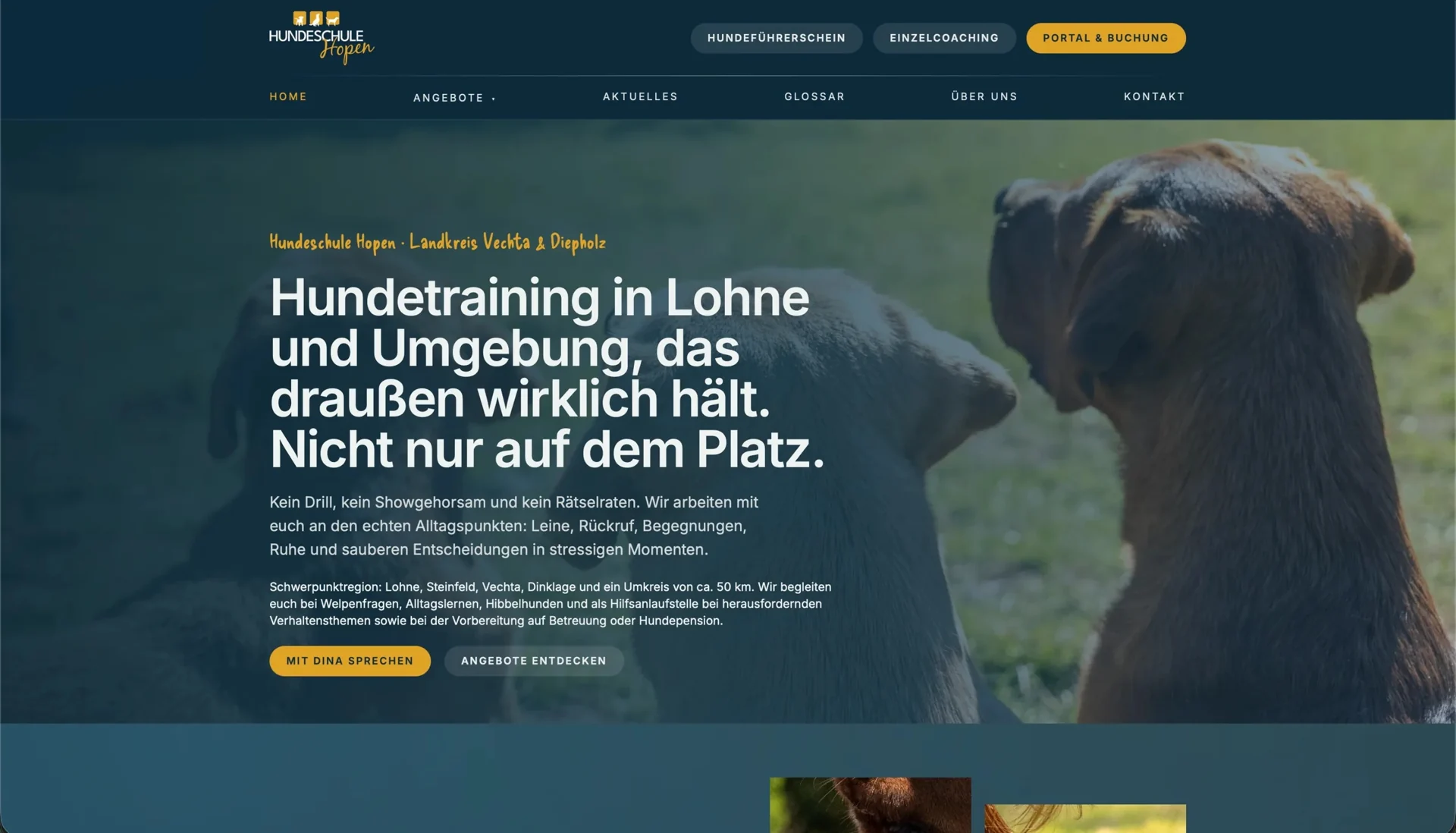
If your team asks the same follow-up question after form enquiries, establish when it needs the missing information. Does the detail help with the first reply or only with work commissioned later? That determines whether it belongs in the initial contact form.
The first handling step gives you a useful reference point. Comparing it with what visitors already know reveals which details they can provide without advice and where they need an explanation or a way to leave an answer open.
Turn the inbox into a working model
You can derive the required fields from typical enquiries collected without personal data. Linking each missing detail to the follow-up question shows which information your team needs for routing and which would simply be interesting to have.
For each proposed field, record its purpose, whether it is required and who uses it. If nobody can identify a concrete use, it should not become mandatory by default.
Check technical identifiers in particular. An exact model number may be needed for a repair but unavailable during an initial discussion. Ask whether a device description will do at that stage. If certain details are needed only for some enquiries, do not require them from everyone.
Ask questions visitors can answer
Use visible labels and explain necessary formats beside the relevant control. The W3C form-instructions guidance covers required and optional information and understandable directions. These belong in the brief, not only in an error after submission.
A selection list needs options that make sense to the enquirer. If internal terminology is unfamiliar, describe the situation instead. Provide a route the team can actually handle for people whose case does not fit the available choices.
For attachments, clarify purpose and limits. Which file does the team genuinely need? Which formats can it process, and what happens if an upload is too large? Do not request sensitive documents routinely through a general first-contact form. The transfer route needs to fit the task.
Handover is part of the form
The brief also needs to say where the enquiry exists after successful processing and who responds. An email notification can point to a stored record; it does not have to be the record itself. That distinction helps you determine whether an enquiry was saved despite a delivery failure and who handles the fault.
Feedback to the sender should explain the actual state. “Enquiry received” differs from a confirmed appointment. State a response time only if the business can reliably meet it.
Check repeated submissions and errors
If unclear feedback makes someone submit again, the team may receive the same enquiry more than once. Your brief therefore needs to explain which input survives a failure and how related enquiries are identified. These requirements determine the technical approach; disabling a button alone resolves neither the failure nor later handling.
Check a complete case
A complete run with identified test data shows whether the journey from the relevant offer through to team handling fits together. Incomplete input also reveals how the failure case works. Asking someone afterwards what happens next and whether a booking has already been made shows whether they understood the feedback.
Record the checked case with its field list, feedback and handling responsibility. Use it as the brief when enquiring about forms and booking flows. If the difficulty is choosing the right offer, an enquiry review looks at the journey before the form.