The class page has done its job: someone understands the offer and wants to book a place. After following the link, they arrive on another website, search for the class again and wonder whether they are still dealing with the same provider. At this transition, a decision they have already made turns back into an open-ended search.
An external booking portal is therefore part of your website’s conversion journey, even when another system operates it. The experience needs to explain the handover, carry the visitor’s intention forward and provide a clear outcome. At Hundeschule Hopen and the learning product medienkundig, our work connects public information with the application in which the activity continues.
Carry the website decision through to the portal
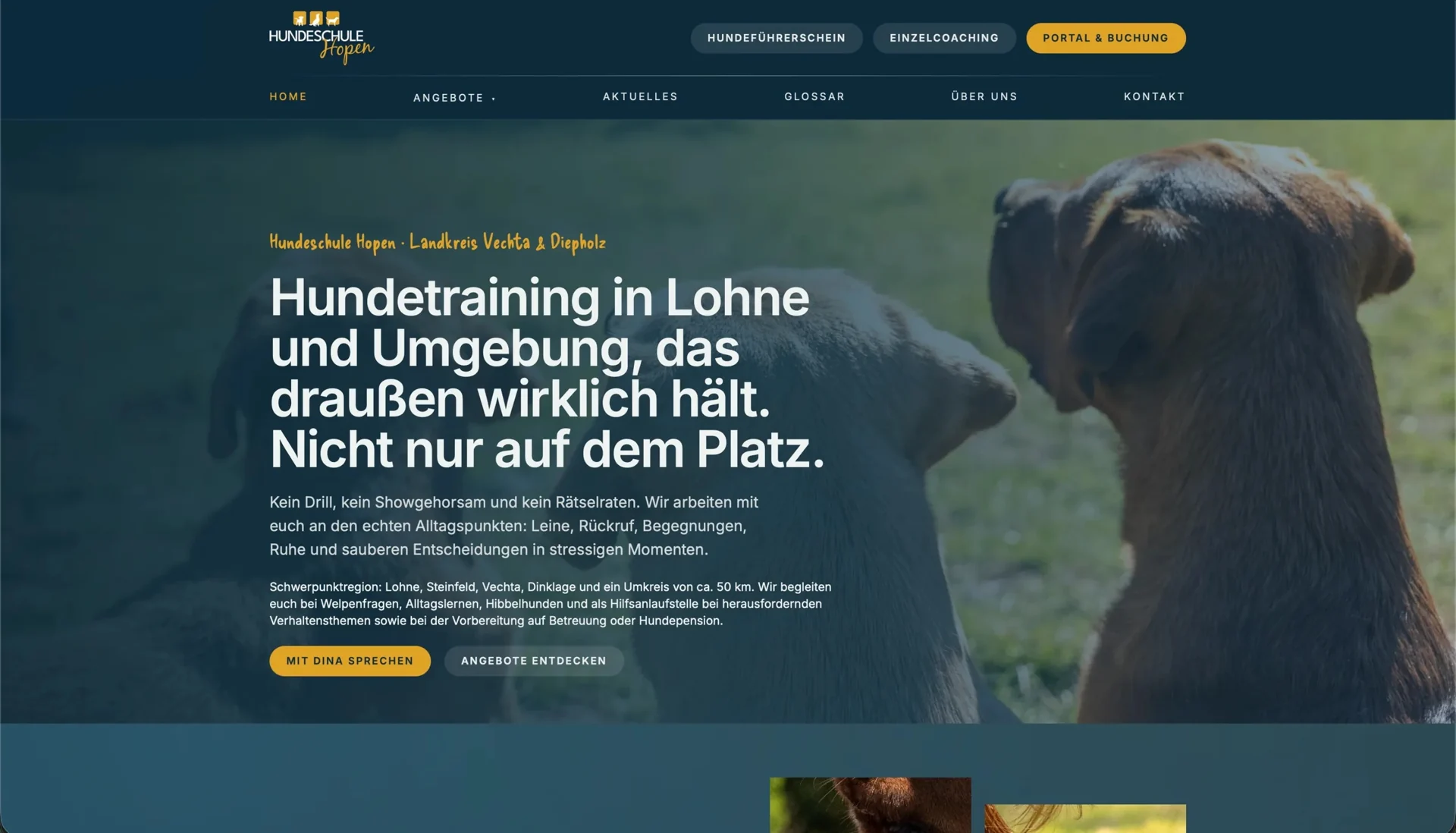
At Hundeschule Hopen, public pages explain training through dog owners’ concerns, supported by original photography and a glossary of unfamiliar terms. While visitors explore the offer there, the connected portal handles accounts and appointments, giving orientation and personal administration recognisable places within the journey.
The appropriate portal entrance depends on what visitors have already decided before making the transition. A destination should pick up a class they have selected, whereas someone still choosing a date needs a useful overview first. Reviewing those starting situations helps you give each link a relevant destination rather than directing everyone to the same general entrance.
Our article on websites for dog-training providers explains which information helps on the class page itself. The subsequent portal transition needs to make that preparation useful: the class, the visitor’s intention and the expected next action should remain connected.
Explain the handover in the language of the service
Visitors may not recognise the address of a booking system. Useful link text therefore describes the activity that continues there rather than presenting only the platform’s technical name. “See dates for the adolescent-dog class” describes a different step from “Manage your bookings”. A short explanation beside the link can establish that date selection takes place in the school’s booking portal.
The W3C guidance on link purpose explains why people need to understand a link’s destination through its text and context. That context is particularly useful during a portal handover: the link continues the task in another area rather than completing it.
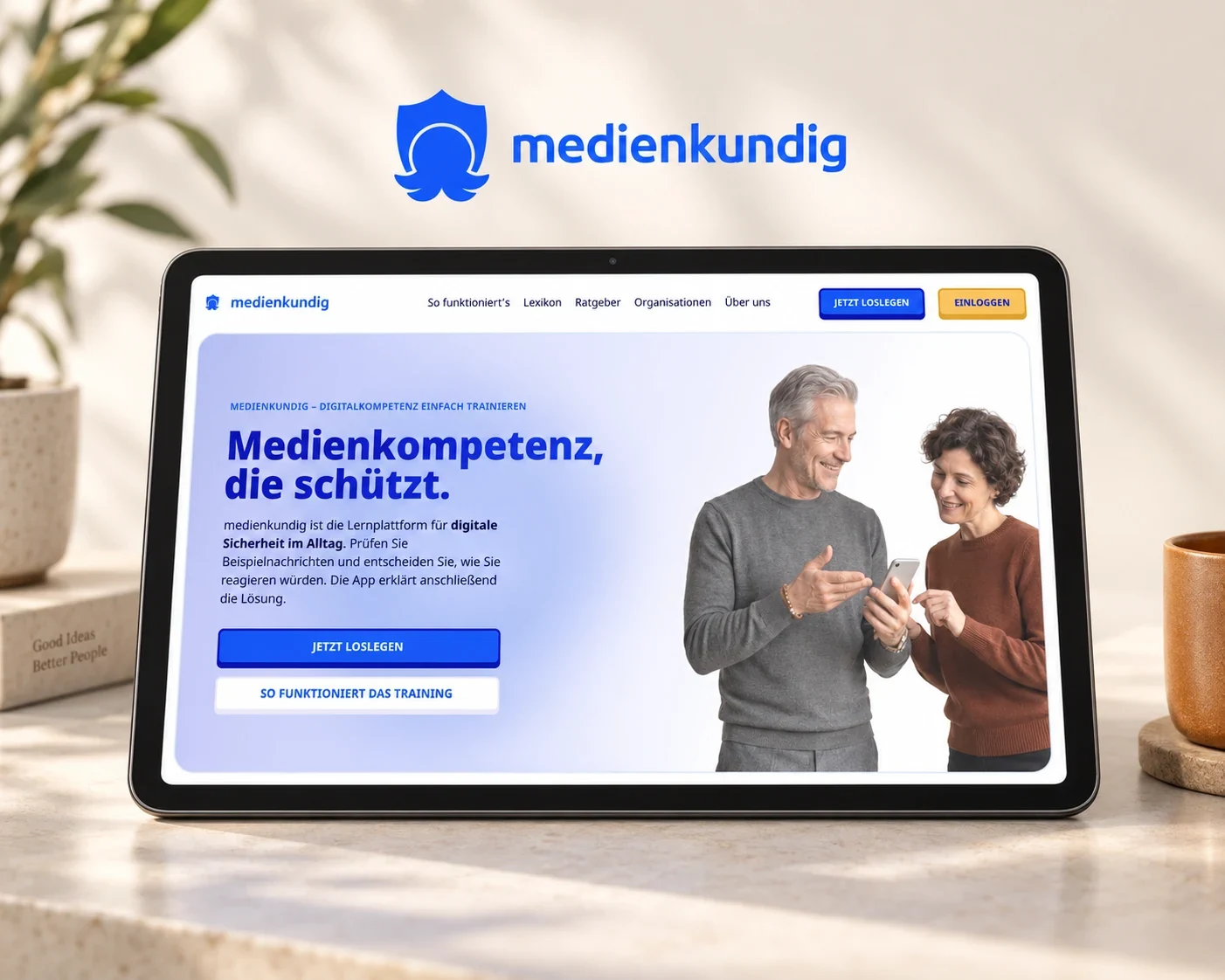
At medienkundig, the website likewise leads from an explanation of the training into a specific task in the learning app. Content, labels and recognisable design need to carry this connection together so that people recognise the promised exercise after the transition and understand how to begin.
Connect the destination with a specific selection
A portal homepage can be the right destination when selection genuinely starts there. If visitors have already chosen a class on the website, a suitable direct entry is usually more focused. Check with the system operator which class and appointment destinations can be linked reliably and what happens when those records change.
Suppose a seminar runs repeatedly: its link should still lead to a maintained class area or a current date after one session has ended. The team needs a dependable relationship between the offer described on the website and its portal destination, so updating the website includes the next round of dates and visitors continue to reach a relevant selection.
The individual link shows how closely design and implementation work together: its label needs to announce the destination clearly, while the class address must lead to that destination. During implementation, we therefore describe the starting point, the target state and the information that connects them.
Support interruptions and the way back
Someone checking a date or rereading the requirements leaves the direct booking journey and then needs to return to their selection. The flow should make clear which class and details still apply when they come back. On a phone, avoiding unnecessary new windows helps keep this sequence understandable.
GOV.UK’s guidance on links recommends using new tabs sparingly and announcing a necessary change of window. For your portal, a practical check on a real mobile device is useful: move from the class page to selection, open an explanation and then return. This reveals whether the connection holds beyond the uninterrupted success path.
Recognisable provider names, contacts and service descriptions help people identify the organisation even within a differently designed portal. The booking task can then remain understandable without the portal needing to look like a copy of the website.
Make the final message reflect the actual booking state
While preparing the integration, establish whether the portal submits an enquiry, reserves a place or confirms a class booking. The message after the final step should reflect that outcome and explain how people can find their enquiry or booking again later.
For a class that requires personal allocation, an enquiry may be followed by confirmation from the team. The message should lead naturally to that next contact rather than ending the journey with a vague “Done”. Where the system supports an immediate binding booking, the confirmation needs to reflect the successful booking and the actual conditions offered.
At medienkundig, the transition into the learning app has a different outcome: a completed exercise leads to an explanation, and personal progress can be saved. In both projects, the useful response follows from the service itself rather than from a standard success screen.
Review the journey from the link to the relevant outcome
With the growth in organic reach of Hopen’s website, the onward journey from a discovered training offer to date selection becomes increasingly important. When improving a journey of this kind, distinguish website visits, portal transitions and booking outcomes, because a link click initially shows an intention to continue, while the enquiry or booking is completed in the system that follows.
Our article on analytics across a domain change explains the technical side of that transition. Usability testing adds practical evidence: can participants find the right class, understand the handover and identify the status of their enquiry or booking afterwards?
When the offer is clear but the portal journey breaks apart, we look at both areas together. In our work on forms and booking journeys, we align the required states, content and technical transitions. The decision made on your website then has a coherent continuation into the system that manages the appointment.