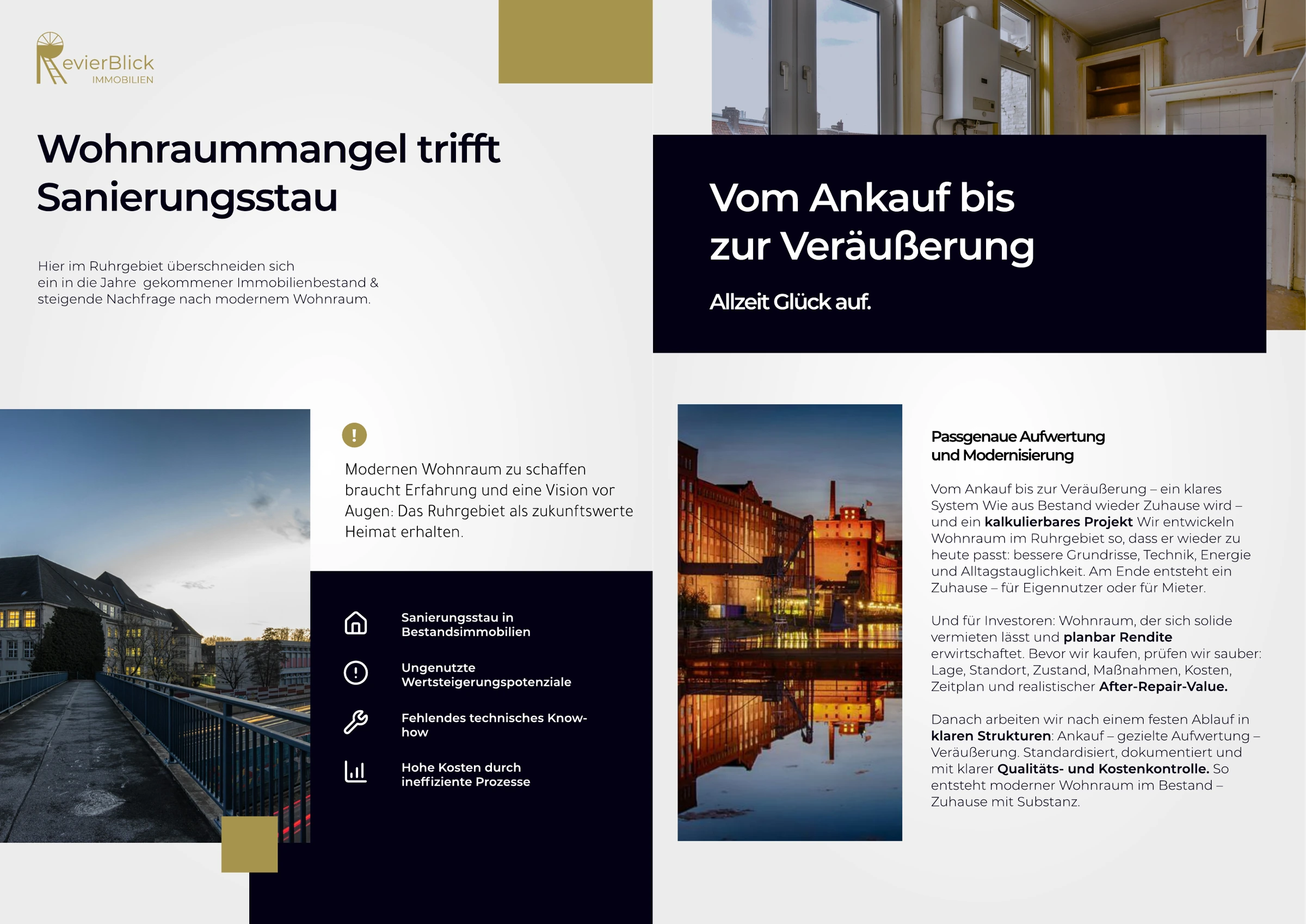
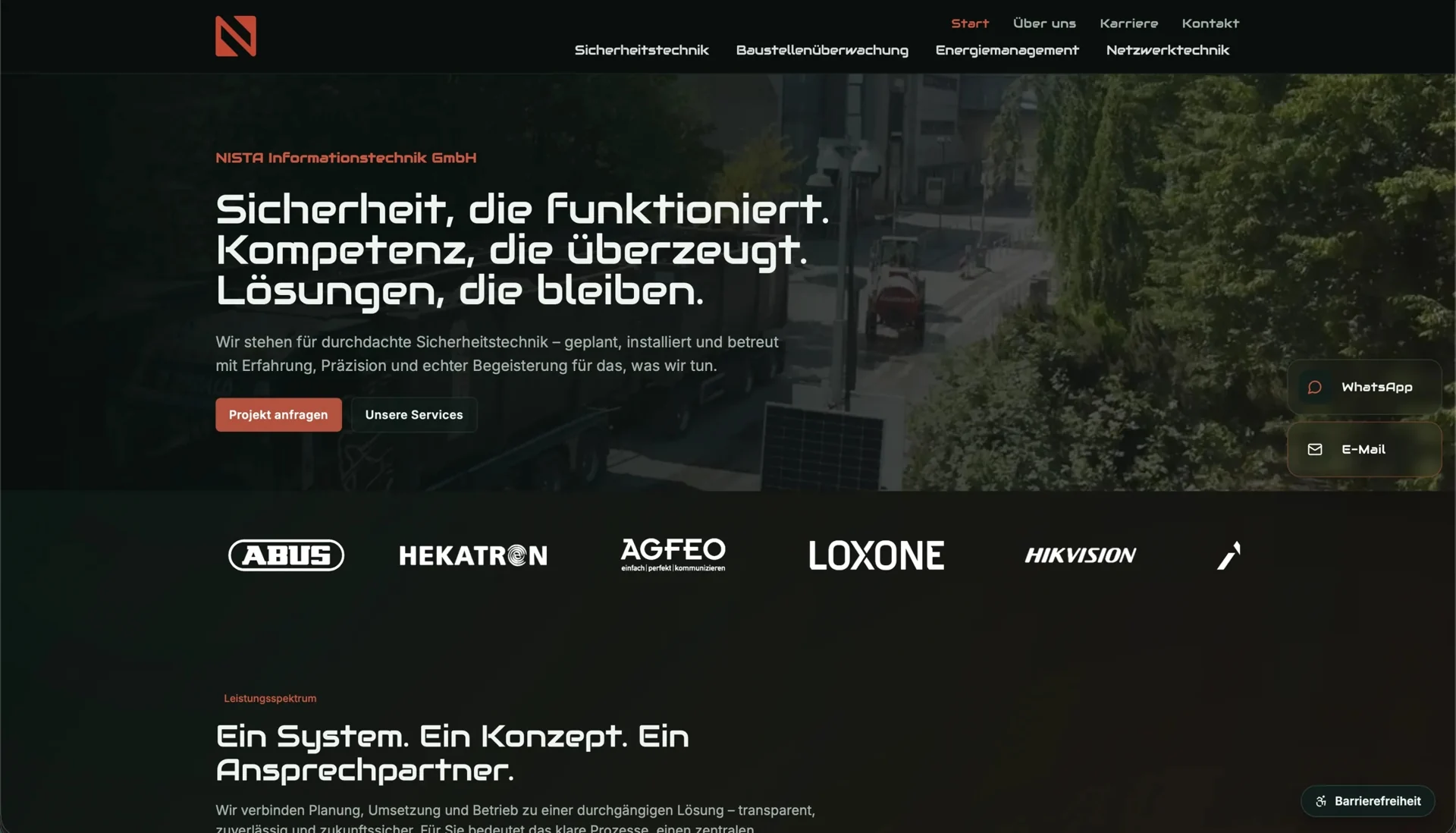
The pages you are planning give you a useful way to decide which website photographs you need. An image may explain an activity, make a person recognisable or help someone judge a product’s size. Knowing that purpose before the shoot lets the photographer choose a suitable subject and view.
Derive the subject from an unanswered question
You can begin with a question an important page leaves unanswered. For a workshop service, that might be what the work looks like; a team profile needs to make the person recognisable. For a product, a meaningful size reference may matter more than another detail shot.
Describe what must remain visible. “Person on the left, work area behind them” is more specific than “authentic”. For an explanatory image, tools, actions and outcomes should match. Do not stage a service the business does not offer.
For each subject, record the intended page, what the photograph needs to explain, the people or objects that must be visible and the required crops. Prepare neutral documents if paperwork will appear in the image. Keep real customer data out of the photograph.
Plan the eventual use
The subject also has to fit its eventual space: a wide hero image needs a different crop from a small square card. The intended spaces or a simple sketch let you show where text sits and which areas may disappear on narrow screens. The photographer can then see what needs to remain in the image.
Enough space around the subject gives you room to crop later. Trying a crop for the planned formats before photographing the whole series shows whether that room is sufficient. You can still change the composition at the shoot rather than try to replace missing parts afterwards.
Do not place essential information only as text inside a photograph. Opening hours and service names need editable page text. Embedded wording also adds work when other language versions are required.
Prepare descriptions and supporting content
The W3C decision tree for text alternatives relates the description to an image’s function in context. What matters is the meaning it contributes to that particular page.
Keeping that meaning in the brief lets you trace what the photograph was intended to explain later; a filename such as “Team_final_3” tells you little about it. Because the same image can be informative in one place and decorative in another, its technical description is decided for the specific use.
Store files with their supporting records
Establish who supplies the files, which editing is agreed and which uses are documented. Resolve necessary permissions for people and third-party locations through the responsible party. A file being in the company folder does not automatically settle those questions.
A shared image inventory recording the intended page, subject and version helps you reuse the photographs later. If originals remain distinguishable from web versions, a relaunch need not involve guessing what an image was meant to explain or which file can be edited further.
The visual identity and brand review helps assess existing images. If you are also redesigning the site, connect the photography brief to the necessary pages through business web design.