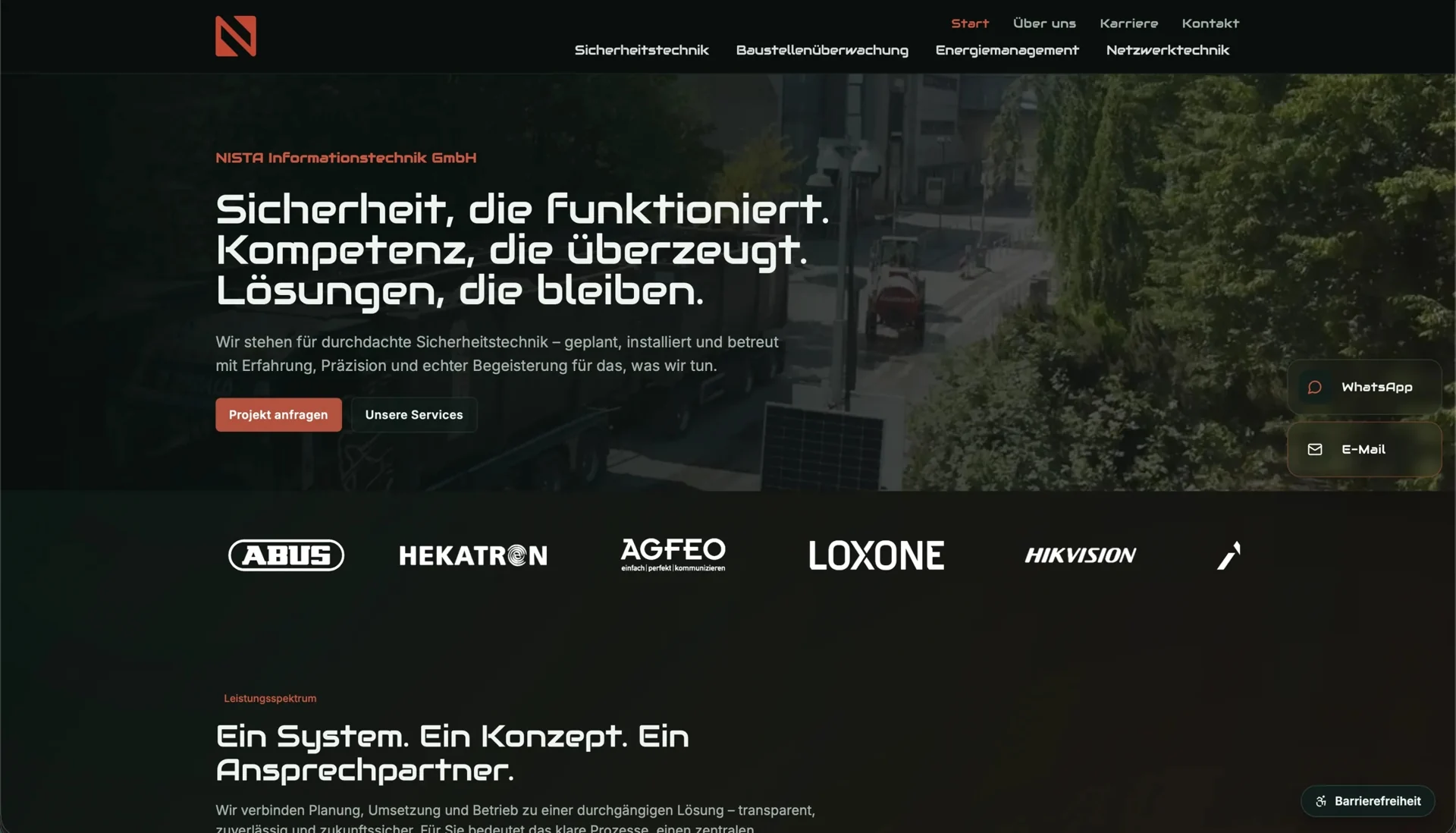
If you initially fill a design with “Our solution for your success”, a short paragraph and a button, you do not yet know how much space the actual explanation needs. That area may later have to explain which documents a consultation requires and when a site visit is necessary. If the space is insufficient or the button no longer describes the next action, the section needs redesigning.
A complete draft for each important template lets you make those decisions earlier. It shows how offers differ, which details belong together and how much room the real content takes, while the wording can still be polished later.
Start with one service page
A frequently requested service is a useful starting point because you will often know the questions from conversations: what problem do you address, what does the customer receive, what prerequisites apply and what happens at first contact? Those answers give the first draft its substance.
Record which statements still need checking. An unconfirmed price or preferred delivery time should not appear to be a promise in the design. Mark open points in the working document and name the person responsible.
Compare the drafts for similar services side by side. If one describes advice using existing documents and the other describes on-site measurement, the page needs to expose that difference. Two matching promotional sentences would hide it.
Write content and interaction together
A button needs to describe the next action. “Request a measurement” works only if that is what follows. If the link leads to a general assessment, its wording should make that clear.
Write the short feedback messages too. What does someone learn after submitting? Has a date been requested or confirmed? These messages belong to the flow and should be agreed before development.
The W3C guidance on writing for the web recommends meaningful headings and link text. Use that to review the draft: can someone recognise the sections and next step without reading every sentence?
Give each item a source
Editors need a source for prices, service details and contacts that they can return to when a correction becomes necessary. You can record a current service document or the responsible specialist, so a well-written draft does not accidentally turn an unconfirmed detail into a firm statement.
A working list can record each page’s draft text, unresolved facts, image requirements and approval status. Check the facts separately from copy editing. A well-written sentence may still be wrong.
Realistic text lengths reveal whether the design accommodates different content. Repetition or material that does not help the decision can be cut; a necessary prerequisite does not become redundant simply because removing it would make a card more symmetrical.
Once a representative service page is understandable, apply the structure to other offers. Check whether they need the same questions or different information. A rigid template should not force every service into the same paragraph.
For a UI and trust refresh, connect the draft to the existing page: which information is missing, and where is it needed? In a broader web design commission, the same draft becomes a trial for the new templates.