A customer orders through the store, the sales team works in the CRM and order processing needs the same information in another system. While people copy addresses, line items and statuses by hand, the connection between those applications can seem straightforward. Automating the workflow brings the underlying decisions into focus: which address takes precedence, who can change a status and how does the team know that a complete order has arrived?
A useful system integration answers those questions through a specific business process. That gives you a way to define the technical work and explain its value: the information reaches the place where it is needed, and your team can continue working from a shared record.
Start with the order someone needs to work on
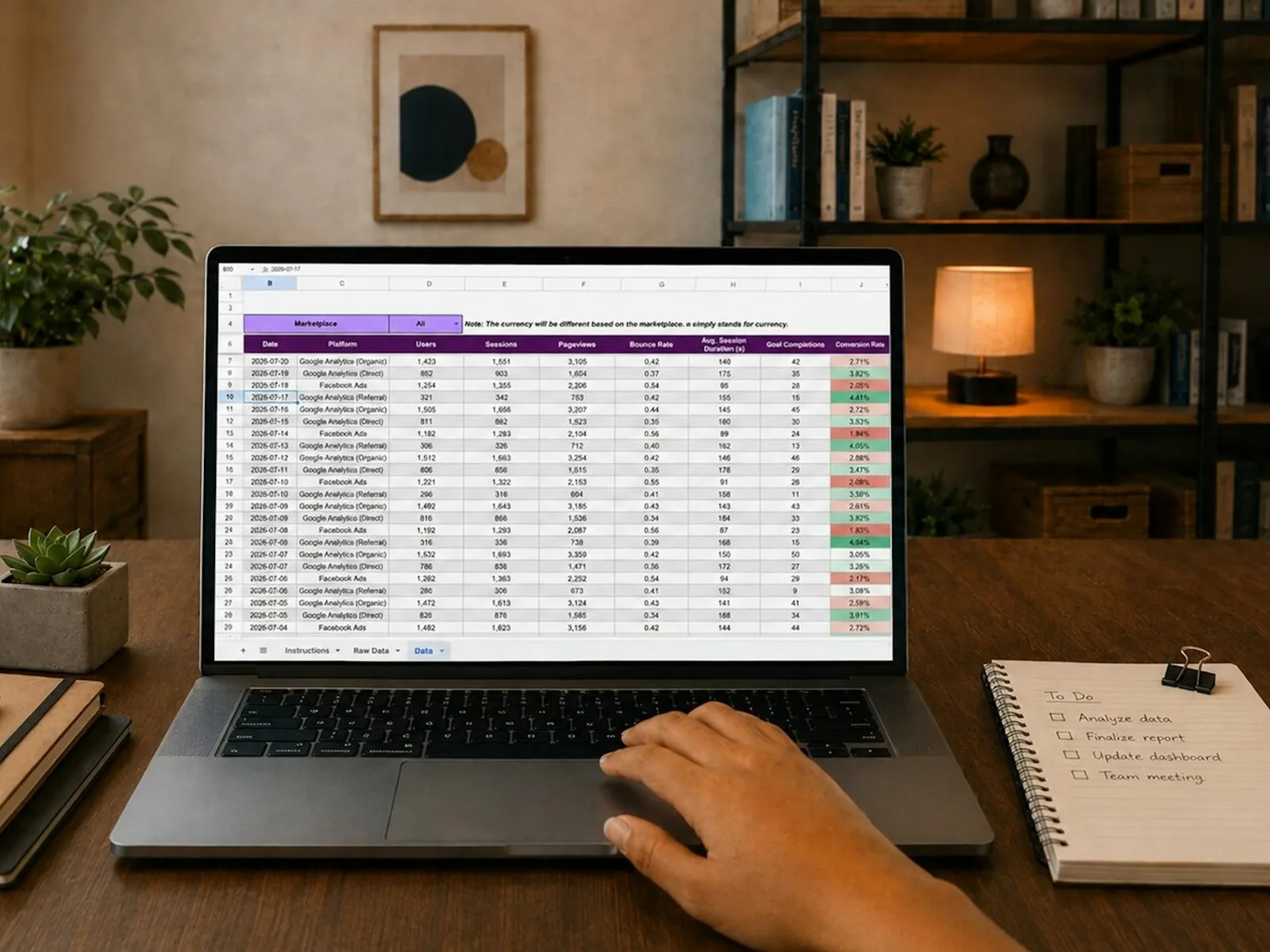
Suppose each store order should create a CRM record that sales can open when a customer calls. “Connect the store to the CRM” does not yet describe enough of the task. The useful detail comes from the person handling that call: they need to see the ordered items, reach the right contact and understand whether delivery preparation has begun.
Those needs determine the information that actually has to move. An order number, contact, line items and a link to the store order may be sufficient; alternatively, the CRM may also need to create a task for a particular team. Describing the first complete case gives you something against which to assess further requirements, rather than sending every available field between systems just in case.
Decide which system owns the current value of each field
In store and CRM synchronisation, information does not all travel in the same direction. Product identifiers and ordered quantities come from the order, while the internal owner is maintained in the CRM. An address change made later may need to be coordinated with shipping work that has already started. For each field, establish where it originates and which changes should be passed on.
This matters when both applications allow people to edit the same contact. Writing data back without a rule could replace a new CRM phone number with an older store value. We therefore establish data ownership at field level and connect records through stable identifiers. An email address is not a universal customer identifier because it can change or be shared by several people.
Field mapping means matching meaning, not just names
Field mapping compares what each value represents. A field called “status” might describe payment in the store and a handling stage in the CRM. Billing and shipping addresses are also different pieces of information, even though they contain similar fields. A clear mapping makes those differences visible before they become incorrect records in daily work.
A small set of examples makes the project easier to define: an ordinary order, a business order with an additional contact and an order with a different shipping address. Explain what should appear in the receiving application for each one. This also reveals which fields the CRM requires and which exceptions matter for the first implementation.
Choose webhooks or scheduled synchronisation around the workflow
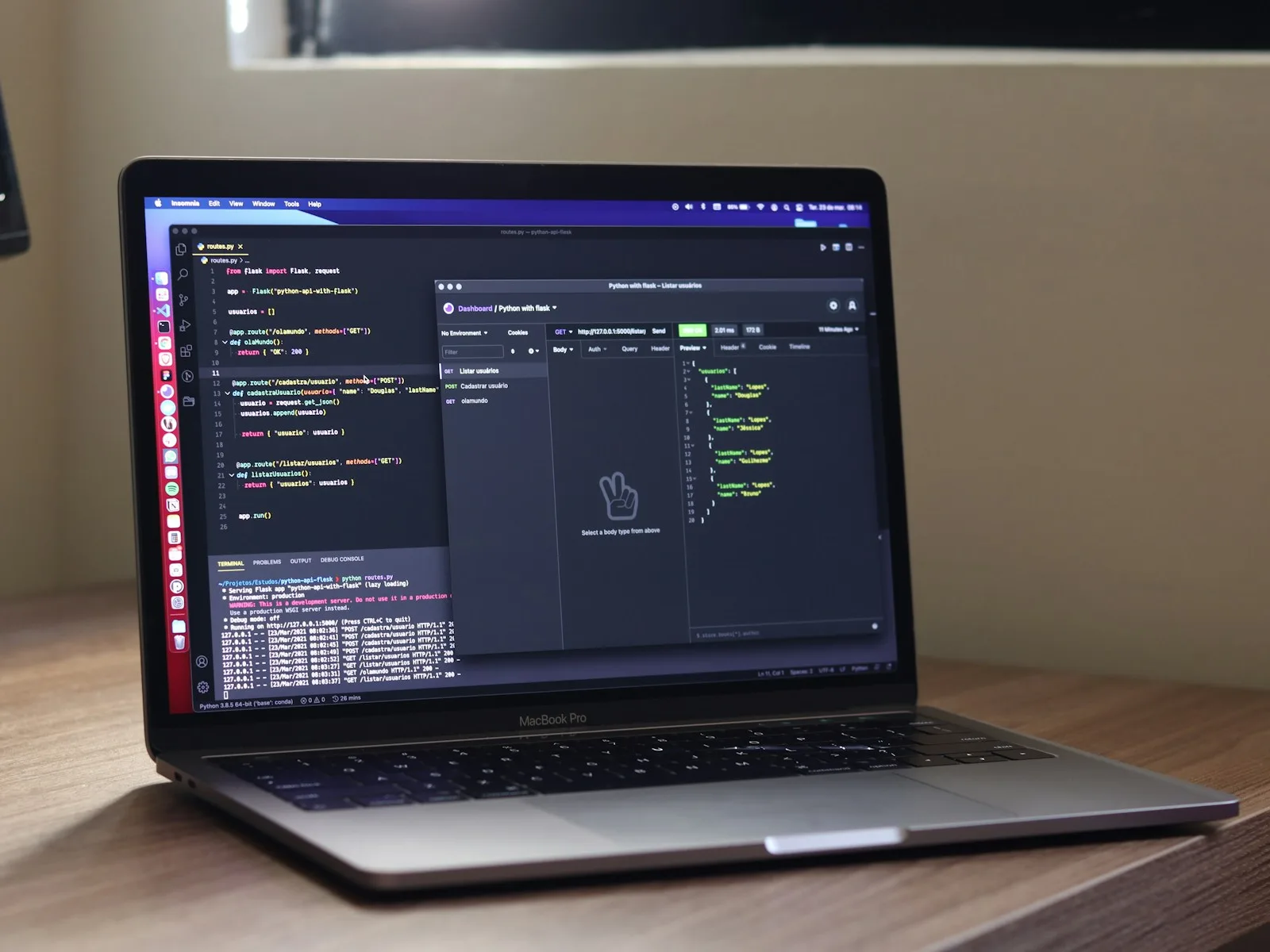
A webhook reports a change so the integration can respond promptly. Scheduled synchronisation retrieves relevant information at agreed intervals. Event delivery can suit a sales team that needs to see new orders quickly, while a scheduled process may be easier to manage for an overnight report.
In Shopify, checking where a webhook came from and handling repeat delivery are part of processing it. The official webhook verification documentation explains signatures and delivery identifiers. For project planning, this leads to a practical requirement: processing the same message again should continue the same business record rather than create another order.
A reconciliation process can complement prompt event delivery by comparing the expected and transferred records. It gives the team an understandable view of which orders have arrived, which are being processed and which need attention.
Give an uncertain transfer a status someone can follow
Imagine that the CRM has saved an order but the connection breaks before confirmation returns. The integration now needs to determine whether it should create the order again or find an existing one. A stable external order identifier and suitable retry logic help resolve that uncertainty. Keeping the processing state visible lets someone follow the case through.
API limits need similar attention. HTTP 429 indicates that too many requests have arrived, and the response may specify when to try again. The workflow therefore needs waiting periods and a saved processing position. A large import should be able to resume in the right place after a pause.
When does n8n fit, and when is a direct API integration useful?
n8n can connect visible processing steps, such as receiving data, transforming fields and calling a CRM endpoint. Its HTTP Request node supports those calls. When choosing an approach, we also consider who will maintain the workflow, the volume of data and how special rules need to be tested.
A direct integration in an existing backend can make sense when the connection belongs closely to business logic or several features share the same rules. The decision follows the workflow and its maintenance needs. That gives your team a way to assess later changes to fields and responsibilities, whichever tool runs the connection.

Test the journey through to information someone can use
A successful technical response is a useful checkpoint, but acceptance depends on the resulting business record. Can the responsible person find the order? Are line items, addresses and ownership correct? Is a later change transferred understandably? Alongside the normal journey, test a repeated message, an incomplete record and an API that is temporarily unavailable.
Also agree how the new workflow takes over from the previous procedure. A defined initial area, controlled transfer and comparison of results make the introduction easier to manage. The handover then records the field rules, important checks and the contact for a paused transfer. Arad is our contact for system integration and system administration.
Turn the data connection into a practical project scope
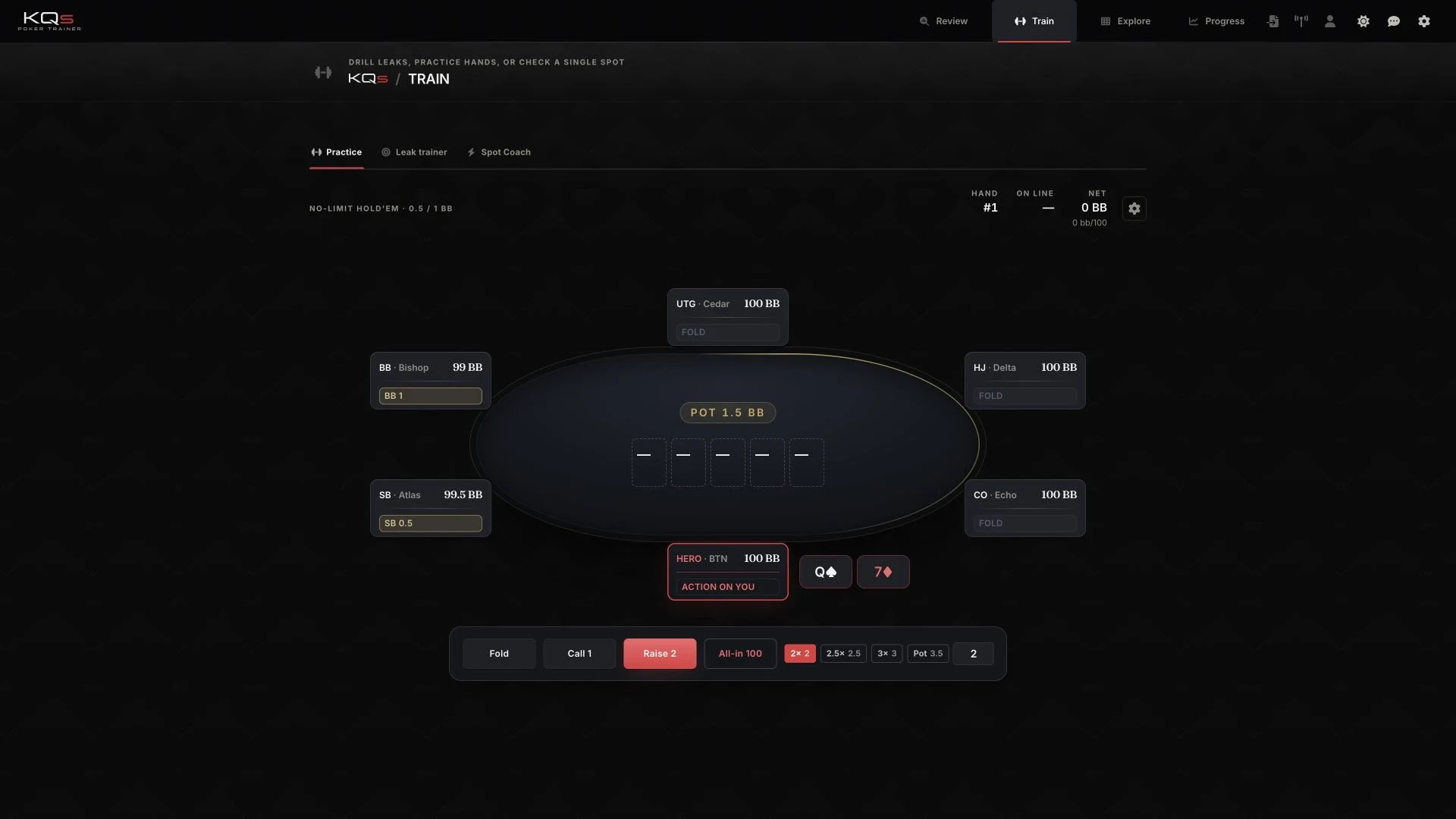
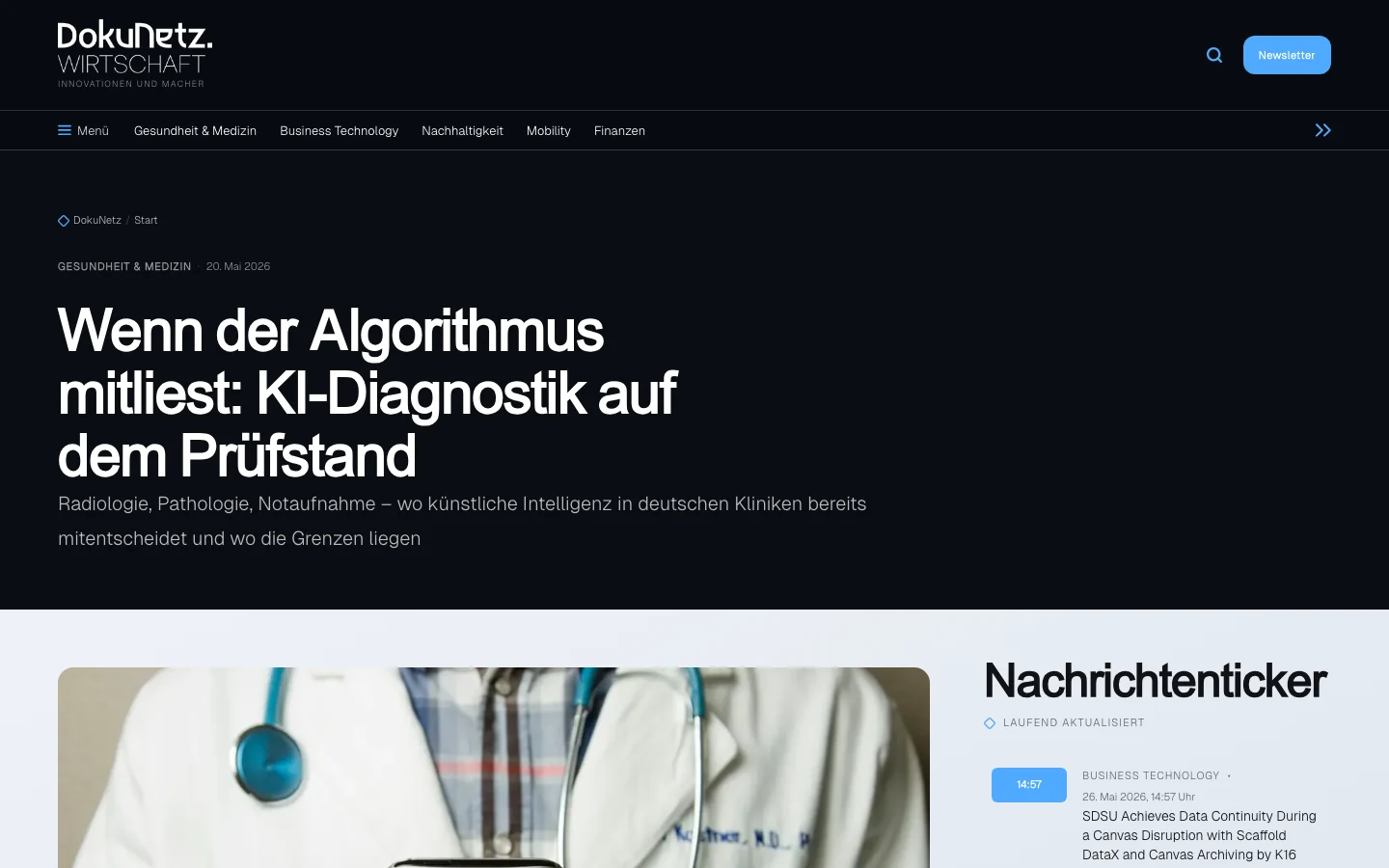
Our projects show why shared data also matters to the interface. In KQs, import, review and training refer back to the same hands. In DokuNetz Wirtschaft, reading an article and editorial work form part of a shared publishing process. Their case studies explain the product and development work behind those journeys.
For an existing, documented API, Connect an integration can be a starting point. When several systems and directions are involved, the system integration overview helps frame the work, and the system integration and administration category brings together the relevant services. For an initial conversation, bring the applications involved, an example transaction and what your team needs to do with it afterwards.