An external product team is most useful when work gets stuck between design and engineering. You may already have designs without a clear implementation path, or an engineering team that delivers reliably while the right user journey is still uncertain. Before adding people, agree what decision or working part of the product the collaboration should make possible.
This guide explains how to bring UX, design and development together around a defined piece of work. It covers responsibilities, day-to-day collaboration and a handover your own team can continue from. For preparation within a specific discipline, see our guides to commissioning UX design and handing a Figma design over to development.
Start with a task that makes progress visible
Suppose your company runs a customer portal. Customers can request appointments there, but changing one requires a phone call. Support then copies the details into an internal system. You want to offer this journey in the portal without confirming invalid appointments or creating more enquiries. Your internal backend team knows the scheduling rules, but you lack capacity for research, interaction design and frontend development.
“Build us appointment management” is too broad for this starting point. A workable first goal is for a signed-in customer to request a change to an existing appointment, understand the implications and see whether the request has arrived. Whether a new appointment can be confirmed immediately depends on the existing rules and needs to be resolved with the responsible team. Design therefore starts with a specific question that engineering must help answer.
For an initial conversation, bring a link or short screen recording of the current journey, the affected user groups and the questions support receives. Existing designs and tickets are useful too. You do not need a complete specification before talking: you need enough to establish a shared starting point and someone who can answer the unresolved business questions.
Agree who decides, who delivers and who needs to contribute
External support can easily create two parallel streams. An agency designs on one side while engineers wait for final approval on the other, with comments accumulating in between. Avoid that separation by naming the person responsible for a business decision and the person delivering each part of the result.
For the customer portal, the arrangement might look like this:
| Person or role | Contribution to the task | Decision they own |
|---|---|---|
| Product owner | Connects appointment changes to the product plan and brings feedback together | Which use case is implemented first |
| Support or business team | Explains the current workflow and recurring sources of enquiries | Which details are needed to process a request |
| External UX and design team | Investigates the task, develops the journey and exposes unresolved questions | How the agreed solution is worked out in the interface |
| Internal backend team | Checks scheduling rules, data and existing integrations | Which states and changes the system supports |
| Frontend owner | Connects interface and integration, then checks the browser experience | How the solution fits into the existing application |
One person may cover several roles. The important point is to agree responsibility before a disagreement arises. If support needs additional information, for example, the product owner must decide whether those fields belong in the first release. The design team explains their effect on the journey rather than quietly taking over that business prioritisation.
Keep a shared working version instead of separate presentations
The work needs a place where tasks, decisions and the current version come together. Your existing tools may be enough. A board can link to the relevant design and development task, while the design identifies the version intended for implementation. The particular tools matter less than whether someone who missed the last meeting can understand what is happening.
In distributed work, useful feedback describes a task and the difficulty observed. “Make the button more prominent” jumps to a solution without explaining the problem. “In this journey I cannot find how to confirm the appointment change after choosing a time” can be checked against the design. It gives the team room to solve the problem rather than implement whichever individual preference was stated most strongly.
Figma’s Dev Mode documentation describes inspecting designs, marking development states and linking supporting resources. Available features depend on your access. A named design version and documented interface states are still part of a useful handover when your team uses different tools.
What an initial working week could look like
The following schedule makes the coordination tangible. How much becomes ready within a week depends on the material and technical foundations already available. In the portal example, scheduling rules and an accessible test environment are particularly important; without them, even a carefully designed journey relies on assumptions about the backend.
| Timing | Shared work | Result needed for the next task |
|---|---|---|
| Beginning of the week | Walk through the current journey, review support enquiries and define the first use case | A shared goal, open business questions and named owners |
| Next | Clarify permitted appointment changes with the business team and inspect the existing integration with engineers | Known states and the questions that must be answered before design proceeds |
| Midweek | Discuss the proposed journey using a clickable design | Task-related feedback, agreed changes and remaining research questions |
| Later in the week | Implement a connected part in the test environment and walk through it with the intended data | A usable preview with documented differences |
| End of the week | Review the result together and agree what happens next | An accepted working version or specific follow-up work with an owner |
The team works independently between these conversations. A small project may need only a short discussion of unresolved decisions alongside written feedback. A daily meeting without a question that requires a shared decision adds coordination work even when the actual task is already clear.
Record decisions so they remain useful later
A decision log does not need to become a lengthy report. It should explain why a journey was designed that way and which conditions the decision depends on. This is especially useful when support, product and engineering review the work on different days, or when someone new joins.
An entry for appointment changes could read:
Decision: After submission, show “Change requested” rather than “Appointment changed”.
Basis: The backend checks the requested time after receiving the enquiry; support may need to coordinate it with someone else.
Implication: The confirmation view names the existing appointment, the requested change and the next step. The original booking remains visibly in place until confirmation.
Open question: The product owner and backend team will agree how the final response reaches the customer before that part is implemented.
This records more than a wording choice. It connects visible feedback to the actual processing state. If immediate confirmation becomes possible later, the team can see which part of the journey needs to be reconsidered.
Review design and engineering against the same use case
A handover works better when engineers contribute to the journey early enough. The portal’s drawn success path is not sufficient on its own: what does a customer see if there is no alternative time, the connection fails during submission or a request already exists? These states affect both the interface and its implementation.
Use the same short sequence together: open an existing appointment, choose another time, submit the change request and revisit its status. Business specialists, designers and engineers each examine their contribution to that task. You may discover that the browser displays a well-written message even though the integration cannot yet provide a dependable processing state.
When the question is whether users understand the journey, investigate it with an appropriate study. An internal walkthrough checks whether the agreed solution has been implemented; a usability test observes its use by people from the target audience. They should attempt a realistic appointment change rather than simply comment on whether they like the new screen. Our usability-task template explains how to prepare that task.
What your team should receive at the end
Your team needs more than a presentation when an agreed piece of work ends. It should have access to the current design and implementation and know which decisions apply. Open questions deliberately deferred during the project also help the people maintaining it afterwards.
For the portal, that produces a manageable handover:
- The design covers the complete agreed journey, including empty states, errors and confirmations.
- Development tasks point to the implemented version and describe known differences, required data and the integration used.
- The decision log explains business rules and their implications for the experience.
- Acceptance notes record the tasks reviewed, the version used and the follow-up work still open.
- A short walkthrough shows the responsible people where to find designs, source code and current tasks, and how to continue making changes.
If the work expands, these records help establish whether an addition belongs to the agreed result. A notification feature may be useful, but it needs its own decision about content, triggers and implementation rather than disappearing into a passing feedback comment.
How our projects connect design and engineering
medienkundig shows how findings about the first-use experience inform implementation. Exercises are available before registration, while signing in later allows progress to be saved. That product decision affects the user journey as well as the handling of sessions and accounts.
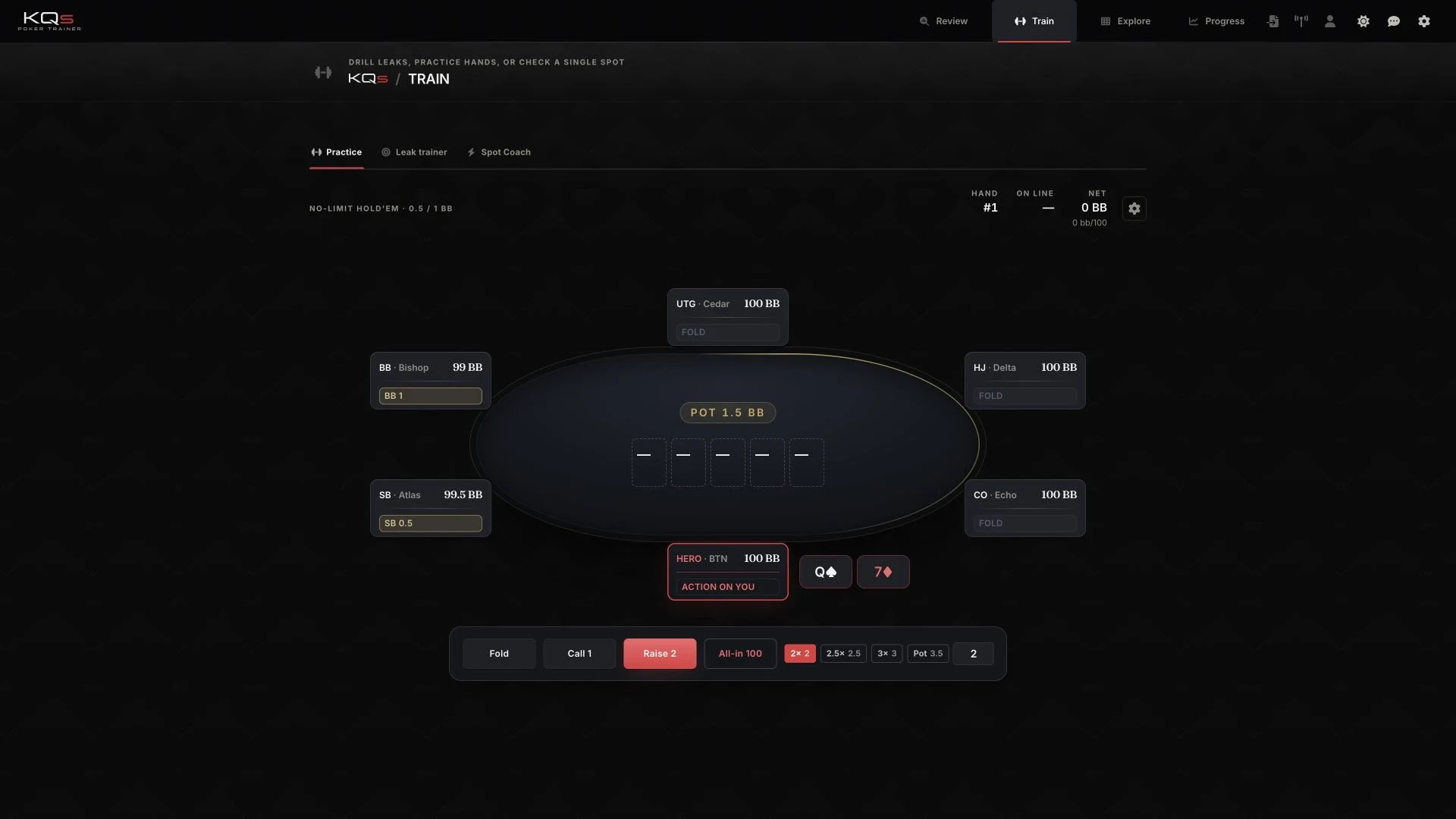
DokuNetz Wirtschaft illustrates another connection. Its public article views and editorial tools use a shared content structure. Roles, versions and publication states therefore belong to workflow design as much as to backend logic. Both projects show why a product team needs to work beyond an individual screen.
If you want to complement your internal team for this kind of task, describe the current journey, the support you are missing and the result you want to reach together. UX decision support helps define an unresolved product question; web-app interface development is a useful starting point when the journey is already clear. Our regional and international collaboration page explains how we work in English and German.