How much does it cost to have a website built? A useful answer starts with what already exists. Do you have finished copy and an approved design, or does the project need to begin with the offer, page structure and visual direction? Both projects might end up with a similar page count while requiring very different work.
Two specific project scopes show how to build a budget and compare quotations. The calculations use SAND & MEHR’s published EUR catalogue prices checked on 9 November 2026. These are final prices; no VAT is charged under section 19 of the German VAT Act. The English examples retain the same EUR amounts; they are not currency conversions or quotations for another market. Linked service pages show the current price and scope. Use the fillable PDF budget worksheet or editable text template (Markdown) for your own planning.
Example 1: Turning an approved design into a website with an enquiry form
Suppose your company has prepared designs for a landing page and a service-detail page. Copy, images and mobile layouts are approved, and the technical foundation and an enquiry delivery service already exist. The next task is to build the pages and connect a multistep enquiry form to that service.
Our website and landing-page development service starts from this approved design. It covers responsive implementation in the agreed existing stack, navigation, metadata fields, supplied content, and browser, keyboard and viewport checks. The form is a separate work package here because its inputs, error states and connection to the existing service also need to be developed and checked.
| Work package | One-off EUR price in this calculation |
|---|---|
| Website and landing-page development | €1,999.00 |
| Form and booking-flow development | €1,499.00 |
| Combined | €3,498.00 |
This addition fits when the written quotation separates the two tasks: the page designs are implemented, while the form flow passes the agreed inputs to a tested endpoint. If the form work is already included in your particular website quotation, it is not charged again. Combining services needs to reflect the actual work.
Your budget also needs to recognise what happened before this commission. Approved designs and supplied copy represent work already done by your team or another supplier. The €3,498 here describes the subsequent technical implementation and the separate form flow. A new CMS, complete content production or a custom appointment-management system have not been priced into that calculation.
Example 2: A new business website with a period of follow-up maintenance
In the second calculation, a company needs a new presence in an existing suitable CMS. The page structure and content are approved, and an agreed visual framework will be applied to the homepage, service overview, service details, team and contact. This project therefore needs a connected website build and configuration of the CMS’s standard features.
The new website or shop service costs €5,999.00 as a one-off payment in this calculation. The catalogue describes building a website or standard store, implementing the agreed visual framework with supplied content and configuring a suitable system. Responsive checks, a test version, handover and coordination of corrections are included.
Suppose the team would also like a limited period after launch for adding new copy and addressing small display issues together. The catalogue checked for this article lists website and shop maintenance at €499.00 for one separately commissioned four-week period.
| Project phase | EUR amount in this calculation |
|---|---|
| Build the new website | €5,999.00 one-off |
| Optional: one four-week maintenance period | €499.00 one-off |
| Build plus this single maintenance period | €6,498.00 |
The €499 service is not an automatically renewing monthly subscription. For another period, you decide again which tasks are needed and which commission fits them. Domain, hosting and external licences come from the relevant supplier agreements; the maintenance item does not pay those fees.
The frontend implementation from the first example would not be added to the €5,999 here. It overlaps with the new website build. The starting point, system configuration and connected scope therefore determine how the prices can be compared.
Separate the project budget from ongoing spending
The development calculation alone is not enough for a business decision. You want to know what is paid before launch and which commitments continue afterwards. Keep a second overview of suppliers, contract periods and recurring tasks alongside the project budget.
For the domain and hosting, enter the actual contract amounts, billing period and the person managing the account. A form may use an email-delivery service or an existing CRM. Additional functions may introduce licences or usage-based charges. Comparing only an attractive monthly figure can hide setup work, annual billing or a price change after an introductory period.
The second example’s first-year plan is therefore €6,498 for the build and selected maintenance period, plus the actual agreed domain, hosting and licence costs and any work commissioned later. Enter the outstanding supplier amounts before calculating a yearly total. Those amounts from your contracts let you calculate the full first-year budget.
Include work inside your company too. Someone needs to review service descriptions, choose images and consolidate feedback. You can allocate time for those tasks or commission them separately. What matters is that they appear in the plan, rather than becoming unexpected work squeezed around other responsibilities just before launch.
Compare two quotations against the same task
If you receive totals of €3,498 and €5,999, the difference is €2,501. That does not yet establish a saving: the first project implements finished designs on an existing foundation, while the second creates a connected new presence in the CMS. To compare proposals for your actual project, start by giving both the same starting point and required outcomes.
Suppose you already have the design and want to maintain service pages yourself. In both quotations, establish whether the existing CMS will be reused, which content you will be able to edit and whether the necessary configuration is included. If that work is missing, ask for it to be added. Comparing totals becomes useful once the scope is clear.
| Comparison point | Question for both suppliers |
|---|---|
| Starting point | Is an approved design being built, or does design work still need to happen? |
| Content | Which copy and images are supplied, revised and entered? |
| CMS | Which content can you change yourself afterwards? |
| Form | Which flow is connected to which existing service? |
| Acceptance | Which views and error states are checked together? |
| After launch | Which corrections, maintenance tasks and supplier fees apply? |
Copy the answers into the budget and quotation comparison template (Markdown). Separate included work, separately offered additions and unresolved questions. Our guide to comparing web design quotations looks more closely at differences hidden behind package names.
Make page types, content and functions tangible
“Ten pages” becomes useful when it explains how those pages will be made. One shared template for several services requires different design work from ten individual page layouts. Content entry varies too: finished copy with suitable images is a different input from a folder of old PDFs that first need to become a new description of your offer.
Prepare a complete example for each important page type. A service page should explain its outcome, intended audience and next contact step. A project example needs suitable images and a description of your contribution. The design then demonstrates how longer text and different image formats behave in everyday use, as well as showing the most attractive headline.
The same principle applies to functionality. A form might send a preferred appointment date, or it might check availability and reserve a place. The second task needs additional rules for availability and simultaneous requests. Describe the flow through inputs, processing and feedback so the technical plan addresses the actual requirement.
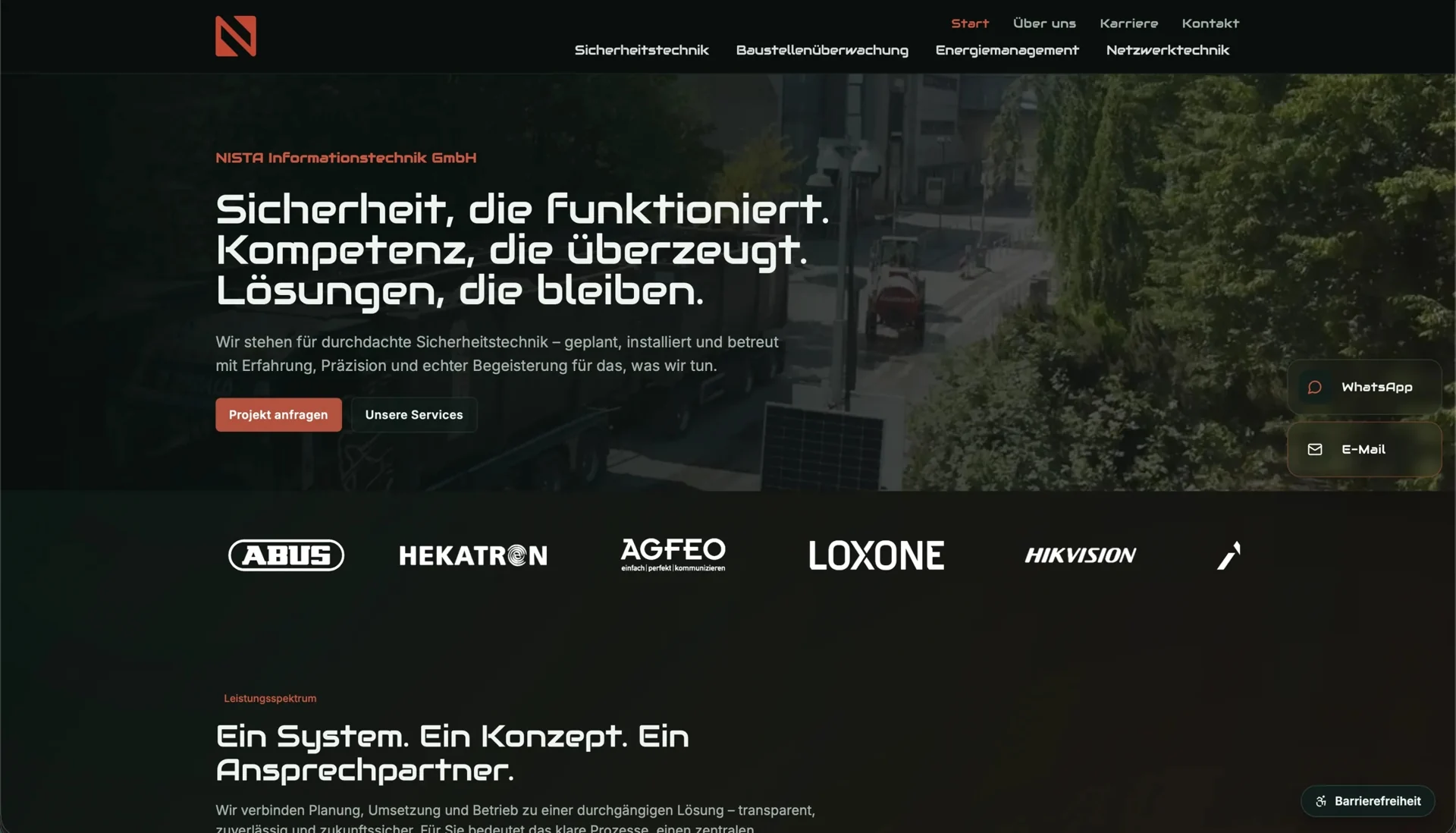
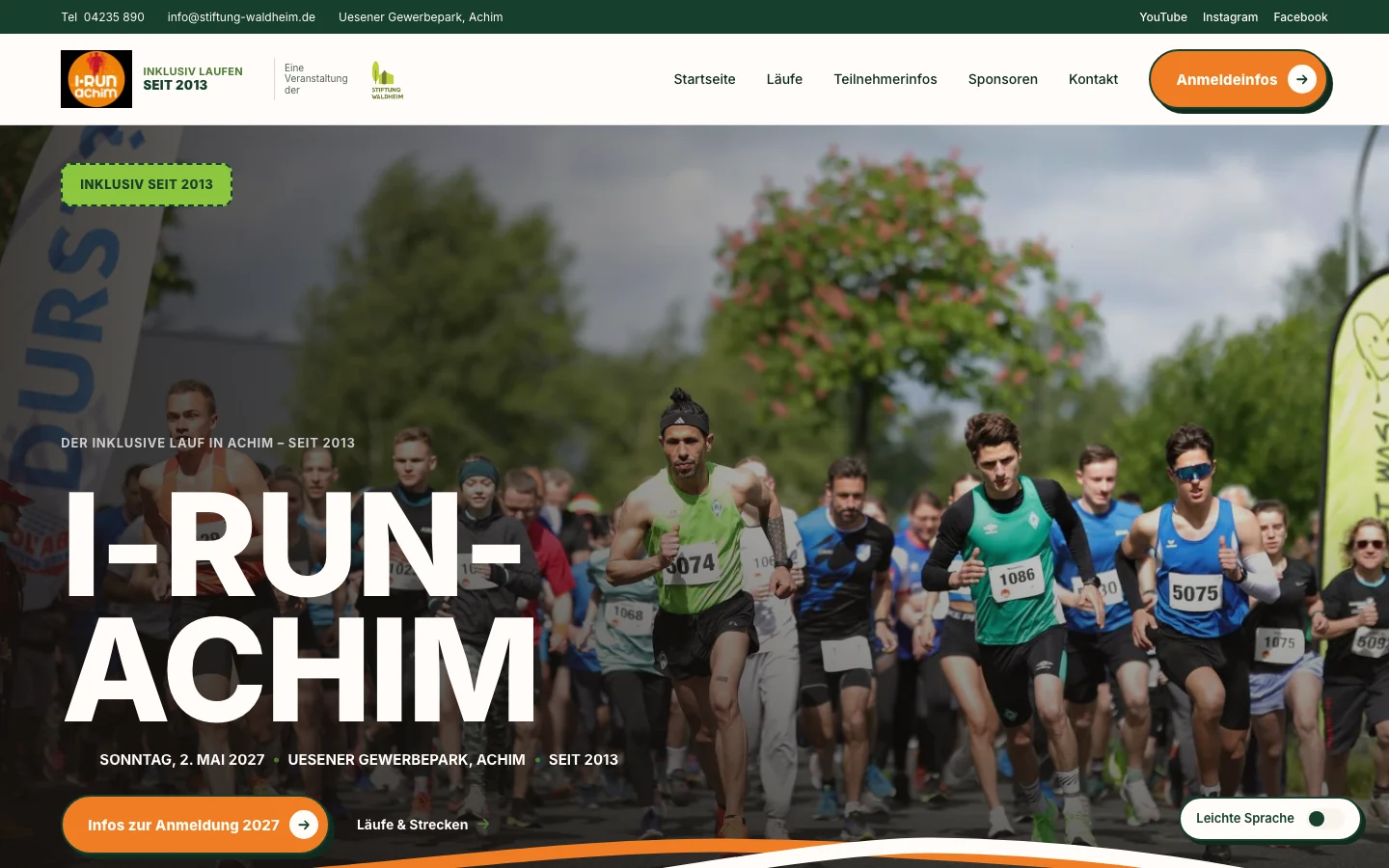
Our projects NISTA-IT GmbH and Hundeschule Hopen show how content and contact routes work together. NISTA-IT uses dedicated service pages to lead towards relevant enquiries; Hopen considers course information and the contact process together. These specific journeys make a more useful brief than a general request for a “modern website”.
Agree how you will recognise a finished website
Acceptance belongs in the proposal from the start. For the first example, you could specify that the agreed pages work with the supplied content on phones and desktop, and that the form handles incomplete or invalid inputs clearly. A visible confirmation must reflect the actual delivery status, rather than claiming that an enquiry succeeded when the service rejected it.
Review one representative page completely before filling the same structure with more content. Missing image sizes, long service names or awkward editing steps become apparent earlier. Have one responsible person collect feedback and resolve conflicting requests so the implementation team receives a shared decision.
Acceptance also includes agreed requirements for usability and accessibility. W3C WAI connects accessibility planning with objectives, responsibilities, budget and repeated evaluation. Specify which pages and journeys will be checked and how outstanding findings will be addressed. One automated test does not replace that agreement.
At handover, you also need to understand editing workflows, required accounts and the technical documentation. Can your team replace an image, add a service entry and recognise a failed contact submission? Who handles updates and decides on later changes? Working through a small task together in the actual system shows whether the handover supports everyday use.
Start the quotation with a clear brief
You do not need to make every technical decision before enquiring about a website. A description of the offer, important page types, available content and required journeys is enough to prepare the next conversation. Include which groundwork is already complete. That makes it clear whether you need an approved design implemented, a new connected website built or the initial foundations developed.
Use the budget worksheet to bring together the two levels: one-off work through to handover, followed by suppliers and support you will need afterwards. Linked service pages show our current catalogue prices; the written quotation defines your particular scope. Selecting services in the shop initially creates a non-binding enquiry, which starts that conversation.