A survey becomes useful when its responses help you make a better decision about your product. That means understanding the situation behind an answer and the task someone wants to complete with your website or application. When someone hesitates to create an account, for example, that can tell you more than how to label a registration button. The person may first need a good reason to reconsider what registration has meant in their previous experience.
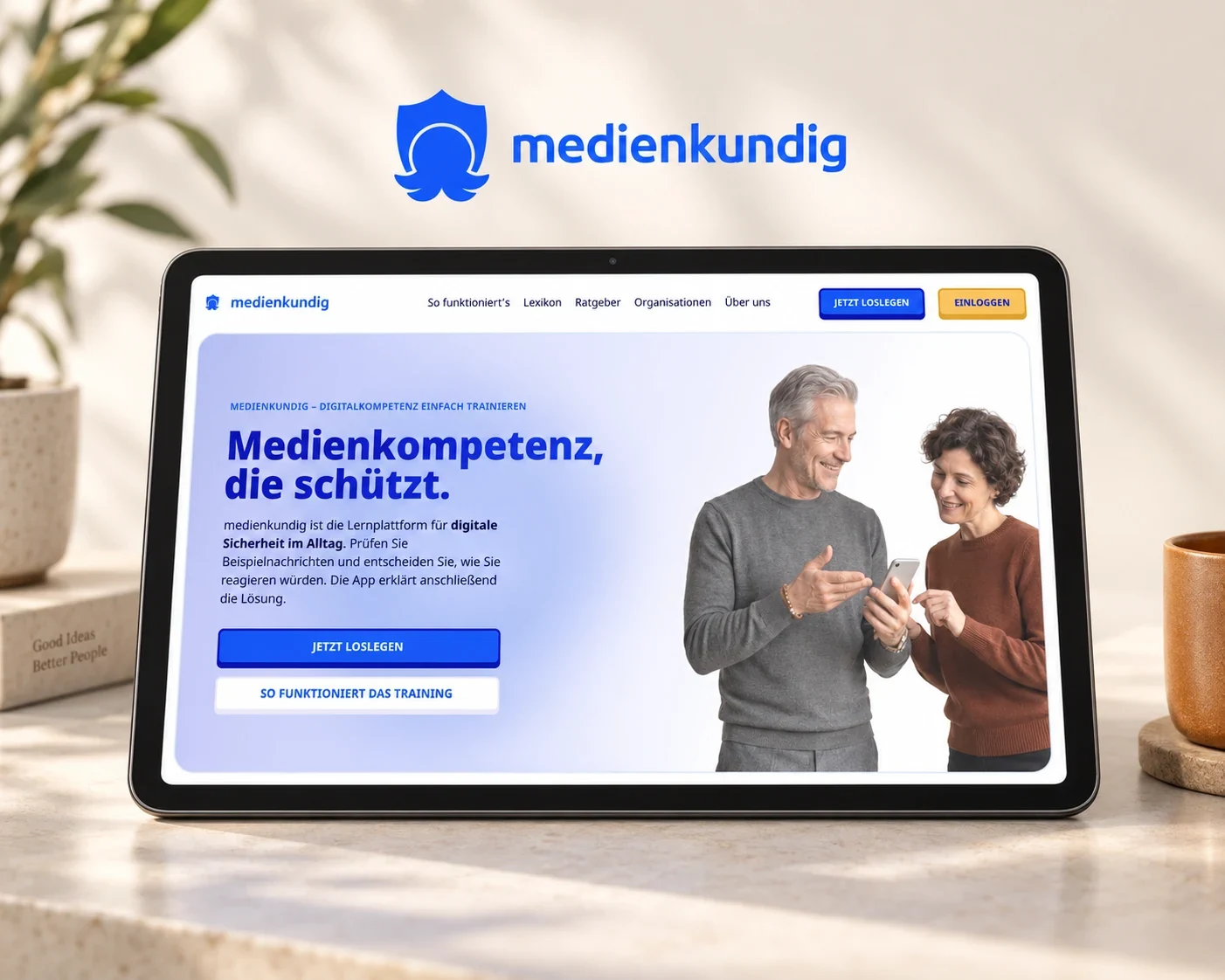
For medienkundig, we used a survey and written expert interviews to explore everyday digital deception from the perspective of the people dealing with it. This informed the requirements for a learning product that brings familiar situations, understandable terminology and interactive exercises together. The important design work happens between gathering that material and deciding how the product should behave.
Connect the response to a specific product decision
Before analysing the responses, we establish which decision the research should inform. For a learning application, we might look for everyday situations that provide an understandable way into the subject, while a booking service needs information that helps people choose an appropriate training course. With that specific question in mind, we can examine what the responses mean for the design of the journey.
A useful follow-up therefore asks about an experience. Instead of only asking whether someone would like a glossary, you can explore which words were unclear the last time they read a course description and what they did about it. This reveals the moment when an explanation would help. A follow-up conversation can clarify what the person wanted to achieve; our user interview guide explains how to prepare that conversation.
Understand the task behind a suggested feature
People often describe what they need through features they already know. Behind a request for a search field might be the need to find a particular course, while an overview could help with comparing several services. Before turning the suggestion into a requirement, we establish which task it should support and where that task occurs.
We initially keep the statement and our interpretation separate. The GOV.UK guidance on analysing research also describes a progression from observations to findings and subsequent actions. In product work, we make that transition explicit: what did people report, what do we understand from it, and what should the interface enable them to do? This keeps a design proposal connected to the experience that informed it.
A concern about personal data, for example, could support a requirement to explain the purpose of registration at the relevant step. We develop the form of that explanation within the journey. Its starting point remains the question someone needs answered before they feel ready to continue.
Describe what people should be able to achieve
In medienkundig, the word “account” raised concerns about personal data. People can therefore discover the exercises before registering, while the reason to sign in is explained through saving their learning progress. The benefit of the account follows an activity that people can already understand and begin for themselves.
In a working document, this decision can become a testable requirement: a new visitor can reach and complete an exercise before deciding whether to sign in to save their progress. The explanation also needs to appear where that choice becomes relevant. Content, sequence and access become parts of the same product requirement.
This wording also helps the team coordinate implementation because it makes clear which entry point must be available, which state an exercise can reach and when the sign-in explanation is needed. The requirement connects design with development without deciding on one particular interface solution in advance.
Develop content and functionality around the same task
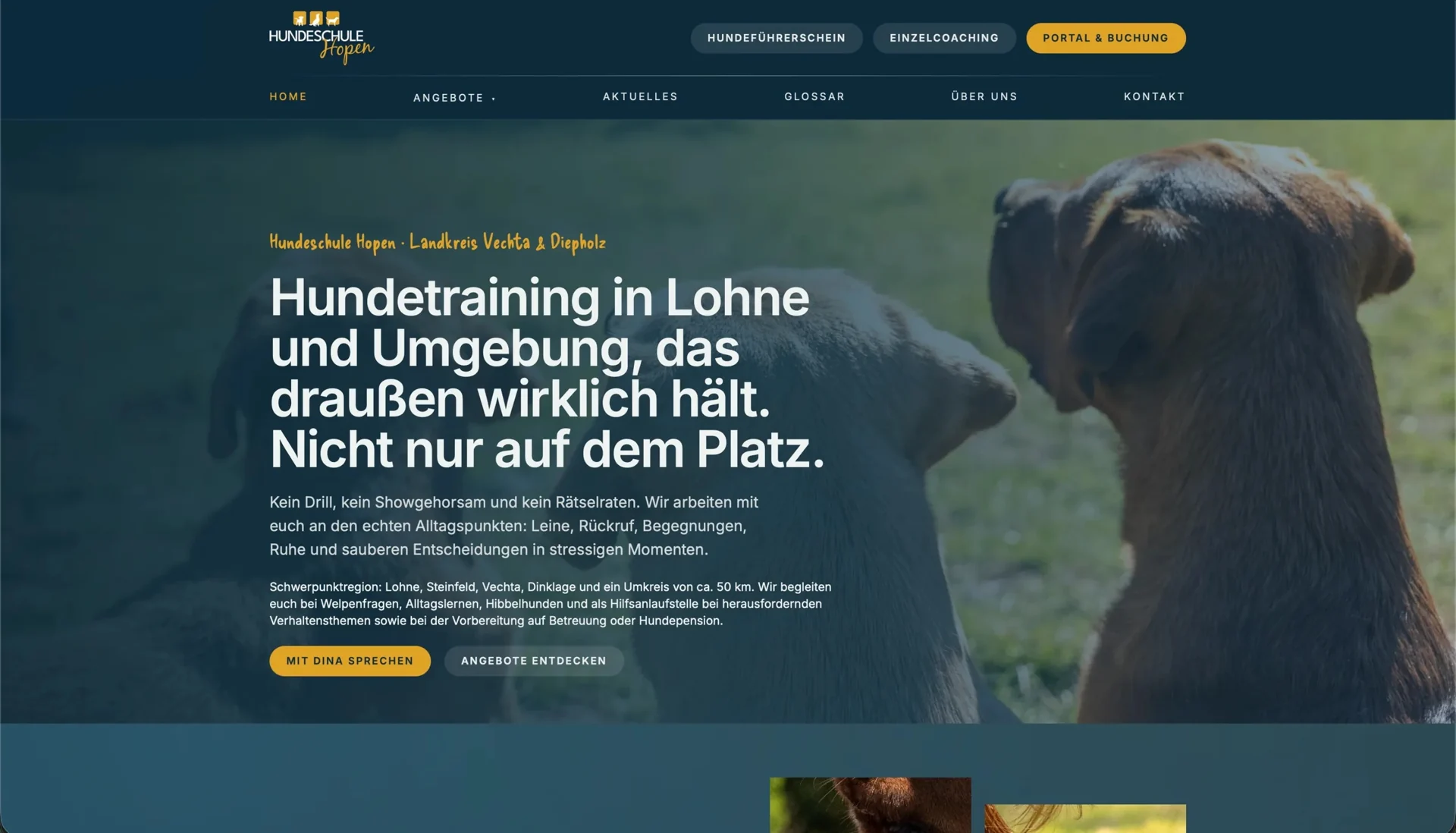
The Hundeschule Hopen website shows how understandable content and a relevant next action work together. Training services are explained through situations such as walking on a lead, encountering other dogs and recall. A glossary explains training terminology, personal photography introduces the school’s work, and the connected portal provides access to accounts and appointments.
For a comparable service page, a useful requirement would be that dog owners can understand which everyday concern a course addresses and find the next step. A broad instruction such as “make the course page clearer” leaves that decision unresolved. The specific task connects the description of the service to the questions people need answered while choosing.
The individual pieces of content and functionality can then follow the same task: the course description explains suitability, an explanation supports an unfamiliar term, and access to the portal remains associated with the relevant course. When different people maintain the copy, interface and booking system, the shared requirement shows how their respective parts support the selection and the next step.
Define a situation in which the requirement can be tested
A useful requirement also suggests how it can be checked. For contextual help, the task could be to choose an appropriate course while understanding an unfamiliar term. During a test, we can observe whether the person finds the explanation, relates its meaning to their decision and returns to the course.
For a learning application, we can similarly check whether someone finds an exercise and can explain the benefit of saving progress in their own words. As they work through that task, you can see which information they use and where they need a further explanation to continue.
We connect the original response, the resulting requirement and the relevant test task in a short working document. This relationship remains useful as the product evolves. If an explanation moves or a view is redesigned, the team can still see which user question needs to be answered.
Keep the original situation visible through implementation
Responses become useful requirements when the team continues to understand the situation behind them. A meaningful extract from the research, a short explanation of the task and an associated journey make the purpose of a decision tangible. During a discussion, everyone can follow the same reasoning instead of interpreting an isolated feature description differently.
Our article on prioritising research findings covers how the resulting findings can be weighed against one another. For the earlier step described here, our user interviews connect people’s experiences with the product question. We then develop a user journey and prototype that gives the requirement a concrete form the team can walk through and test together.