A product animation should show something a photograph struggles to explain: how a part moves, how components fit together or why a particular adjustment matters in use. When you commission an animation, start with the question your customers need answered. “We need a high-quality 3D video” describes a visual ambition, but leaves the story and the work required to tell it unresolved.
This guide follows one example from the first brief through to delivery. Use the fillable PDF brief or editable text template (Markdown) to prepare the purpose, scenes, source material and outputs for your project. If you are still choosing between photography, rendering and an interactive presentation, begin with our comparison of those formats.
What should the product animation explain?
Suppose you sell a desk lamp with an adjustable arm and interchangeable shade. Product photographs show its shape, but prospective customers do not understand how the arm is adjusted or how the shades differ. You want an animation to answer both questions on the product page, along with a short portrait-format extract for social media.
That gives the production a specific task. The camera must keep the joint visible as the arm moves, and the shade change must make it clear which parts belong to the lamp. A long camera move through a decorated room would require substantial design work without necessarily answering either question better. The intended use already helps define the scope.
Write a sentence such as: “After watching, visitors should understand how to position the lamp and choose between the two shades.” Add where they will see the video and what they can do afterwards. On a product page they may already know the price; a short social clip needs an earlier reason to keep watching.
Source material to include with an enquiry
An existing 3D model saves work when it is usable for the planned views. Engineering files often contain details that will never appear in the film, while surfaces, logos or the required movement may still be missing. For a useful estimate, the production team needs to inspect the files rather than simply be told that CAD exists.
For our lamp, useful inputs would include a model with separate arm, joint and shade components, dimensions and photographs of both shades. A short phone video could show where the arm pivots. The current product version matters too: if the model contains an old switch and production units use a different one, that discrepancy needs to be found before the visual work begins.
| Input | What it clarifies in this example |
|---|---|
| 3D or CAD files with a version reference | Which geometry exists and which components need work |
| Photographs from several angles | How materials, joints and details look on the actual product |
| Dimensions and approved variants | Which proportions and versions must be correct |
| Logo, fonts and brand guidance | How the film relates to the website and other material |
| Reference video with your explanation | Whether you like the measured movement, lighting or way labels are used |
| Intended placement | Which compositions and final outputs are needed |
A reference is most useful when you explain what interests you. “The movement is slow enough to understand the mechanism” gives a different direction from “The surface looks convincingly metallic.” This lets the production team interpret your preference without reproducing somebody else’s film.
If no suitable model exists, modelling becomes part of the plan. Our 3D product modelling service provides a starting point; our model preparation guide explains which inputs help. The enquiry can then establish whether existing geometry needs adaptation or a new model must be built.
Use a storyboard to discuss the scope
The sequence should make sense before materials are refined and final images rendered. Simple views with a short description of the movement are enough at this stage. They let you check whether the film answers the intended question and whether an important scene is missing. An idea can still change here without replacing finished shots.
For the lamp, a fifteen-second version might follow the sequence below. These timings are a working proposal for this example; the first motion draft will show how much time each action actually needs.
| Section | Image and action | What the scene should communicate |
|---|---|---|
| 0–3 seconds | The complete lamp holds in its starting position | Recognise the product and its initial state |
| 3–6 seconds | The arm is adjusted while the joint remains visible | Understand the adjustment |
| 6–9 seconds | The shade is removed and replaced with the other version | Follow the variant change |
| 9–12 seconds | Both shades appear in succession from the same viewpoint | Compare shape and material |
| 12–15 seconds | Return to the complete lamp with a short selection prompt | Connect the explanation to the product page |
An exploded view, with components moving apart, would be another scene and needs its own purpose. The product page may not need it if it only adds decoration. If it explains assembly, decide which components should appear and whether their sequence reflects the actual assembly process. Visual approval then also requires somebody who can verify the product.
Approve motion, materials and final rendering separately
A motion draft shows camera positions, sequence and timing before final image quality is added. It answers whether the explanation works. For the lamp, you would check that the joint’s axis stays visible and the shade change is not too quick to follow.
Materials, lighting and any text panels can then be reviewed in still images. This reveals whether metal looks too dark, an edge disappears or the logo is unreadable from the chosen angle. If those questions only emerge after the finished animation, the same images may have to be rendered and exported again.
Agree who collects feedback and who approves the product representation. One consolidated comment tied to a scene and time is easier to act on than several contradictory emails. “In scene two the arm obscures the joint; please move the camera slightly to one side” identifies a specific problem. “Make it more dynamic” first requires a conversation about the effect you feel is missing.
These review stages should appear in the proposal, including how many consolidated revision rounds are included and when a new product version or additional scene changes the scope. That makes it possible to compare whether two proposals describe the same work.
What determines the cost of a product animation?
Duration alone does not explain the price. A short film with a moving mechanism, several materials and a newly constructed scene may require more work than a longer film showing a prepared model from a few viewpoints. A budget decision therefore needs a breakdown of the work involved.
Model preparation concerns geometry and components; visual development establishes the camera, light and materials. Animation defines movement and timing, while rendering and post-production produce the finished images and outputs. Language versions, music, voiceover or further aspect ratios are added according to the agreed use.
The Blender animation output manual describes image sequences and subsequent video output. That distinction helps explain why changing a finished sequence can take more work than adjusting an early motion draft. The production method itself is chosen to suit the project.
A proposal should identify the models and variants, the shots being produced and the files you will receive. A lower quote is difficult to compare if it only includes one view while another already covers portrait output, subtitles and further material variants. Our guide to the value and cost of 3D content helps relate the planned use to its purpose and later reuse.
Formats and website integration belong in the brief
A portrait version cannot always be made by cropping a landscape video. For the lamp, that might remove the extended arm, which is precisely what the scene needs to show. If both formats are needed, the composition should allow for them; a second camera position may be a better answer.
For each placement, record the required aspect ratio, resolution, language and audio. The main action on a product page should remain understandable without sound. A spoken detail may also need a visible explanation or subtitles. A trade-show display may have different requirements from a product page loaded on a phone.
Playback is part of implementation too. A video visitors start themselves behaves differently from a continuously moving background. For movement that starts automatically, lasts more than five seconds and runs alongside other content, WCAG 2.2 describes a way to pause, stop or hide it, unless the movement is essential to the activity. Plan the controls and a suitable still preview together with the integration.
What to check before accepting the delivery
Watch the output where it will actually be used. A label can look clear on a large editing display and become too small inside a mobile product page. For the lamp video, also check that the shade shown matches the product-page label and that the movement plausibly represents its actual adjustment.
Four connected questions help structure the review: is the product represented correctly, is the intended action understandable, does the output work in its target format, and have the agreed files been delivered? Those files may include video, a preview image and further language or format versions. Whether editable project files are included, and which uses of music or other assets are covered, belongs in the agreement.
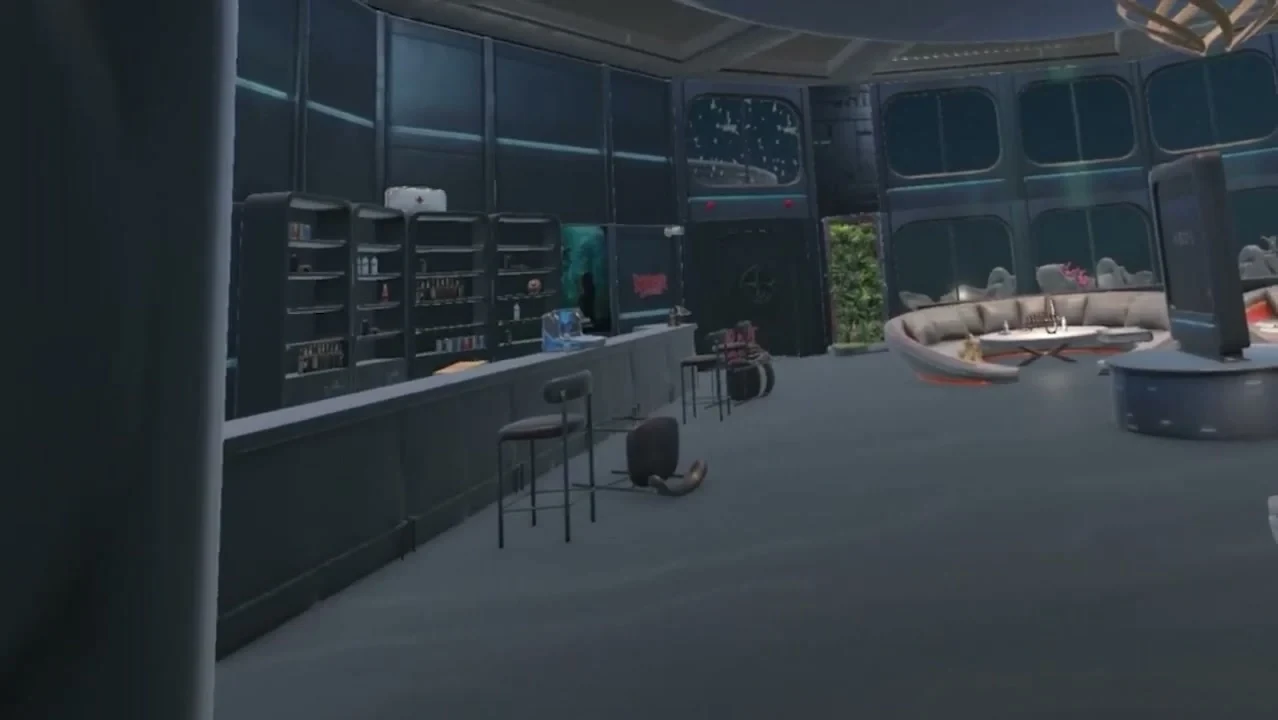
Our projects Beneath and AROS show how spatial design and movement work alongside understandable interaction. In Beneath, animation and spatial effects support mobile AR scenes; in AROS, art direction connects the subject with production of a VR environment. For a product film, we develop a sequence around the requirements of your own product.
Our 3D product animation service starts with an existing model and one clip in an agreed format. To enquire about production, send the intended placement, the product feature you want to explain and the source material available. The briefing template brings those details together so you can compare proposals against the same task.